CHAPTER 2 CONTROLS AND DISPLAY
Page 2-12
091-00027-001 REV A Evolution Backup Display Pilot’s Guide
Page 2-13
091-00027-001 REV A
The MENU text will display in one of the four colors listed and described in Table 2-6.
DISPLAY
TEXT
DESCRIPTION
WHITE
Editable option
MAGENTA
Editable option enabled
GREEN
Status Only
GRAY
Disabled (Not available for selection or editing)
Table 2-6
Menu Text
NOTE
These steps are provided as a basic overview. Each menu command is covered in detail in
Chapter 5.
Access To and Navigation Within the Menu
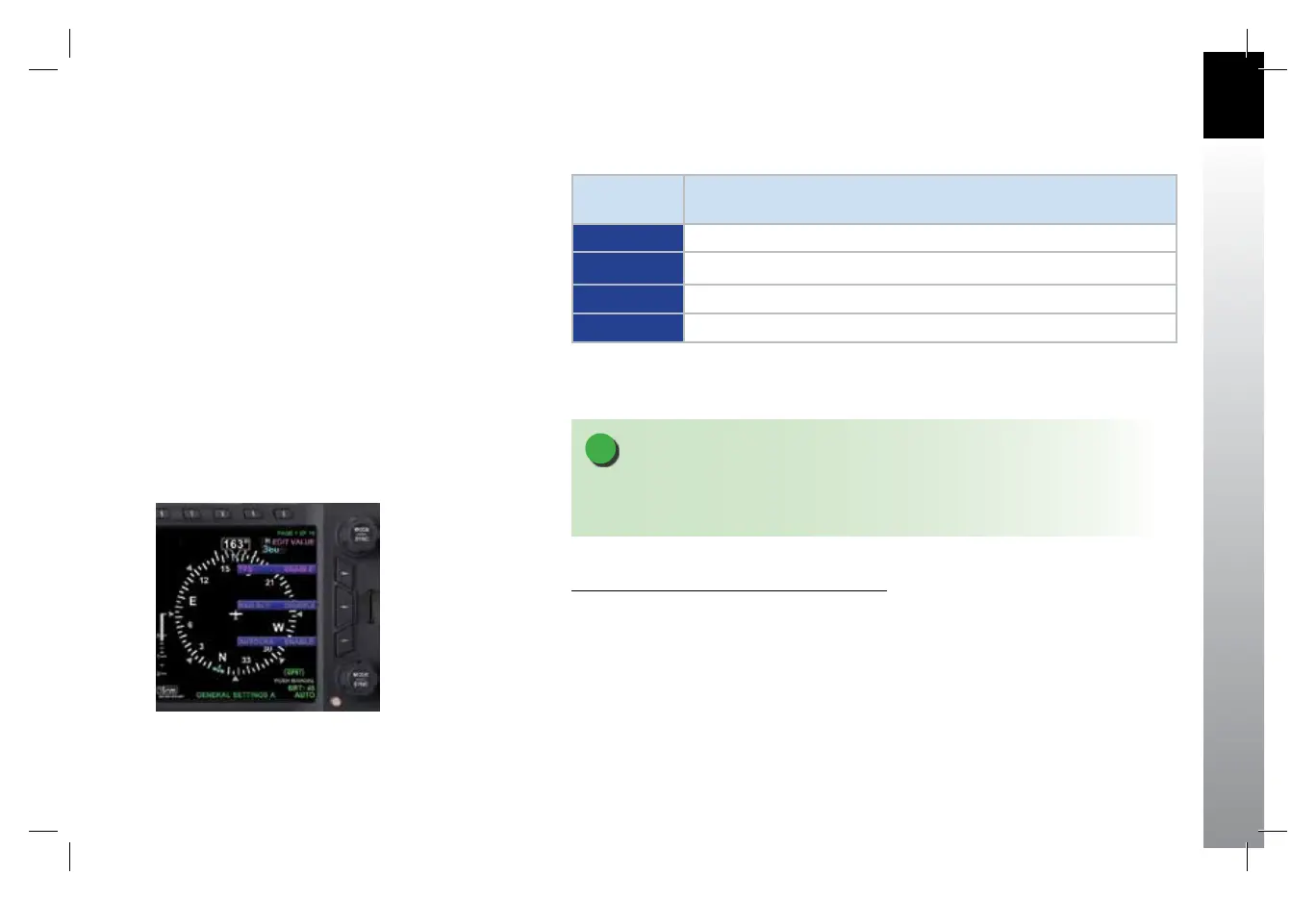
1. Press the MENU button. The Menu displays on the Navigation Display
adjacent to the Hot Keys (Figure 2-11).
2. Rotate the Top Knob to navigate through the dierent pages of the Menu.
Rotating the Top Knob clockwise advances the Menu Pages, counterclockwise
returns to previous pages.
3. Press the MENU Button to exit.
Figure 2-11
Menu Display
091-00027-001 Rev A EBD Pilots Guide V&H .indb 13 8/27/14 8:51 AM



 To Next Page