USER’S MANUAL / bit Tune /
27
6. BIT TUNE DESKTOP
In order to use the main tools of the bit Tune you must install the software on your PC (see sect. 5). The bit Tune must
be connected to the PC and be turned on by setting the measurement selection switch in the PC analyzer position
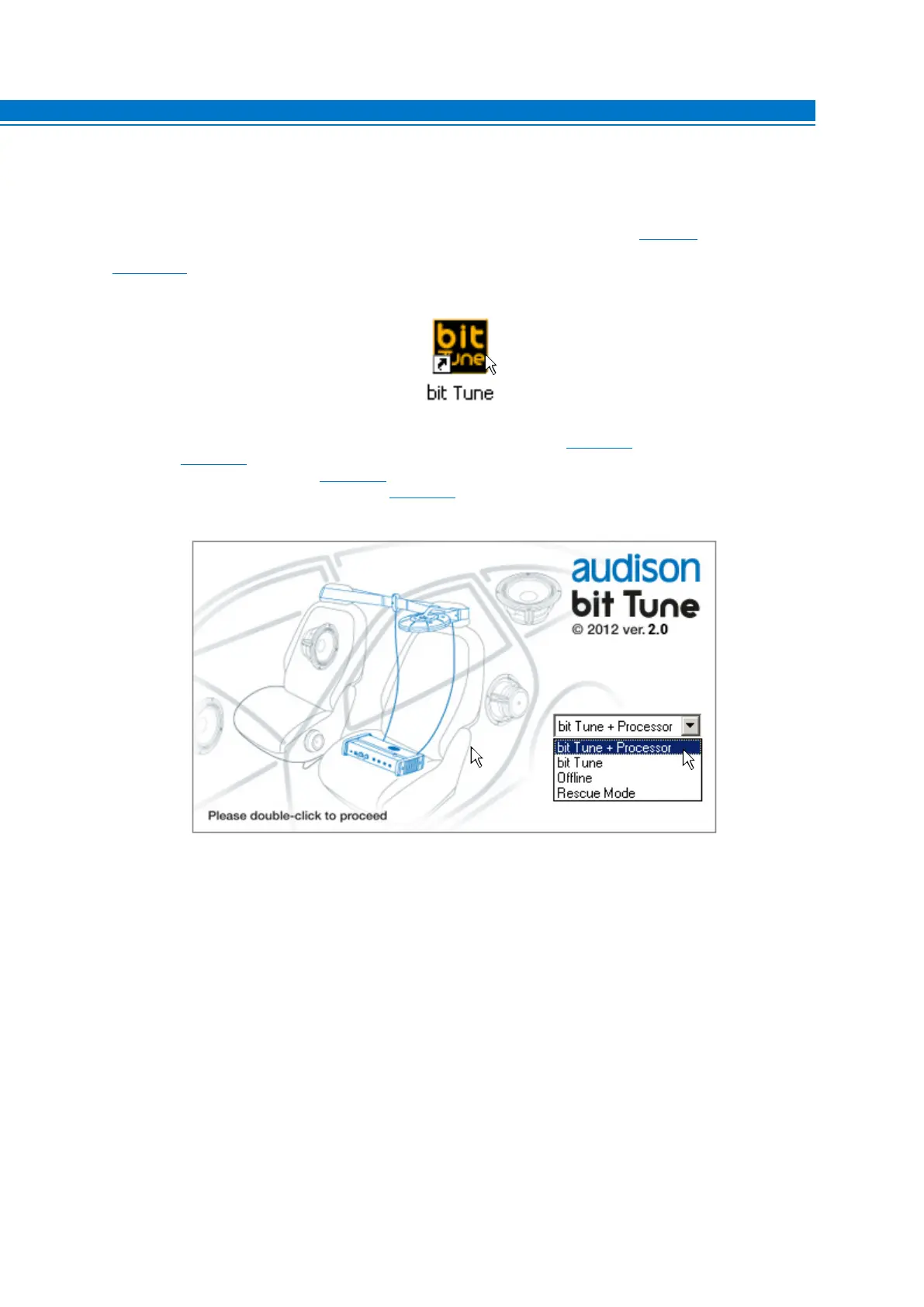
(see sect. 3.3.2). Start the software by clicking the icon on your desktop.
The first screen that appears is the starting screen, where you need to select one of the following modes:
- bit Tune + Processor: bit Tune connected and interfaced to a processor (see sect. 6.2);
- bit Tune
(see sect. 6.3);
- Offline: bit Tune not connected (see sect. 6.1);
- Rescue Mode: Firmware upgrade recovery (see sect. 9.3).
To select the starting mode, go to the drop-down menu, select the appropriate entry and press ENTER or click on the
window.
6



 To Next Page