USER’S MANUAL / bit Tune /
57
1. Connect the bit Tune to the audio system, as shown in fig. 3. The speakers’ phase detection procedure must
be performed in an environment that is not noisy, with the car’s engine off, air conditioning off, doors and
windows tightly closed and radio frequency devices away from the car’s passenger compartment.
- Turn the bit Tune on and connect the USB cable to the PC.
- Set the function switch of the bit Tune on PC ANALYZER.
- Connect the PRE OUT LEFT - RIGHT outputs of the bit Tune to the input of the audio system.
- Start the bit Tune software by clicking the icon on the PC desktop created by the installation and launch the
software in bit Tune mode.
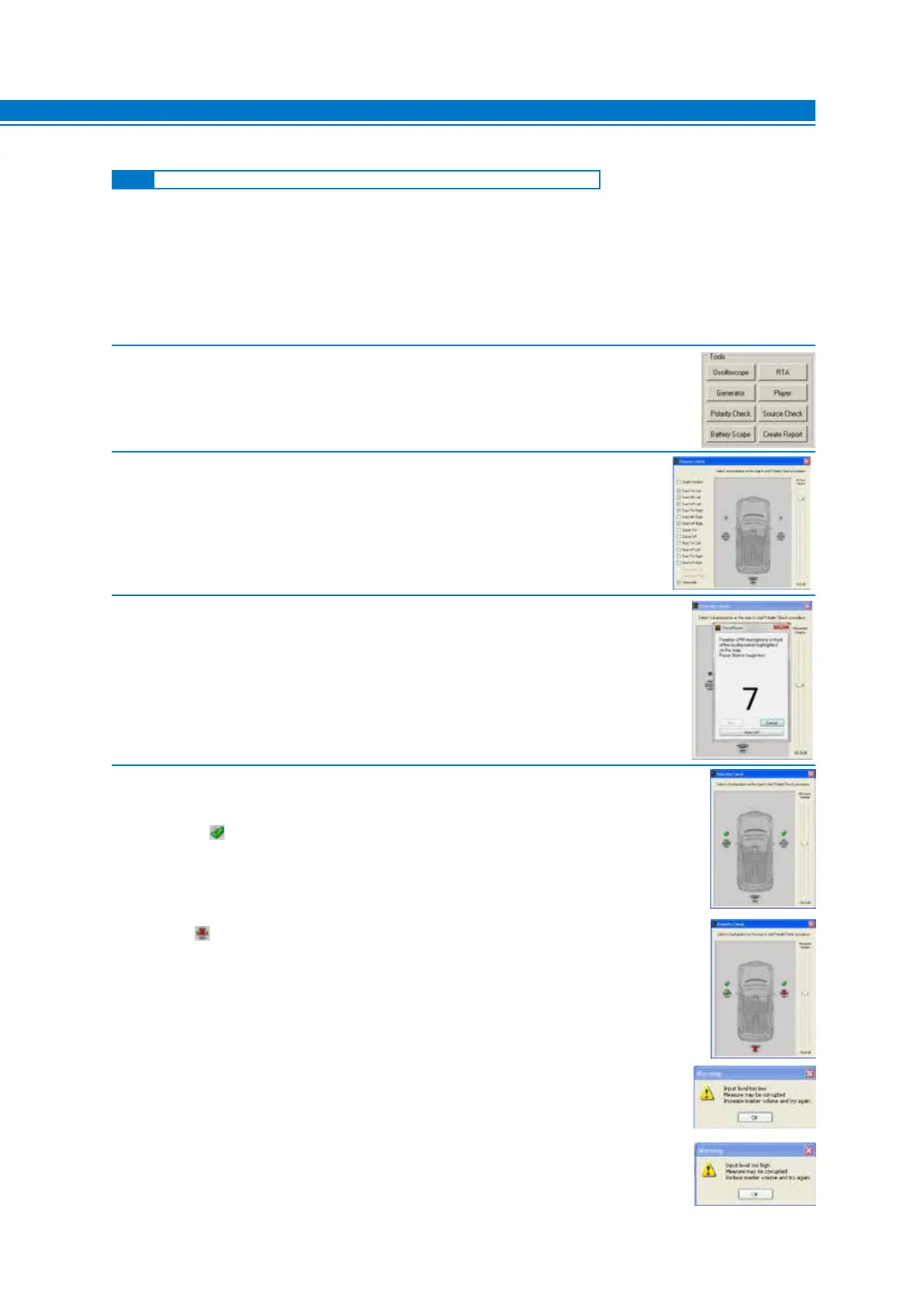
2. - Choose the Polarity Check function from the main menu of the bit Tune’s PC Software.
3. - Select the speakers in the system.
Set the level of bit Tune Volume to about -26 dB.
4. Select the system speaker in the CHANNEL MAP.
- Place the LPM microphone about 20 cm from the speaker.
- Click Start to start the measurement.
- Click Cancel to exit the measurement.
5. At the end of the speaker’s phase measurement procedure the following symbols
may appear on the channel map:
- The green symbol: indicates that the speaker is wired in phase. Repeat the
measurement for the other speakers in your system by repeating step 4. Once the
phase measurements on the system’s speakers close the Polarity Check window.
- The red symbol: indicates that the speakers are not wired in phase. Work on the
wiring of the speakers or amplifiers, bringing them back in phase with the audio system,
or proceed with the measurement of the phases.
- A message indicating that the level of the measurement signal is too low. In this
case, repeat from step 3, raising the level by 5 dB.
- A message indicating that the level of the measurement signal is too high.
In this case, repeat step 3 lowering the volume by 5 dB.
Note: The speakers’ phase information will be automatically saved in the final
Report of the measurement session.
7
7.3.2 ELECTRICAL PHASE DETECTION OF SPEAKERS IN AN AUDIO SYSTEM



 To Next Page