USER’S MANUAL / bit Tune /
89
1. Loss of connection between bit Tune and the PC.
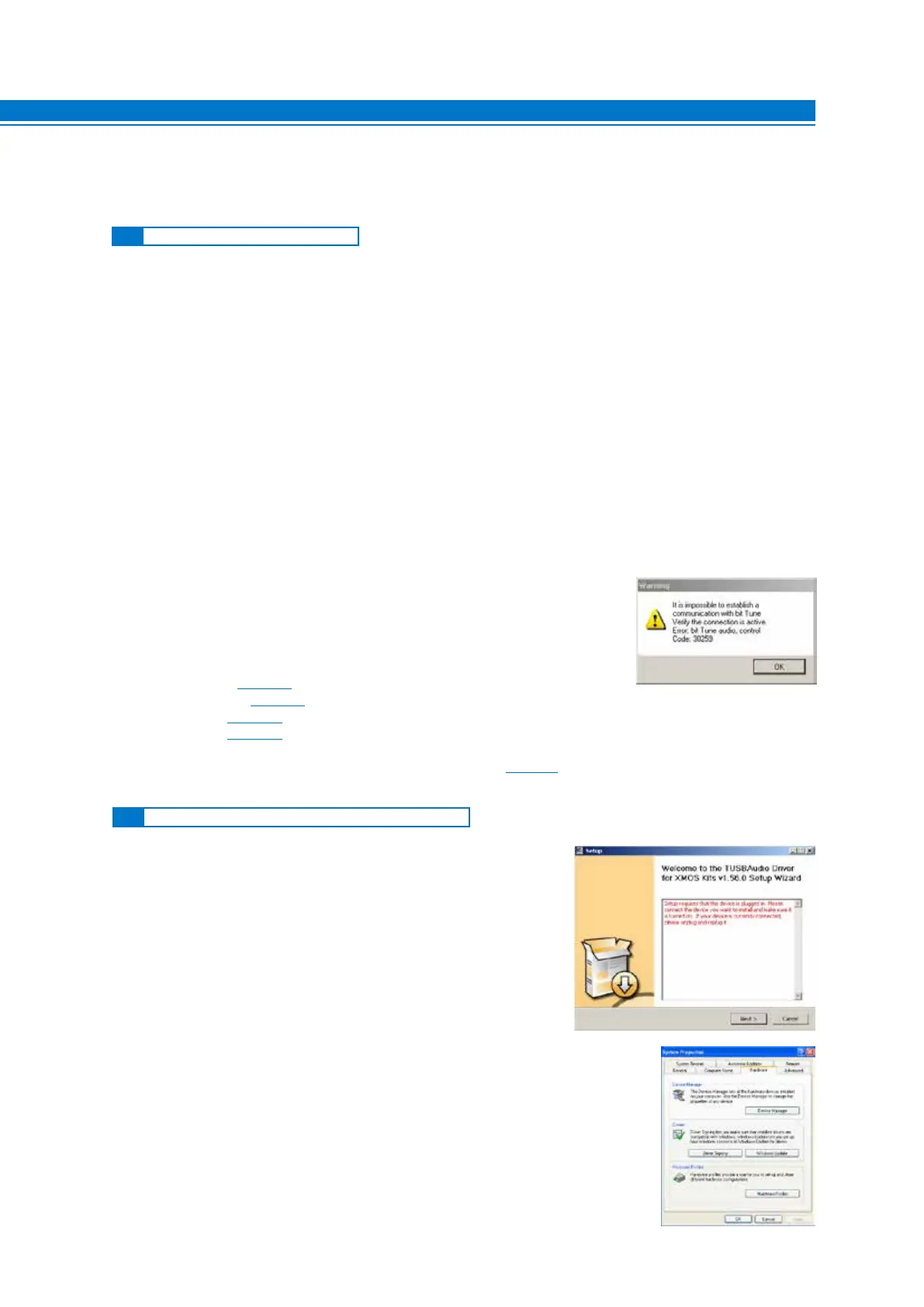
- If while using the PC in connection to the bit Tune, you turn the bit Tune off and on again, the connection is
lost. In order not to lose any information regarding the measurement session, proceed as follows:
a. Save the setup in a file on the PC using the FILE / SAVE AS function.
b. Exit the software.
c. Turn on the bit Tune.
d. Restart the software.
e. Reload the saved setup using the FILE / LOAD function.
2. The bit Tune is unresponsive.
- If, during the calibration of the system with the PC connected to the bit Tune, the bit Tune no longer responds
to commands, proceed as follows:
a. Turn off the bit Tune.
b. Save the setup in a file on the PC using the FILE / SAVE AS function.
c. Exit the software.
d. Turn on the bit Tune.
e. Restart the software.
f. Reload the saved session using the FILE / LOAD function.
3. The bit Tune doesn’t connect to the PC in “bit Tune + Processor” mode,
using the bit One.
a. Turn off the bit Tune
b. Exit the software
c. Uninstall the bit One AC LINK drivers installed in your PC, following the
procedure that can be found in the bit One ADVANCED MANUAL:
- Windows XP: section 5.2;
- Windows Vista: section 5.2;
- Windows 7: section 5.2.
- Windows 8: section 5.2.
d. Once the uninstallation has been completed, restart the PC and re-install the AC LINK 1.1 drivers that can be
found in the bit Tune setup CD, following the procedure in section 6.2 of the bit One ADVANCED MANUAL.
f. Reload the saved session using the FILE / LOAD function.
9. TROUBLESHOOTING
If during the installation of the driver you see the window
shown here, proceed as recommended by one of the two
options described below:
1. - Turn off the bit Tune and disconnect the USB plug.
- Connect the USB plug to another available port in the
PC and turn on the bit Tune.
- Click NEXT to continue the installation. If the problem
persists, go to step 2.
2. - Access the CONTROL PANEL and click SYSTEM; select the
Hardware folder and click DEVICE MANAGER;
9
9.1 SYNCRONIZATION WITH THE PC
9.2 DEVICE NOT RECOGNIZED DURING INSTALLATION



 To Next Page