USER’S MANUAL / bit Tune /
32
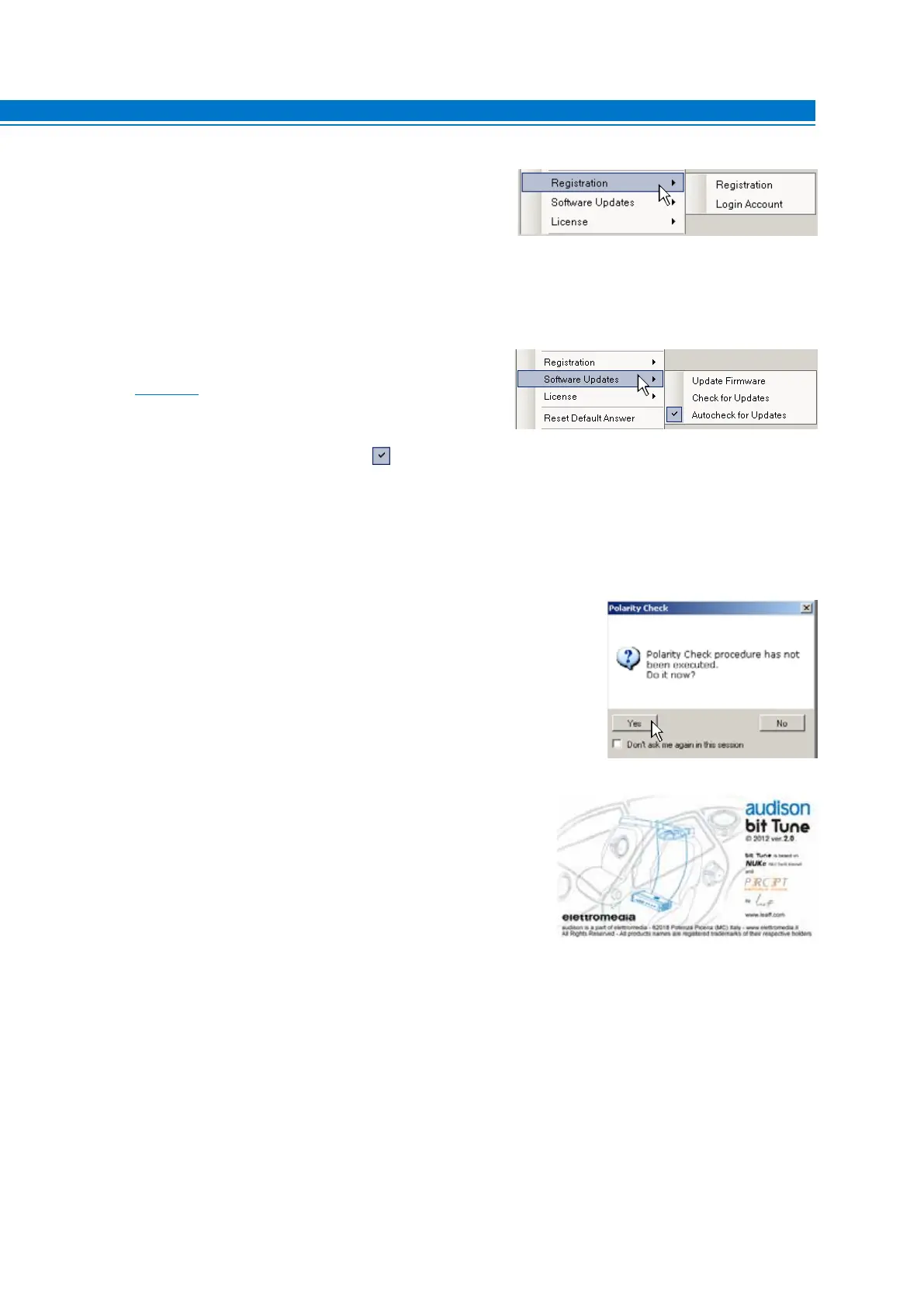
5. Registration: The Registration command opens the system
browser with the page that allows you to register the product
and create your own personal account on the “bit” portal.
This must be done only once, after which you can access
your account via the Login Account command.
6. Software Updates.
Update firmware: Updates the firmware of the bit Tune
(see sect. 9.6).
Check for Updates: it checks in real-time the availability of
new firmware/PC Software updates.
Autocheck for Updates: when enabled availability of
firmware/PC Software updates is checked automatically
each time you start the program.
7. Reset Default Answer: This command resets the display of
warning messages if they have been previously disabled by
checking “Don’t ask me again”.
8. Credits: Displays information about the bit Tune software in use.
9. EXIT: Used to exit the PC software.
Note: for the use of these commands, you must have an active Internet connection.
Note: in order to use these commands you must have an active Internet connection.
6



 To Next Page