USER’S MANUAL / bit Tune /
42
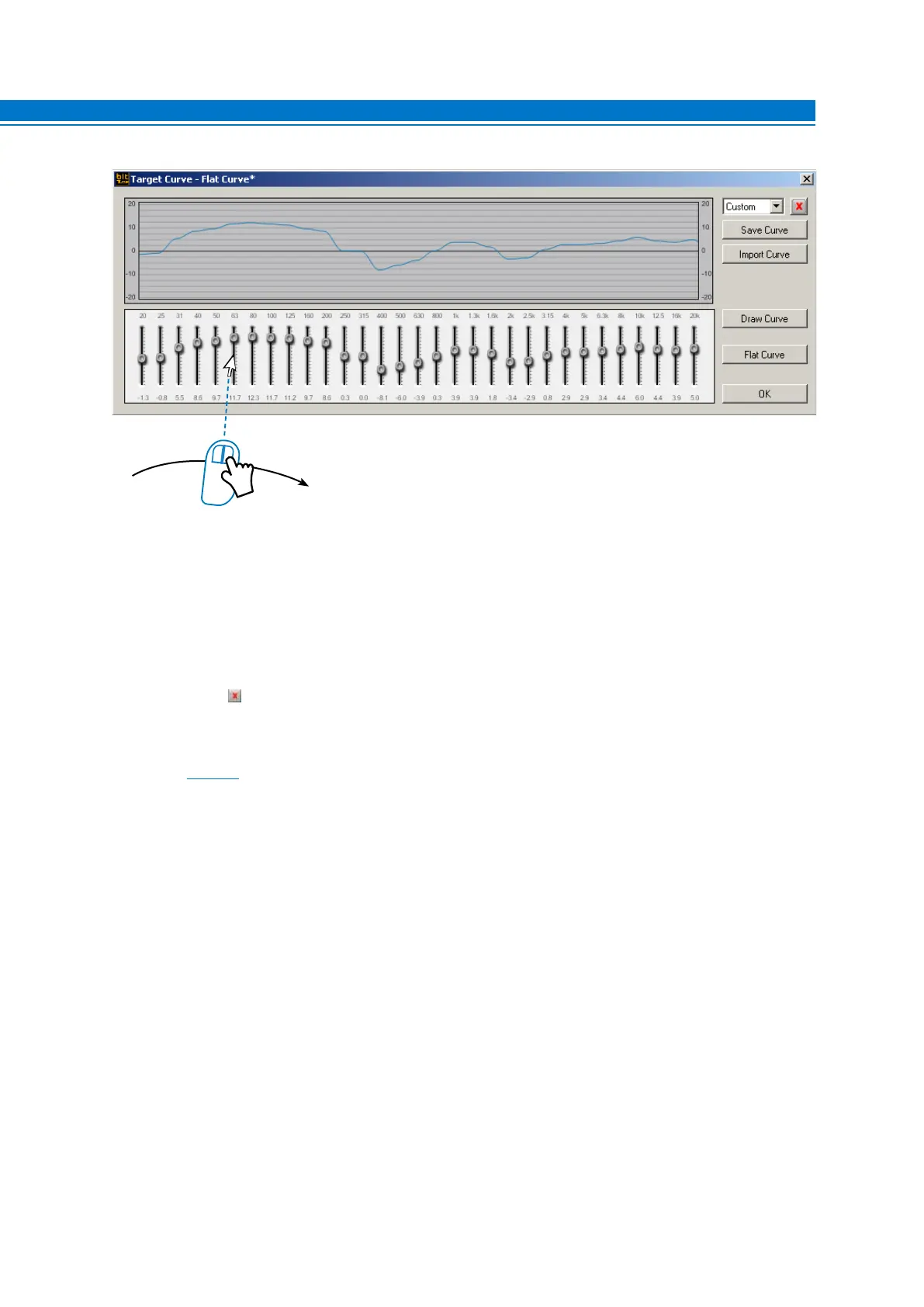
2. Flat Curve: Restores the equalizer linearly (Flat) for a curve that was created earlier.
3. OK: Confirms the changes entered for the Target curve, making it available to the Processor Auto setup,
without saving it to your PC.
4. Save Curve: Saves in a file the complete configuration of a set curve (e.g. “curve.srv”), which can be
reloaded at a later time within the bit Tune with the Load Curve function.
5. Delete a Curve : Deletes a previously saved response curve.
6. Import Curve: Loads a Target Curve previously saved on the PC.
7. Close: Closes the window without making any change/variations to the Target Curve.
Refer to
section 7.6 with measurement examples.
6



 To Next Page