USER’S MANUAL / bit Tune /
50
1. The measurement operation must be performed with the vehicle’s engine turned off and without any radio frequency
devices in the measurement area.
- Turn the bit Tune on and connect the USB cable to the PC.
- Set the function switch of the bit Tune on PC ANALYZER.
- Start the bit Tune software by clicking the icon on the PC desktop and launch the software in bit Tune mode or bit
Tune + Processor if a processor is present in your system
2. Set the measurement input by the “SIGNAL INPUT SELECT” switch.
PRE IN: for analyzing signals from preamplified sources (fig. 1A). Disconnect the SPK IN and BNC inputs.
BNC: for analyzing signals from preamplified or amplified sources (fig. 1B). Disconnect the SPK IN and RCA
inputs.
SPK IN: for analyzing signals from preamplified sources (fig. 1C). Disconnect the PRE IN and BNC inputs.
3. Choose the Source Check function from the main menu of the bit Tune’s PC Software.
4. - Insert the supplied “bit Tune setup” CD into the AUDIO CD player.
- Playback track 1 (press Play);
- Set all tone controls to zero (0);
- Adjust balance and fader to the center (0);
- Adjust the source volume to the minimum.
Press OK on the PC Software to continue the configuration.
Press Cancel to exit the SOURCE CHECK.
5. Adjust the source volume towards the maximum (90% of the maximum range).
a) In the event of the voltmeter (Bar Graph) showing the message OVER in red,
switch the input sensitivity to the next less sensitive scale (e.g. from 1 V to 10 V).
Once the OVER red message disappears, the display shows a waveform of
the selected range.
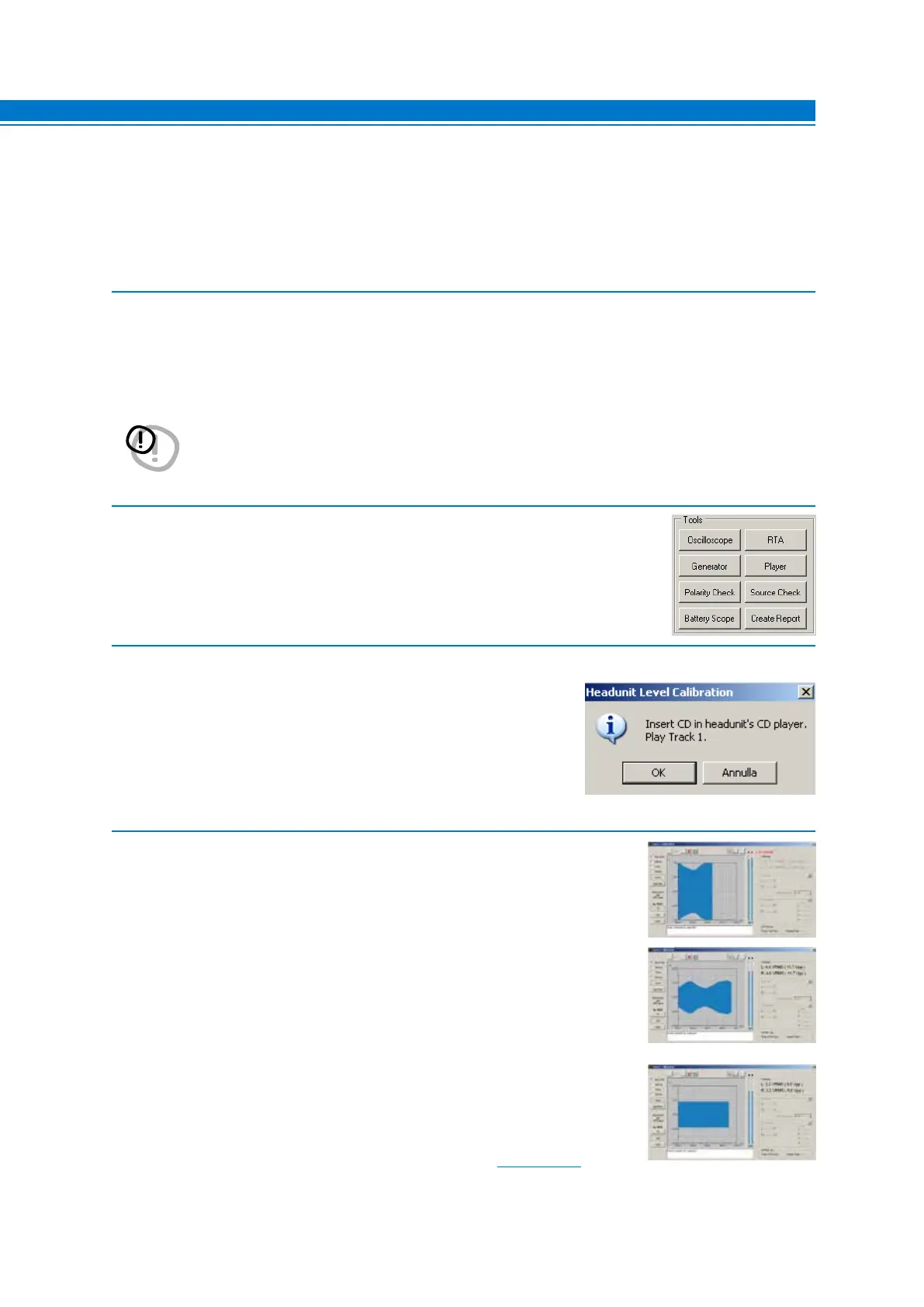
b) In case the display shows a waveform similar to the one shown on the right,
we are in the presence of an equalized source.
Subsequently, in the processor configuration phase you will need to perform
the de-equalization procedure.
In case the display shows a linear waveform like the one in the figure, we are in the
presence of a non-equalized signal. The de-equalization procedure should not be
carried out.
Note: To insert the figure in the Final report, save the snapshot
(see sect. 6.2.4.1).
WARNING: A continuous signal level that is too high may cause permanent damage to the speakers.
It is strongly recommended to disconnect the speakers, if present, during the measurement.
7



 To Next Page