USER’S MANUAL / bit Tune /
68
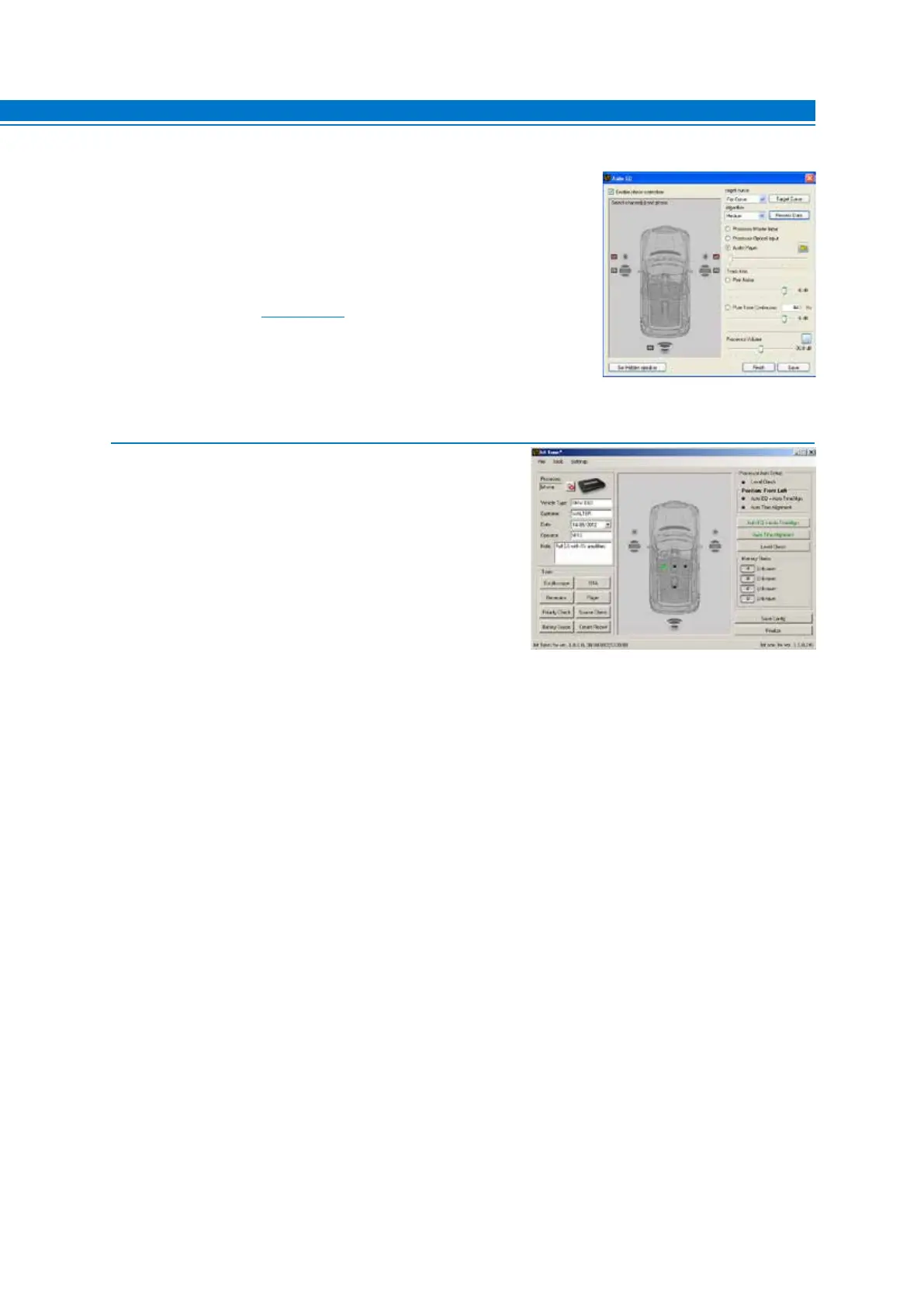
9. For an acoustic response, choose from the following options:
- Processor Master Input to select the Master input of the processor
and perform a listening test of the processed settings through the main
source of the sound system.
- Processor Optical Input to select the Master input of the processor
and perform a listening test of the processed settings through the source
equipped with an optical output.
- Audio Player to perform a listening test of the processed settings through
the bit Tune player (see sect. 6.2.4.4)
- Pink Noise for an acoustic test of the processed settings.
- Pink Noise Continuous for an acoustic test of the processed settings.
- Processor Volume adjusts the listening volume of the system, once the
signal source is selected
- Finish to complete the calibration procedure. Otherwise repeat step 9.
- Save to save the equalization settings.
10. Choose the FINALIZE function from the main menu
of the bit Tune PC software to avoid losing the data
stored during the calibration phase and store them in
one of the memories of the processor.



 To Next Page