USER’S MANUAL / bit Tune /
78
2. - Disconnect any devices connected to the PRE IN inputs.
- Set the function switch of the bit Tune on PC ANALYZER.
- Set the SIGNAL INPUT SELECT switch on SPK IN.
- Connect the cables with an alligator terminal from the SPK IN Left input to the terminals of the power supply
to be analyzed (battery, power supply terminals of the amplifier). SPEAKER IN LEFT + to the positive terminal,
SPEAKER IN LEFT - to the negative terminal.
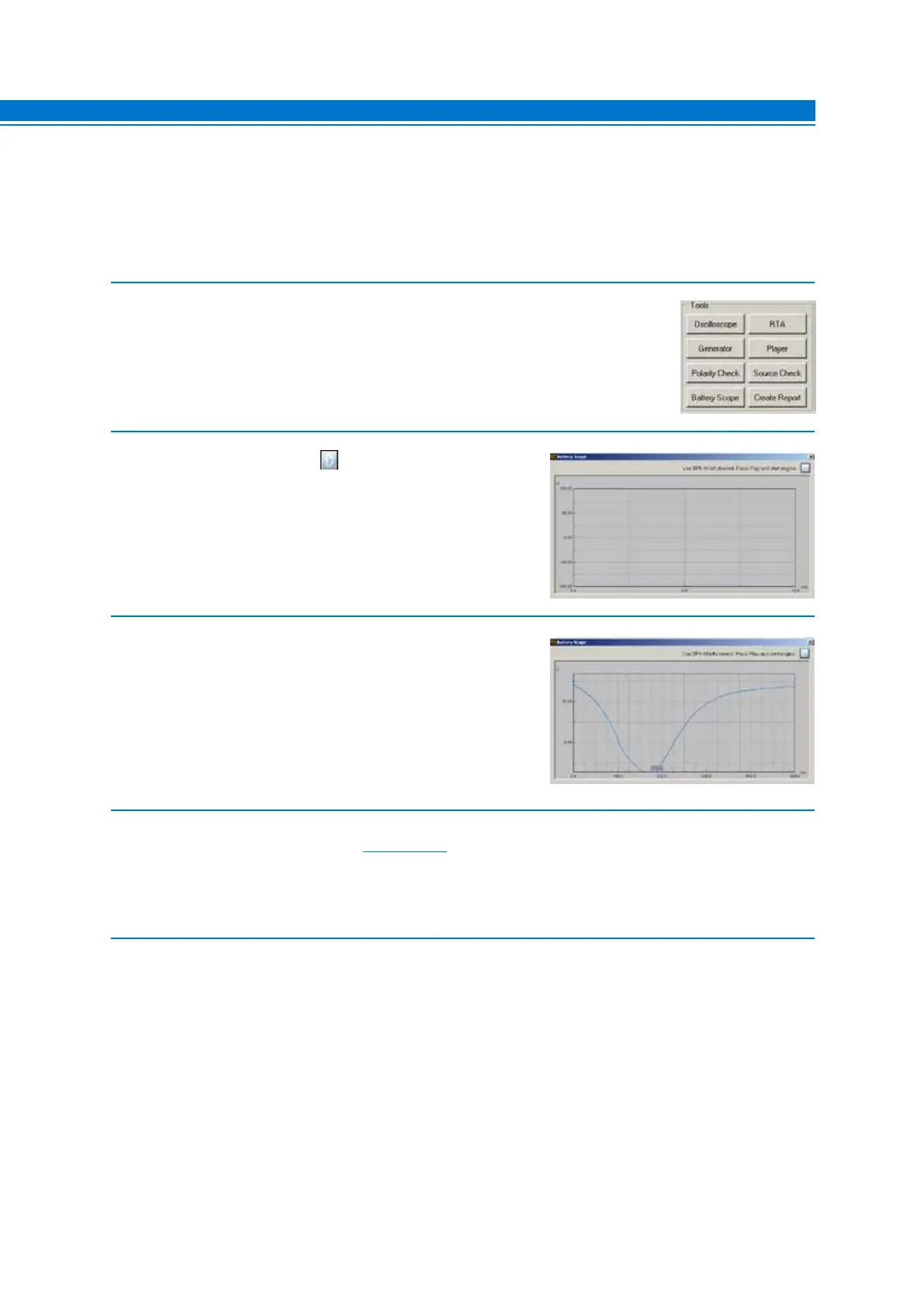
3. - Choose Battery Scope from the main menu of the bit Tune’s PC Software.
4. - Select the acquisition button to start the measurement,
then start the car’s engine.
5. The display will show a signal similar to the one shown on
the right, in which:
A. represents the battery voltage before the starting of the car.
B. The voltage drop that the battery reaches during the ignition
phase.
- Turn off the car
- Disconnect the measurement terminals from the power
sources.
6. It is possible to monitor the different power supply points of vehicle, in order to choose the most suitable position
to power the amplification electronics (see sect. 6.2.4.6).
Note: if you have a car equipped with the START & STOP function, it is necessary to perform the measurement while
driving.
7. Save the snapshot to be able to visualize it in the final report of the measurement session.
Close the Battery Check window.
A
B
7



 To Next Page