- 6P10 PILOT MANUAL -
21
6.2 - Menus
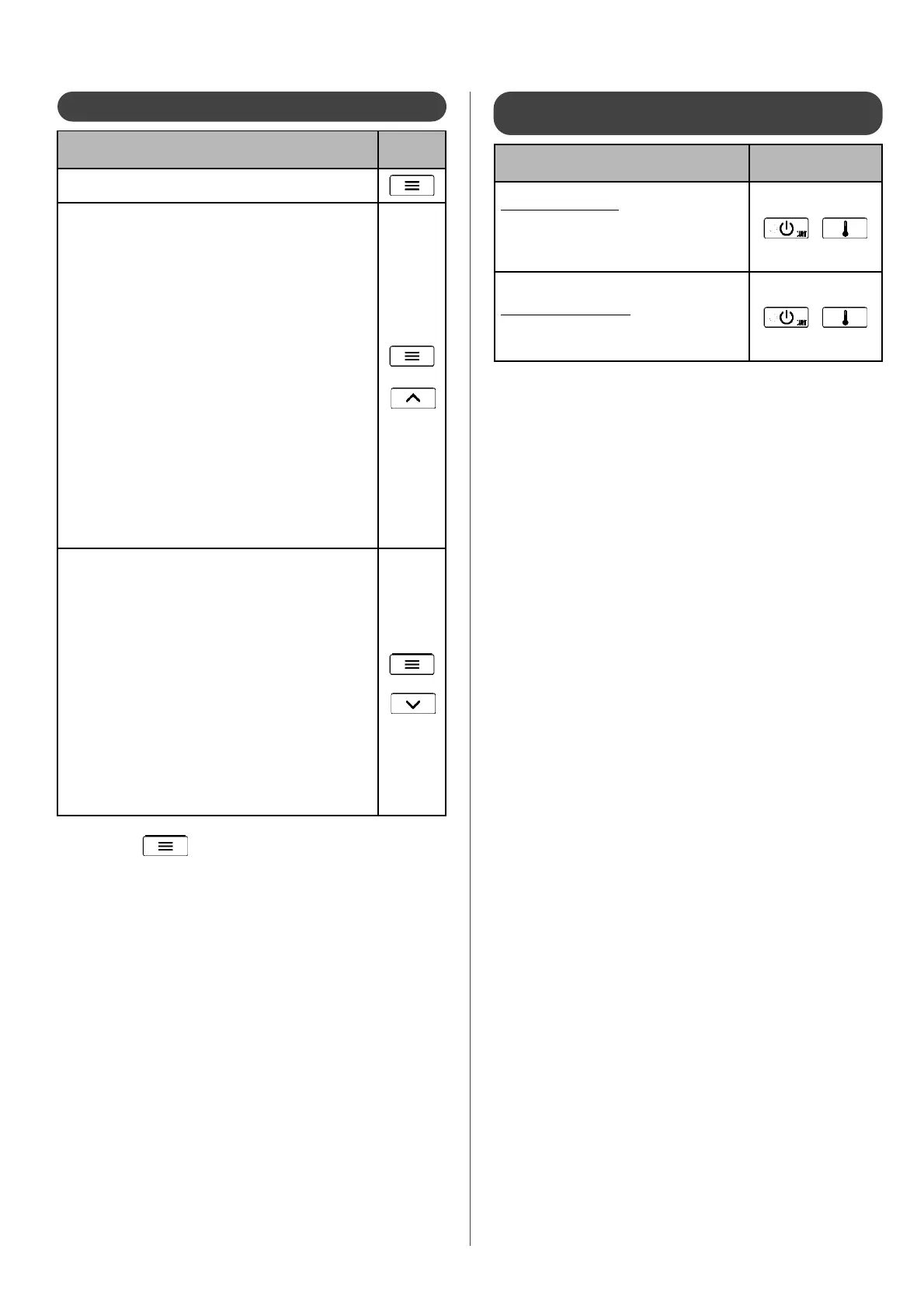
6.3 - Actions to be activated using a
combination of buttons
Action
combination of
buttons
Reset counters to zero
Certain counters cannot be reset to zero. Only
the counters which can be reset are a ected by
this action.
in the «counters» menu
+
press for 5s
Reset to default settings
(return to factory settings)
in the «settings» menu
+
press for 5s
Menus (and sub-menus)
access
buttons
menu
User
menu INSTALLer
(Display here under will be shown or hidden according to
product con guration)
- HP CIRC : Setting the speed of HP circulating pump
- OUTS.TMAX : Outside temperature on the warmest day
- OUTS.TMIN : Outside temperature on the coldest day
- backup : Choice of back-up
- HEAT CURV 1 : Setting the heat curve 1
- HEAT TMAX.1: Heat curve 1 setpoint on the coldest day
- HEAT TMIN 1 : Heat curve 1 setpoint on the warmest day
- HEAT CURV 2 : Setting the heat curve 2
- tmax heat 2 : Heat curve 2 setpoint on the coldest day
- tmin heat 2 : Heat curve 2 setpoint on the warmest day
- SHARING : Activation of priority sharing
- ANTI_BACT : Activation of anti-bacteria function
+
menu expert
- settings : Access to all parameters
- display : State of operation of the pilot
- data calc : Temperatures and time delays in progress
- counters : Operation counters
- configura. : Choice of circuits and their controls
- air bleed : Activation of a special air purge cycle
- manual : Manual operation of component for diagnostics
- COMMISSIO: Access to the set-up
- MODBUS : Remote control setting up
- software : Manage software version
+
Press to exit the menus and sub-menus.


 To Next Page