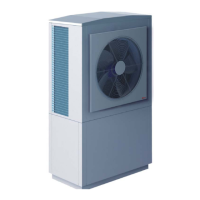
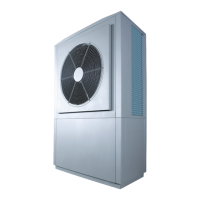
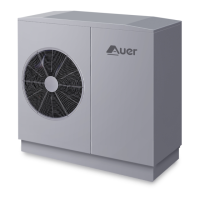
- INSTALLER HIGHTEMPERATURE ENERGY EFFICIENT HEAT PUMP MANUAL -
32
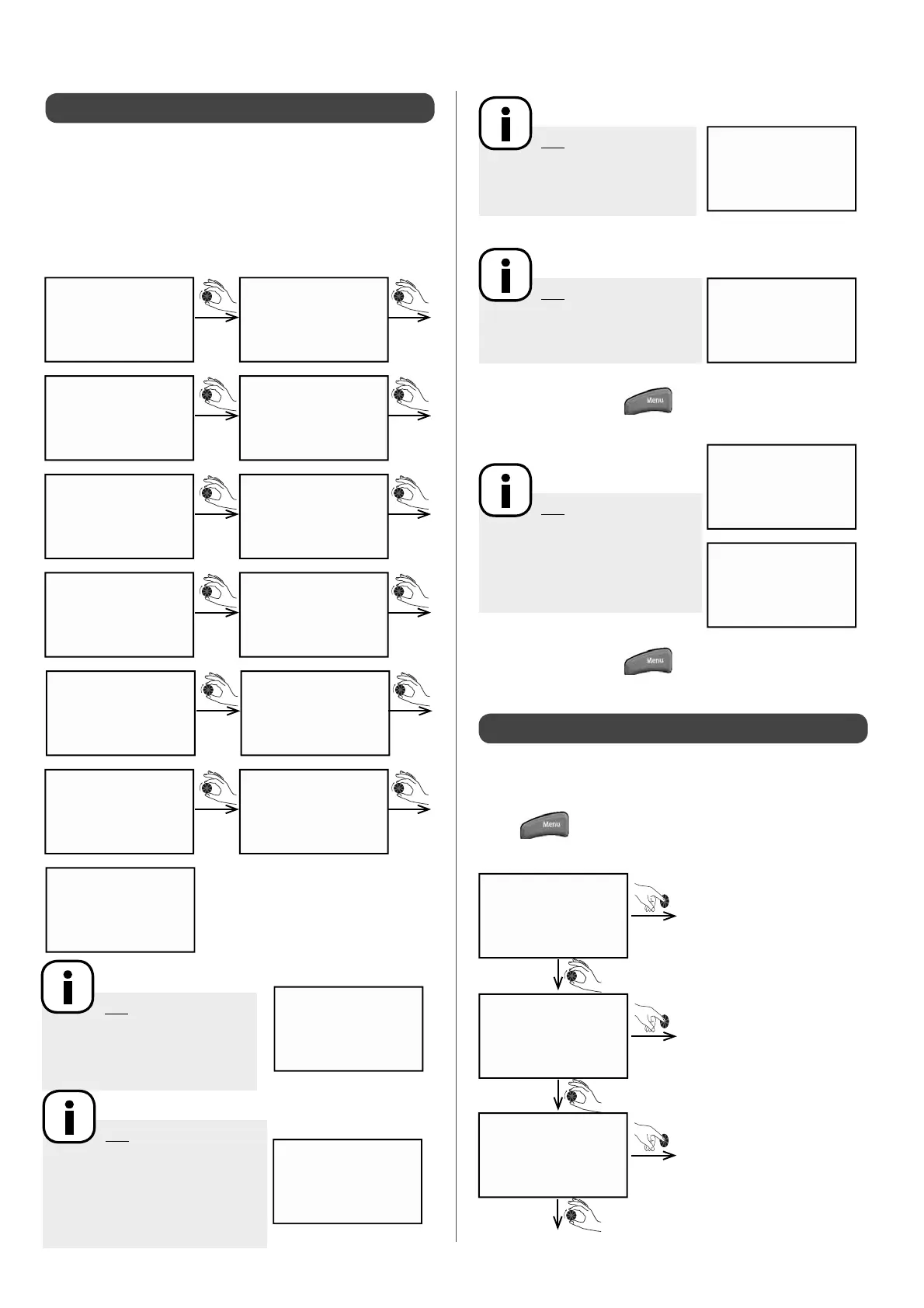
To access the control data, such as pressure readings (in bars)
and all the temperatures read by the sensors (in °C), press and
hold down the dial for 3 seconds. While the dial is pressed down,
"display"will appear on the screen.
• Turn the dial to the right to scroll through the display options
(the values given below are examples)
:
5.2 - Displaying the control values
Pt / opt
0
AMBIence
0
outside
- 35°C
heat curve
16.0°C
hp input
0.0°C
hp output
0.0°C
AIR hp
0.0°C
EVAPO
0.0°C
COMPRES--1
0.0°C
COMPRES--2
0.0°C
Pilot
- 50°C
PRESSure
- 2.0
shedding
0
N.B: Temperature
display
If 2 heating zones are set, the
temperature is displayed for each
zone
N.B: =If the heating zones
are controlled by a thermostat
rather than a room temperature
sensor, the display will show:
(heating request = 1 ;
comfort mode= 0)
AMBIeNCE 1
19.0°C
example
AMBIeNCE 1
1
example
• Press on the dial or the key to return to the main screen.
• Press on the dial or the
key to return to the main screen.
5.3 - User Menu
N.B: The screen only
displays information for the DHW
sensor if it has been set up. See §
"Installer menu / Con guration"
N.B: If the DHW zone is
controlled by an aquastat (heating
request = 1 ;
comfort mode = 0)
N.B: If the swimming
pool kit is connected and
activated, both the temperature
and the ow rate (no ow rate
detected = 0; ow rate detected =
1) will be automatically displayed.
dhw senso.
53°C
example
AQUASTAT
0
example
swim. pool
23.5°C
example
pool flow
1
example
The User Menu allows you to access the settings for heating
modes, operating and stopping the appliance, and also to view
the temperatures in the installation.
• Press
to access the User Menu.
Enter
Enter
Enter
holidays
over ride
setting
Switch to holiday mode
Override heating mode in
progress
Setting target temperatures


 To Next Page