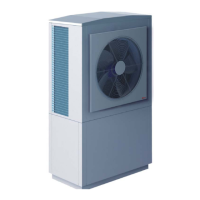
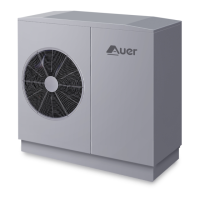
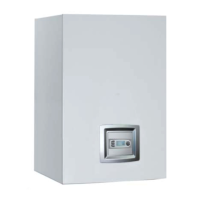
- INSTALLER HIGHTEMPERATURE ENERGY EFFICIENT HEAT PUMP MANUAL-
55
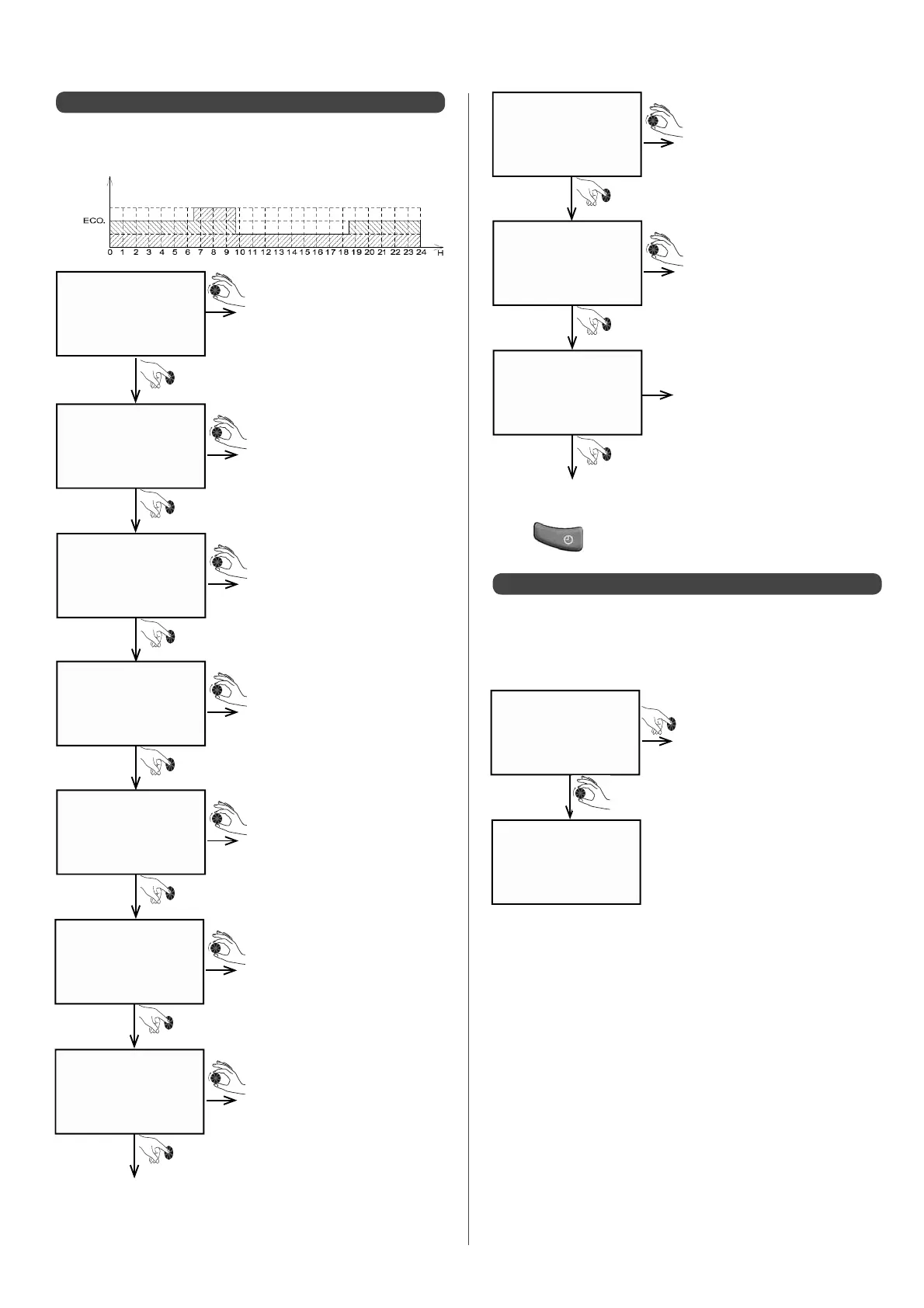
Con rm end time of 1
st
programmed time
period
Con rm end time of 2
nd
programmed time
period
Con rm "COMF" mode
Con rm end time of 3
rd
programmed time
period
Con rm "ECO" mode
Con rm "ECO" mode
Programmes can be created at 15-minute intervals up to 7 times
in 24 hours. For example, the following programme could be
created for a Monday:
The screen displays
00:00h (at the bottom)
• Turn the dial to 06:30h
The screen displays "COMF"
(comfort)
• Turn dial, to the left, to "ECO"
The screen displays
"COMF"(comfort)
• Turn dial to the left to "ECO"
A message appears to con rm
the programming for Monday.
After 1sec, it will switch to the
following day.
The screen displays the next
day
Start programming for
Tuesday
• Turn dial to 09:45h
• The screen displays "COMF"
(comfort)
• Turn dial to18:30h
A5.1 - Creating a new programme
0000 - ____
00:00
0000 - 0630
ECO
0630 - ____
06:30
0630 - 0945
COmF
0945 - ____
18:30
0945 - 1830
Frost PT.
1830 > ____
18:30
Con rm "FROST PT." mode
The screen displays "COMF"
(comfort)
• Turn dial to the left, to "FROST
PT." (frost protection mode)
The screen displays 18:30 (end
time = start time)
Con rm end time of 4
th
programmed time
period
1830 - 2400
ECO
ok tuesday
tuesday
• Press to con rm and quit programming heating modes.
• Con rm to copy Tuesday’s
programme
• Turn dial to select either:
- another pre-recorded programme, PR1 to PR4
(see next page)
- a programme created previously for another
day
A5.2 - Copying existing programmes
COPy TUEs.
COPy PR.
The rst programme, which will be suggested by default, will
be the programme from the day before. The dial enables you to
access other programmes (other days or pre-recorded).
For example, for a Wednesday:
COMFORT
FROST PT.


 To Next Page