- INSTALLER HIGHTEMPERATURE ENERGY EFFICIENT HEAT PUMP MANUAL-
41
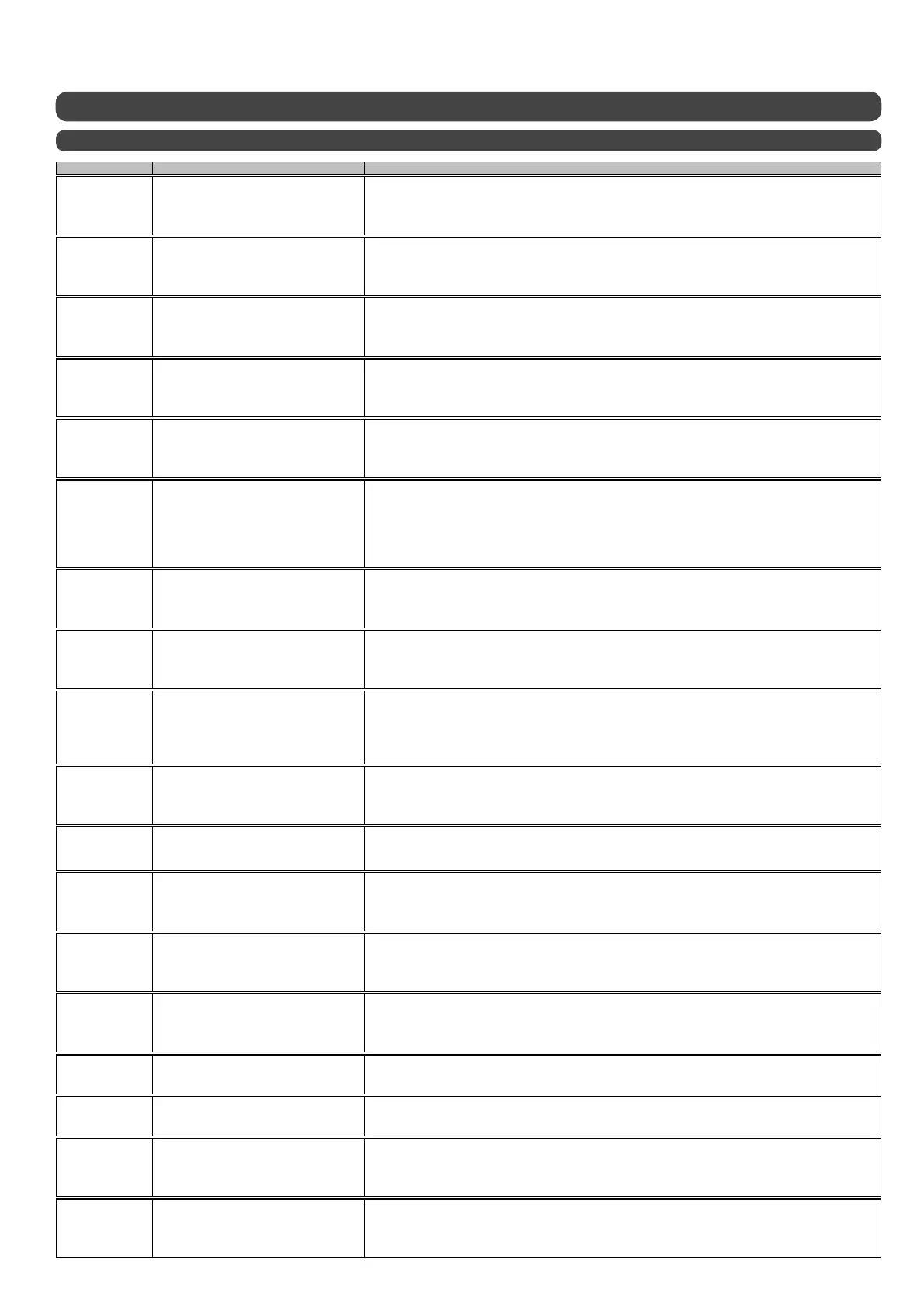
6.9 - Error messages
6.9.1 - Errors and solutions
Dis
la
Nature of erro
Solution
• check that the HP air temperature sensor is correctly connected to the HP electronic circuit board
• check the coupler plug on the HP air temperature sensor
• check the ohmic value of the sensor
• replace the HP air temperature sensor
• check that the de-icing sensor is correctly connected to the HP electronic circuit board
• check the de-icing sensor cable
• check the ohmic value of the sensor
• replace the de-icing sensor
• check that the room temperature sensor is correctly connected to the HP electronic circuit board
• check the room temperature sensor cable
• check the ohmic value of the sensor
• replace the room temperature sensor
• check that room temperature sensor 1 is correctly connected to the HRC Pilot electronic circuit board
• check the room temperature sensor 1 cable
• check the ohmic value of the sensor
• replace room temperature sensor 1
• check that room temperature sensor 1 is correctly connected to the HRC Pilot electronic circuit board
• check the room temperature sensor 2 cable
• check the ohmic value of the sensor
• replace room temperature sensor 2
• check that the HP is connected to the power supply
• check that the bus wire is correctly connected to the HRC Pilot electronic circuit board (2 wires) without the ground.
• check that the bus wire is correctly connected to the HP electronic circuit board (2 wires) without the ground.
• three phased HP connected with 2 phases inversed
• check the phase monitor (orange and green lights should be on)
• check the condition of the 4A fuse on the outer unit
• check that compressor sensor 1 is correctly connected to the HP electronic circuit board
• check the compressor 1 cable
• check the ohmic value of the sensor
• replace compressor sensor 1
• check that compressor sensor 2 is correctly connected to the HP electronic circuit board
• check the compressor 1 cable
• check the ohmic value of the sensor
• replace compressor sensor 1
• check that the circulator pump is working properly (manual forced command)
• check that there is voltage at the circulator pump terminal (qualified professionals only)
• clean the filter valve
• clean the circulator pump if necessary
• check that the check valve is fitted the right way up
• switch the circulator pump to speed 3
• clean the filter valve
• check that the length and diameter of the piping is suitable
• check that the capacitor input is not clogged
• check the wiring of the flow rate monitor on the HRC Pilot electronic circuit board
• check that the flow rate monitor vane is not stuck
• check that the flow rate monitor has not been shunted
• check that the fan is working properly
• check the condition of the heat exchanger
• check that the heat pump air sensor and evaporator sensor are working properly
• Evaporation pressure too low: Intervention needed on refrigerant circuit
• check that the fan is working properly
• check the condition of the heat exchanger
• check that the heat pump air sensor and evaporator sensor are working properly
• check that the 4-way valve is working properly by a qualified professional
• check that the outdoor temperature sensor 1 is correctly connected to the HRC Pilot electronic circuit board
• check the outdoor temperature sensor cable
• check the ohmic value of the sensor
• replace the outdoor temperature sensor
• check the electrical back-up power relay system is functioning properly
• check that the flow rate is sufficient from the back-up boiler
• check the command status of the back-up boiler
• check that the heating circulator pump is working properly
• check that the Pilot outgoing water sensor is correctly connected to the HRC Pilot electronic circuit board
• check the HRC Pilot outgoing water sensor cable
• check the ohmic value of the HRC Pilot outgoing water sensor
• replace the HRC Pilot outgoing water sensor
• 1 - Press the clock key and set the date and the time
• 2 -If the fault persists, replace HRC Pilot electronic circuit board
• replace HRC Pilot electronic circuit board
clock
ERR
Clock / timer defect
MEMOry
ERR
Memory card defect
MODULE
96°C
Outgoing heating water
overheating defect > 80°C
Temperature read is displayed
Heat pump air temperature sensor
defect
AIR HP
ERR
EVAPO
ERR
De-icing sensor defect
AMBIENCE
ERR
Room temperature sensor defect
AMBIENCE 1
ERR
Room temperature sensor 1 defect
AMBIENCE 2
ERR
Room temperature sensor 2 defect
BUS
ERR
Bus wire link defect
COMPRES-1
ERR
Compressor 1 sensor defect
COMPRES-2
ERR
Compressor 2 sensor defect
low flow
ERR
Low water flow rate
flow
ERR
Insufficient water flow rate
or
Absence of flow rate
freq. defro.
ERR
De-icing too often
flow detec
ERR
Flow rate monitor
malfunction
outside
ERR
Outdoor temperature sensor
defect
LONG defro.
ERR
De-icing phase too long
MODULE
ERR
HRC Pilot outgoing water sensor
defect


 To Next Page