• For PPP, enable automatic discovery of DNS servers by entering ppp ipcp
dns request.
Example
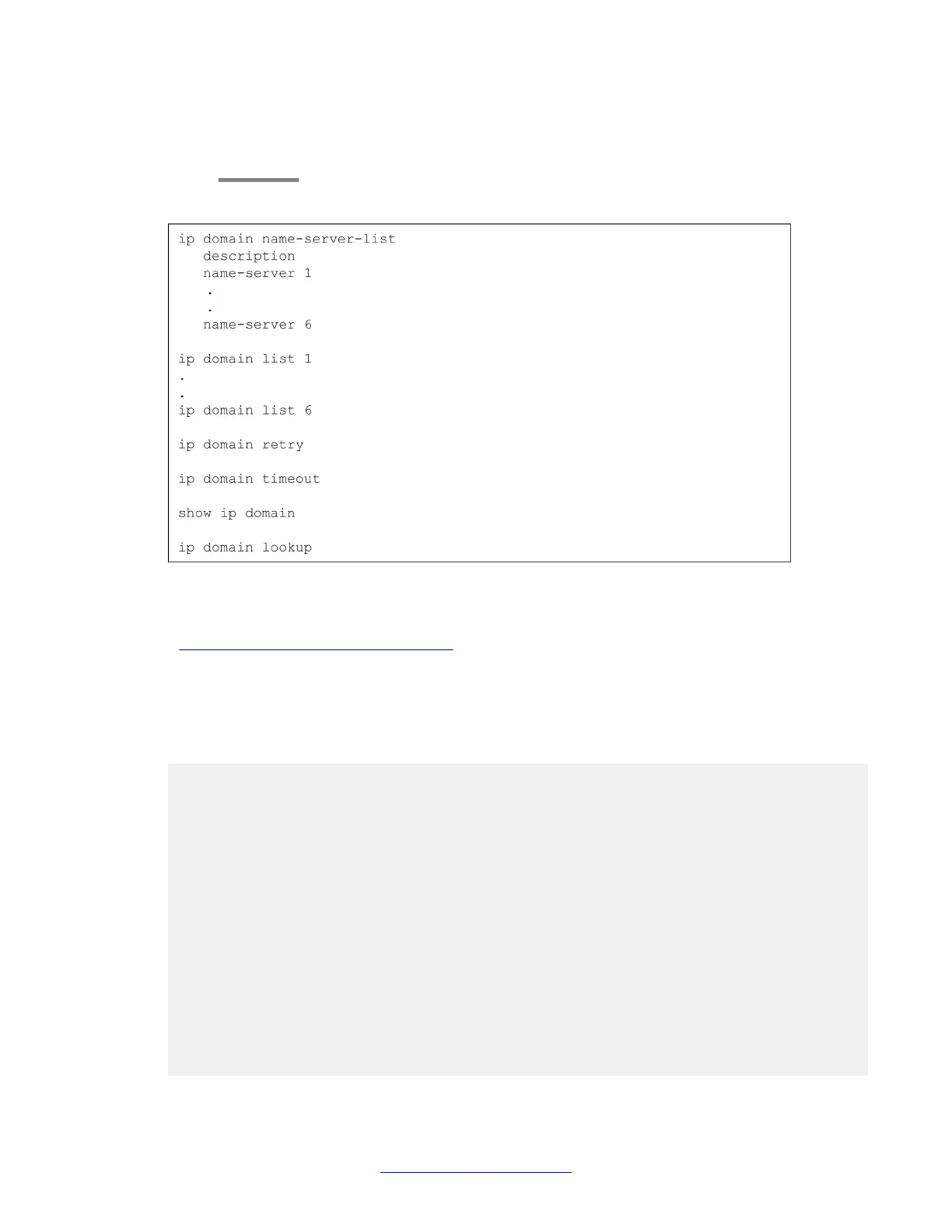
Figure 6: DNS resolver configuration workflow
Related topics:
DNS resolver configuration example on page 78
DNS resolver configuration example
The following example defines three DNS servers for the list of DNS servers, three domain
names to add as suffixes to hostnames, a DNS query retry value, and a DNS query timeout
value. The final command in the example enables the DNS resolver.
Gxxx-001(config)# ip domain name-server-list 1
Gxxx-001(config-name-server-list:1)# description “All DNS servers”
Done!
Gxxx-001(config-name-server-list:1)# name-server 1 1.1.1.1
Done!
Gxxx-001(config-name-server-list:1)# name-server 2 2.2.2.2
Done!
Gxxx-001(config-name-server-list:1)# name-server 3 2001:DB8::21F:3CFF:FE14:6E25
Done!
Gxxx-001(config-name-server-list:1)# exit
Gxxx-001(config)# ip domain list 1 support.avaya.com
Done!
Gxxx-001(config)# ip domain list 2 global.avaya.com
Done!
Gxxx-001(config)# ip domain list 3 avaya.com
Done!
Gxxx-001(config)# ip domain retry 4
Done!
Gxxx-001(config)# ip domain timeout 5
Done!
Basic device configuration
78 Administering Avaya G430 Branch Gateway October 2013
Comments? infodev@avaya.com



 To Next Page