4-9
4.2.2.2 Reading is not performed
Cause Relevant
Unit
Check
Method
Maintenance Method
cover open cover Visual check Close the cover.
Table 4.4
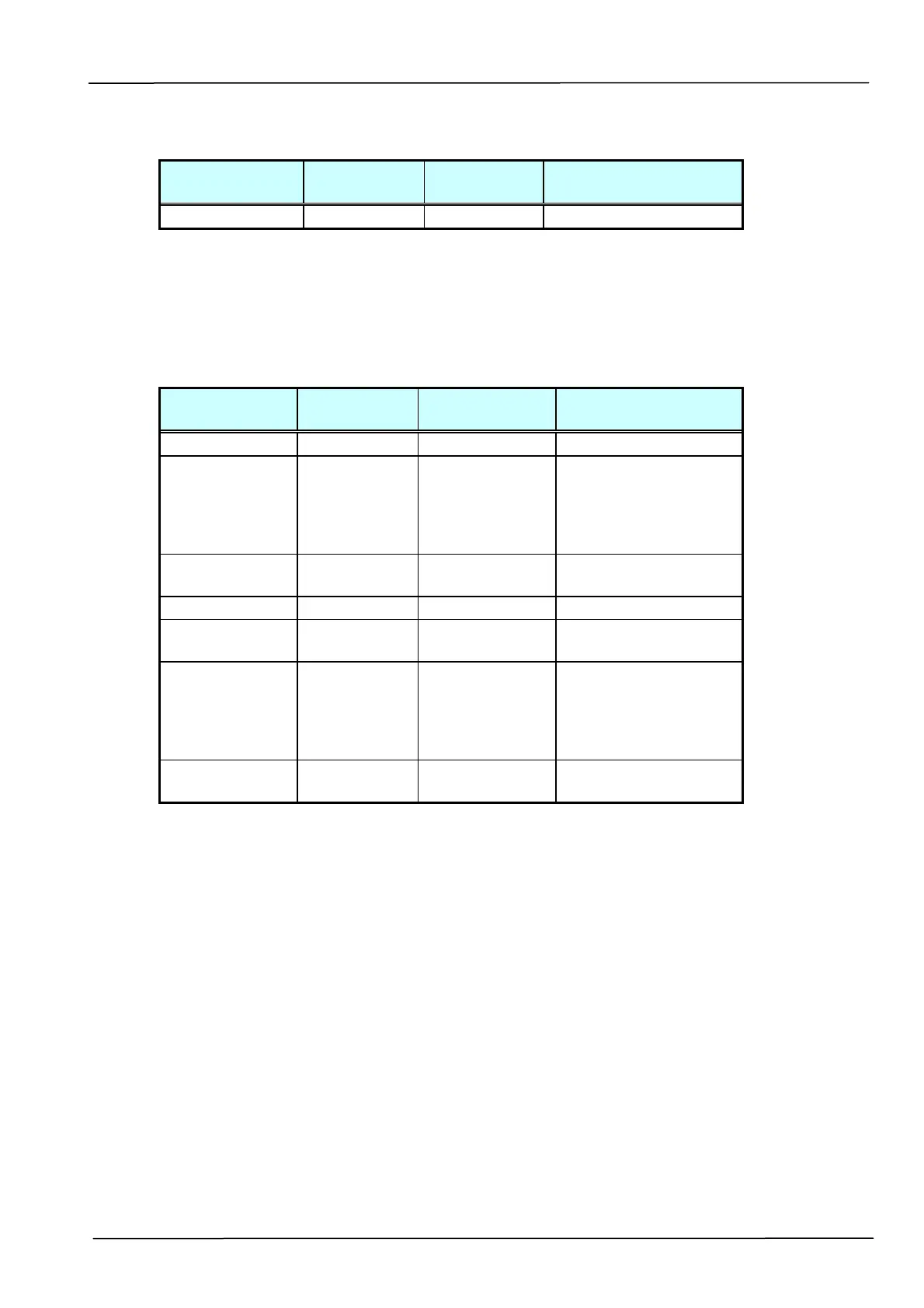
4.2.2.3 Image does not appear
Cause Relevant
Unit
Check
Method
Maintenance
Method
cover open cover Visual check Close the cover
Power supply-
main control
board
connection
failure
None Visual check Connect the
connector.
Power supply
fails.
Power supply
Tester check
(+24V, GND)
Replace the power
supply.
Lamp failure Lamp Visual check Replace the lamp.
Power Board
failure
Power Board
Visual check Replace the Power
Board.
CCD board-
main control
board
connection
failure
None Visual check Connect the
connector.
CCD board
fails.
CCD Board Visual check Replace the optical
unit.
Table 4.5



 To Next Page