www.baldormotion.com
Configuration 6-5MN1919
6.2.2 St arting Mint WorkBench
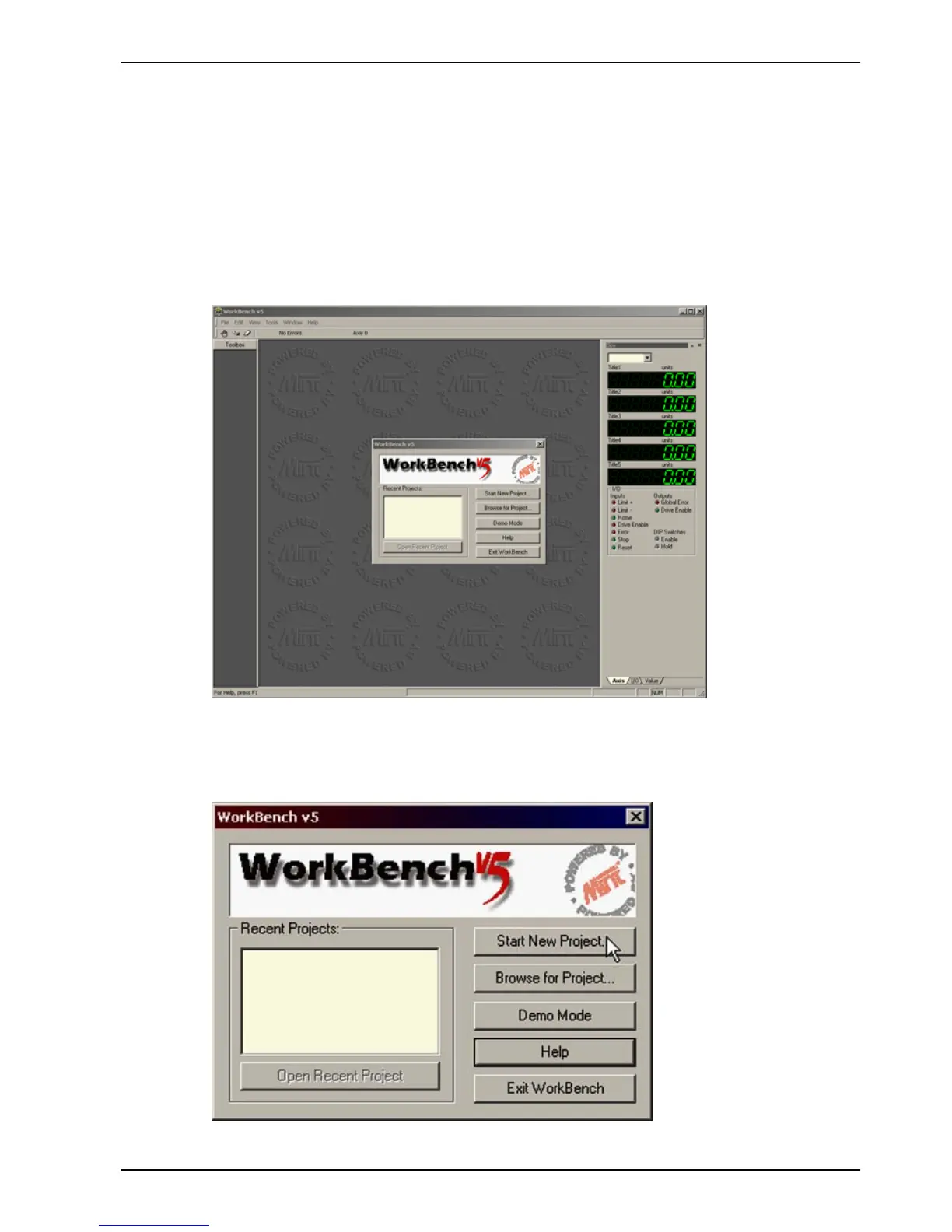
1. On the Windows Start menu, select Programs, Mint Machine Center, Mint WorkBench.
Mint WorkBench will start, and the T ip of the Day dialog will be displayed.
You can prevent the Tip of the Day dialog appearing next time by removing the check mark
next to Show tips at startup.
Click Close to continue.
2. In the opening dialog box, click Start New Project... .



 To Next Page