114 PDS • User’s Guide
_K==oÉãçíÉ=`çåíêçä
Setting Up For The Encore or ScreenPRO-II Controller
As you continue turning the knob, you can change all three values in this field.
Values range from 000 to 255 in all four fields.
5. Press SEL to accept your change in the first field. The last character in the next
field becomes available.
6. Continue until you have entered the IP address you want. Press SEL again.
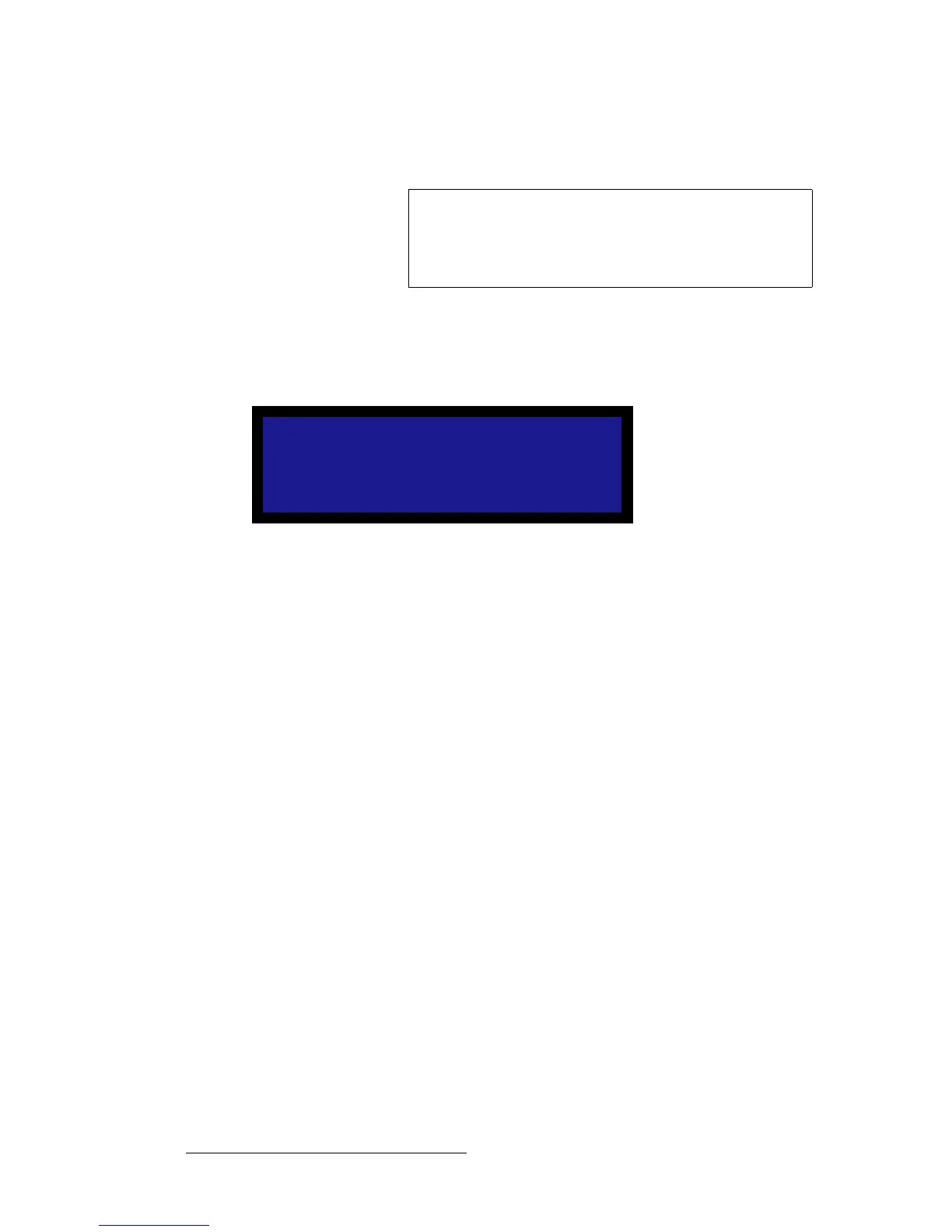
7. In the Connect field, select ON. The following message appears:
Figure B-2. Remote Connection Message
8. When the connection is established, a confirmation message appears.
Note
The default IP address of the Encore Controller is
192.168.0.1.
The default IP address of the ScreenPRO-II Controller is
192.168.0.2.
Attempting remote
connection
Please wait ....



 To Next Page