PDS • User’s Guide 113
_K==oÉãçíÉ=`çåíêçä
få=qÜáë=^ééÉåÇáñ
This appendix provides information regarding remote control protocol. The following
topics are discussed:
• Setting Up For The Encore or ScreenPRO-II Controller
• Communicating with PDS
• Command Protocol
• Error Codes
• PDS Command List
• Remote Commands
pÉííáåÖ=ré=cçê=qÜÉ=båÅçêÉ=çê=pÅêÉÉåmolJff=`çåíêçääÉê
• The Barco Remote Control Submenu sets up the PDS for remote control
through a Barco Encore or ScreenPRO-II Controller.
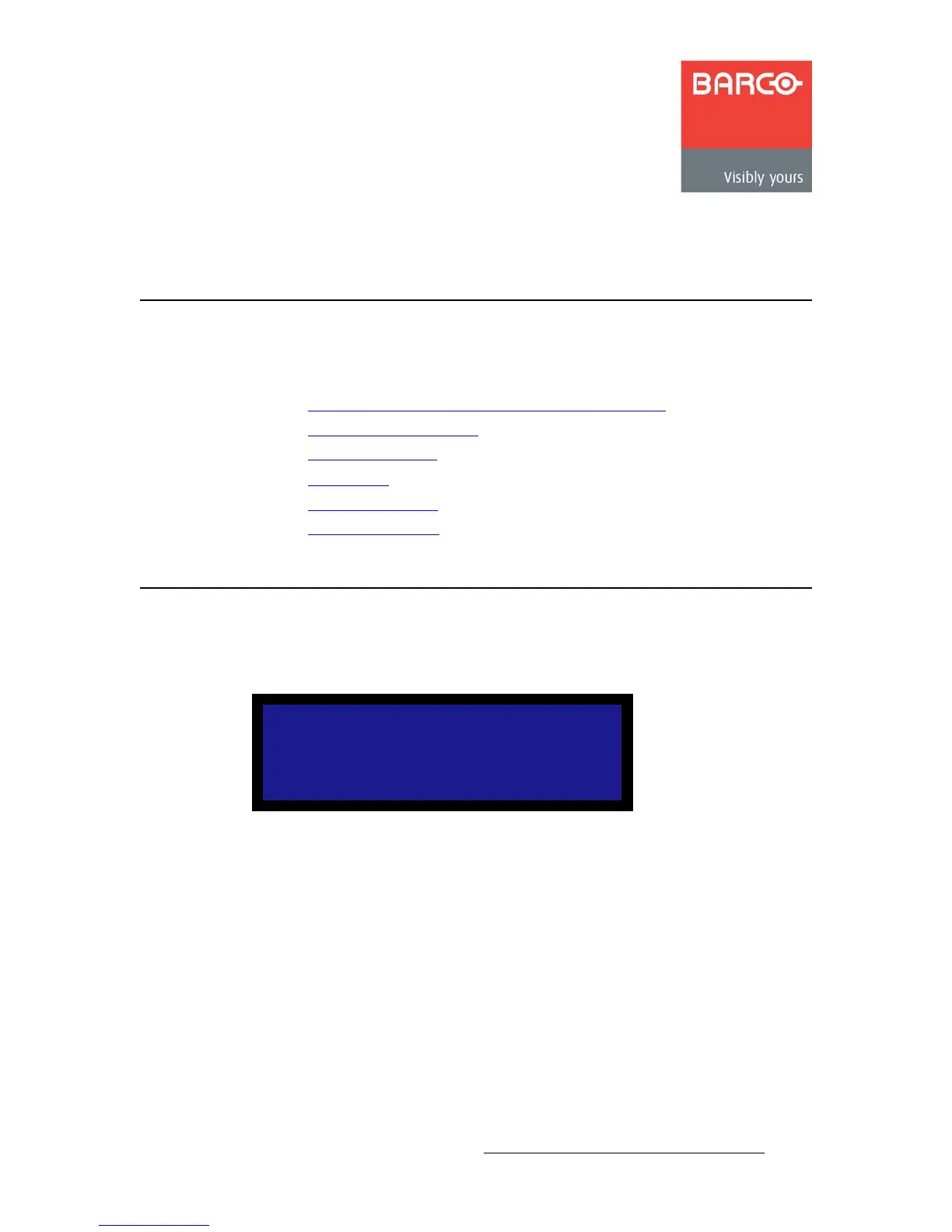
Figure B-1. Remote Control Submenu (sample)
To connect a PDS to an Encore or ScreenPRO-II Controller, use the following
procedure:
1. On the Ethernet Submenu, enable DHCP mode and obtain an IP address for the
Encore Controller.
2. On the Ethernet Submenu, select Remote Control. The Barco Remote Control
Submenu appears, as shown in the preceding illustration.
3. The Unit ID defaults to 25. To change this setting, select Unit ID and scroll to
another number. Select an ID that is not being used by other devices.
4. In the IP field, scroll through the four fields to enter the IP address of the
appropriate controller. When you select IP, the last character in the first field
becomes available. Turn the ADJUST knob to change the value.
REMOTE CONTROL
> Unit ID 25
IP 192.168.000.001
Status n/a
Connect OFF



 To Next Page