PDS • User’s Guide 49
4. Operation
Setup Menu
The value of File Number is set to the current configuration file for the input. You
can either delete this file, select another saved configuration file and delete it, or
press ESC to continue without deleting.
2. Select a file to delete. Then, scroll down to Delete File and press SEL.
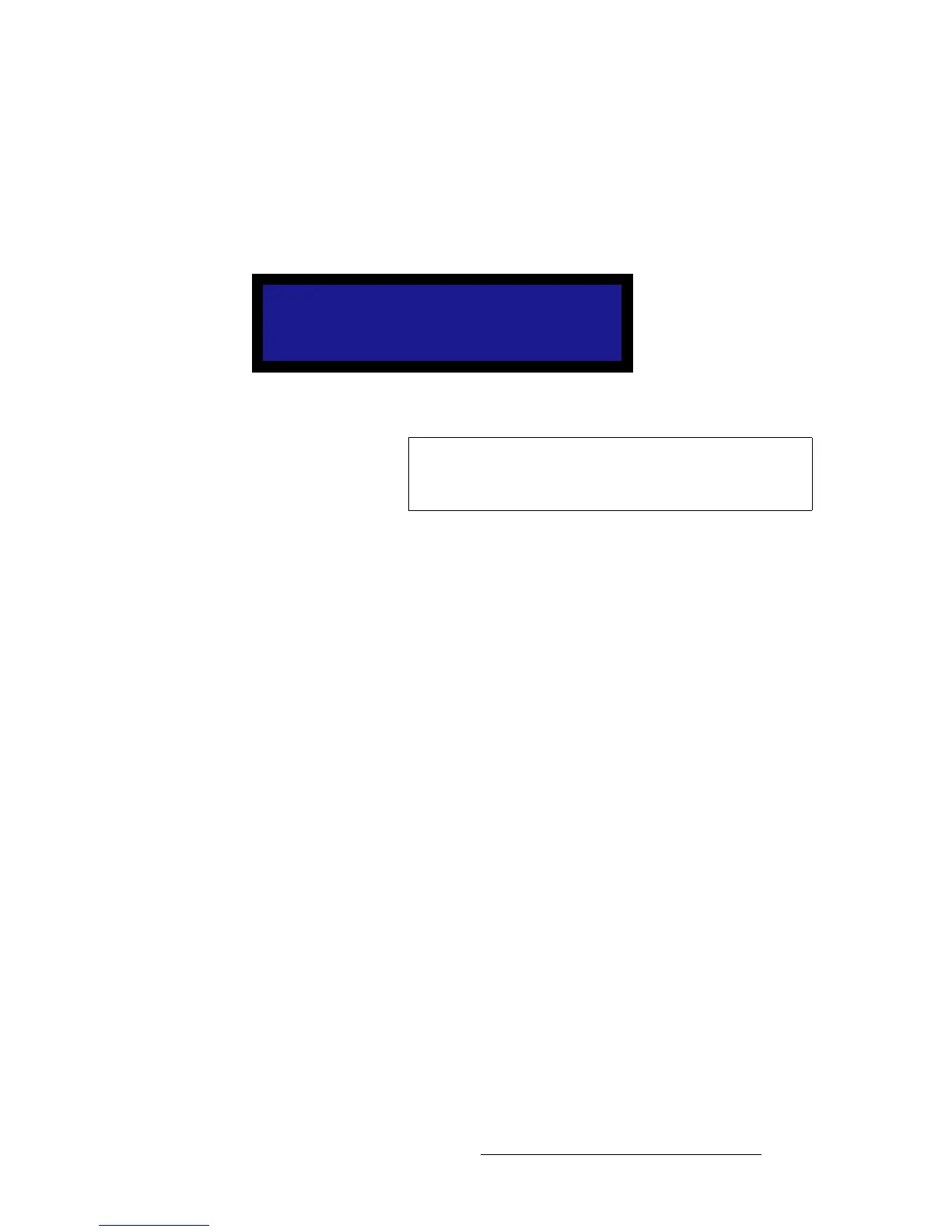
A confirmation message is briefly displayed, after which the system returns to the
Input Menu:
Figure 4-23. Deleting Input Configuration Message (sample)
Deleting Input File
Important
You can assign a configuration file to more than one input. If
you do so, you must exercise caution when deleting the file,
because it will be deleted for all inputs.



 To Next Page