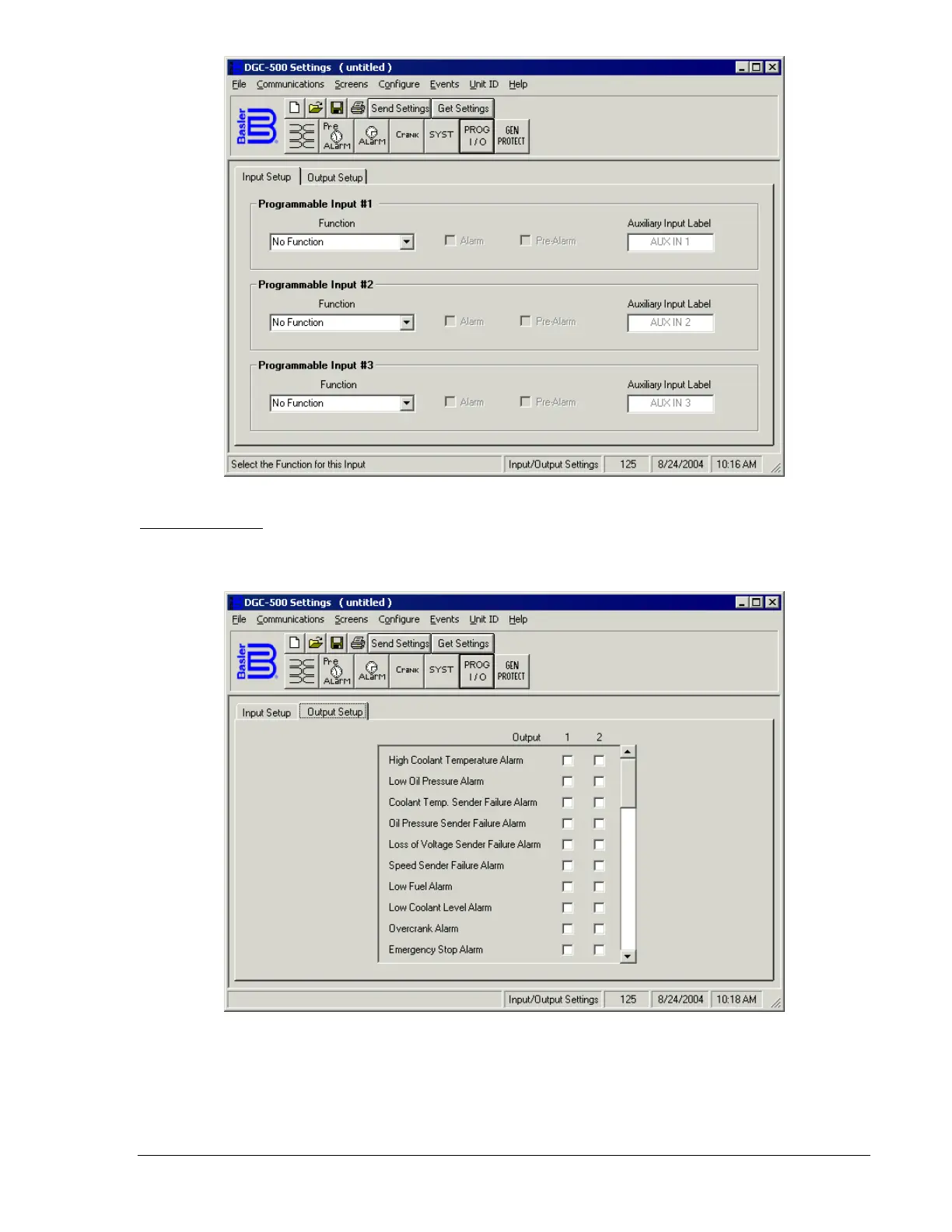
Figure 4-15. Settings Screen, Input Setup Tab
Output Setup Tab
The Output Setup Tab settings of the Settings screen are shown in Figure 4-16. (Not all settings are
visible in the illustration.) Each tab setting is described in the following paragraphs.
Figure 4-16. Settings Screen, Output Setup Tab
The Output Setup tab consists of a list of pre-alarms, alarms, and conditions that can be assigned to
close either Programmable Output 1 or 2. An output selected by clicking the checkbox in the appropriate
row and column. The following pre-alarms, alarms, and conditions can be assigned to one of the two
programmable outputs.
9355400990 Rev H DGC-500 BESTCOMS Software 4-13



 To Next Page