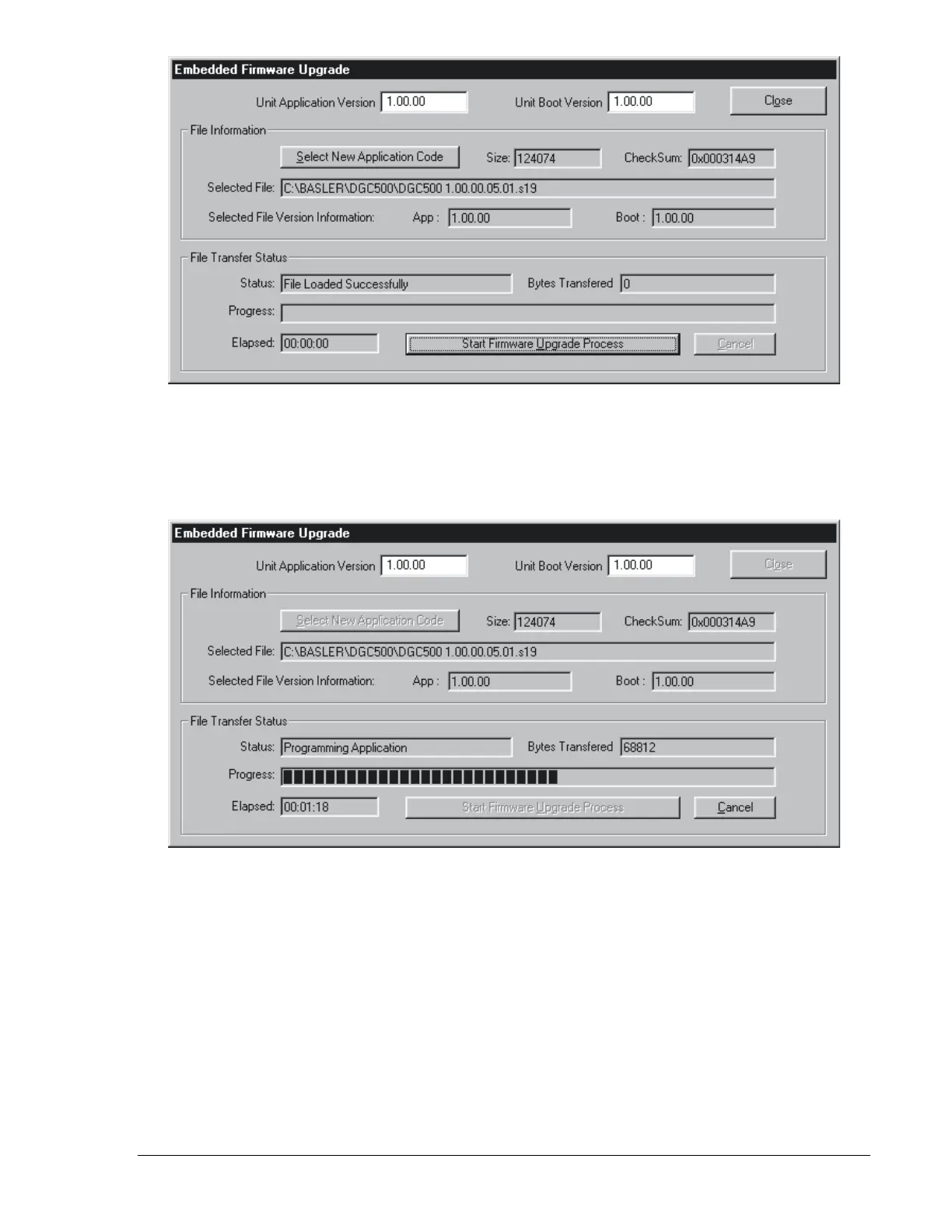
Figure 4-30. Firmware File Information
4. Click the Start Firmware Upgrade Process button. The Erase Application Code!!!! and Save Settings
Before You Continue!!!! dialog boxes appear and confirm that you want to continue. Click Yes in both
dialog boxes to begin transferring the firmware file to the DGC-500. The file transfer status is
displayed in the Embedded Firmware Upgrade dialog box (Figure 4-31).
Figure 4-31. File Transfer Status
5. Once the file transfer is complete, close the Embedded Firmware Upgrade dialog box, open
communication between the PC and DGC-500, and gain password access to the DGC-500 with the
appropriate password.
9355400990 Rev H DGC-500 BESTCOMS Software 4-27



 To Next Page