Baumer Commissioning | 7
V1.0 | IDC200 Operating Manual 37
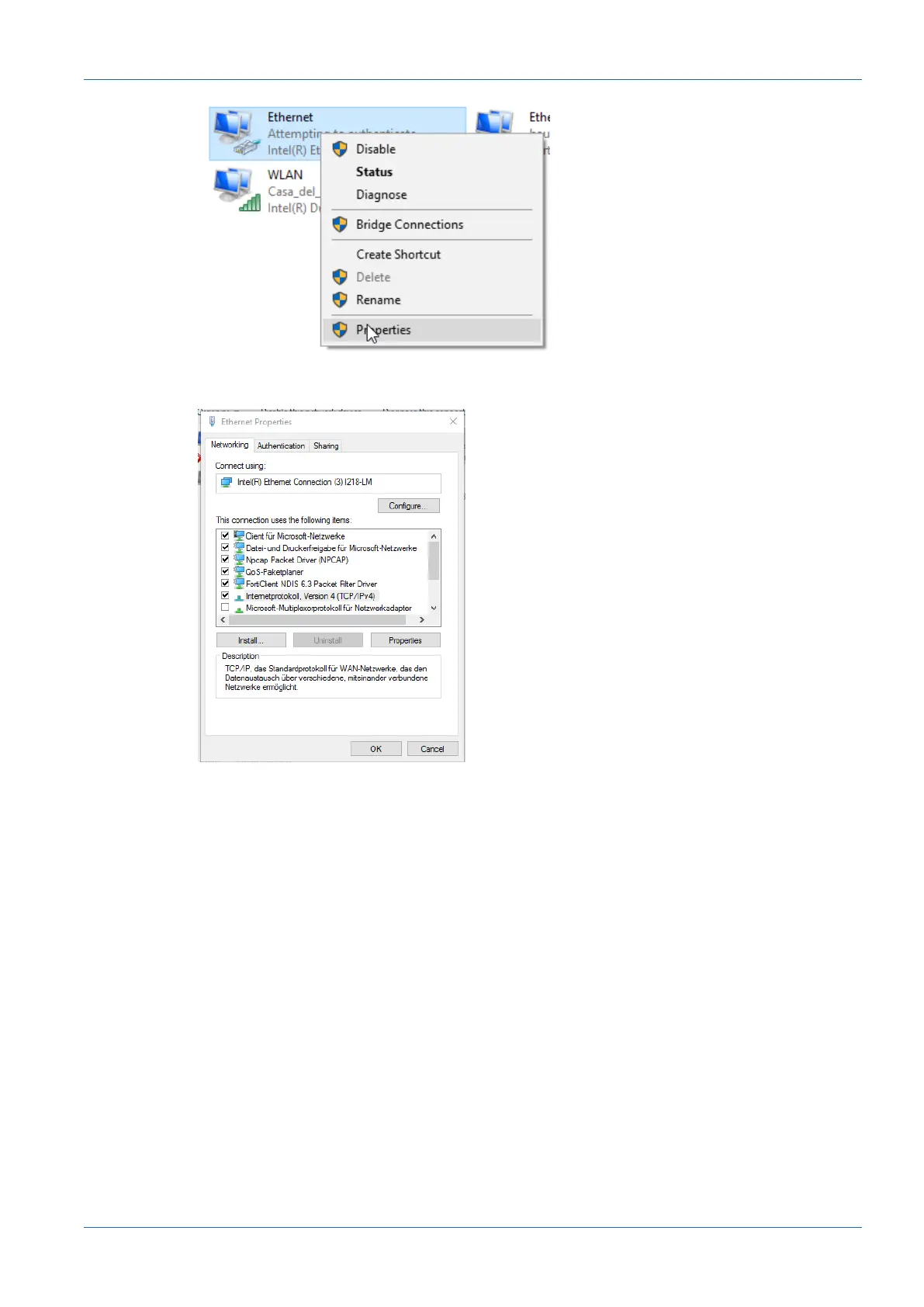
ü Window Properties of Ethernet opens.
d) Tick checkbox Internet Protocol Version 4 (TCP/IPv4).
e) Click Properties.
ü Window Properties of Internet Protocol Version 4 (TCP/IPv4) opens.
f) Under Use following-IP-Address enter the following parameters:
IP-Address: in the range from 192.168.0.1 to 192.168.0.254. Select an IP address
that is not yet allocated in your network.
Subnet mask: 255.255.255.0.
g) Click OK.
Result:
ü The PC as been allocated an IP address.



 To Next Page