Baumer Web interface | 8
V1.0 | IDC200 Operating Manual 43
8.2.6 Measured values
In window Measurement appear the parameterized tools (e.g. codes) together with the related
measured values. The display layout depends on the configured sensor tasks.
In the web interface, the measured values come in the order they are transmitted by the
process interface.
Size Reserve
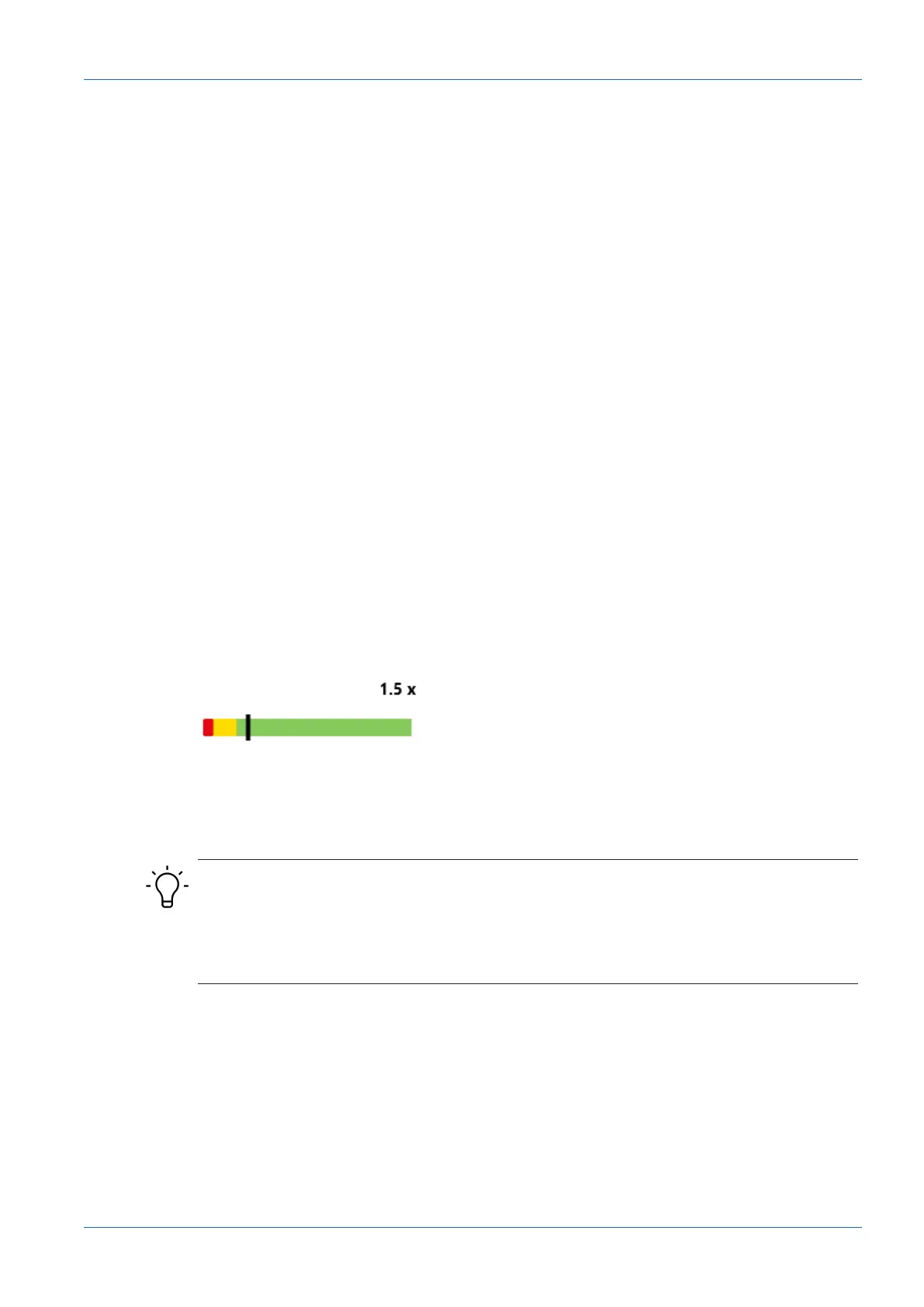
The bottom section of the window provides the function Size Reserve. This function would map
how many times a code may be smaller but yet will remain readable, both as graphics and as a
number. This allows for direct code evaluation under aspects of structural size and the influence
of distance in relation to resolution and readability.
Matrix codes also consider the settings in Parameter Set. Setting Maximum has a higher re-
serve capacity than Standard, since the algorithm can also handle lower resolutions. However,
this entails increased processing time.
With several codes present in the image, the indication refers to the code which is in the lower
level of readability. Size Reserve is displayed as a tool tip for the respective measuring tool.
Clicking on Size Reserve will highlight the respective code in the image.
Readability criteria are as follows:
n
Size
n
Structure (print quality)
n
Reading method
Example
Display: 1.5 x
Current distance of sensor to code: 10 cm
Maximum possible distance to sensor: 15 cm
INFO
Possible increase of the measuring rate
Reducing Size Reserve may achieve a higher measuring rate, since there will be less pixels for
evaluation.
a) Mount the sensor in a way that Size Reserve are 1 where possible.



 To Next Page