8 | Web interface Baumer
44 Operating Manual IDC200 | V1.0
8.3 Monitoring mode
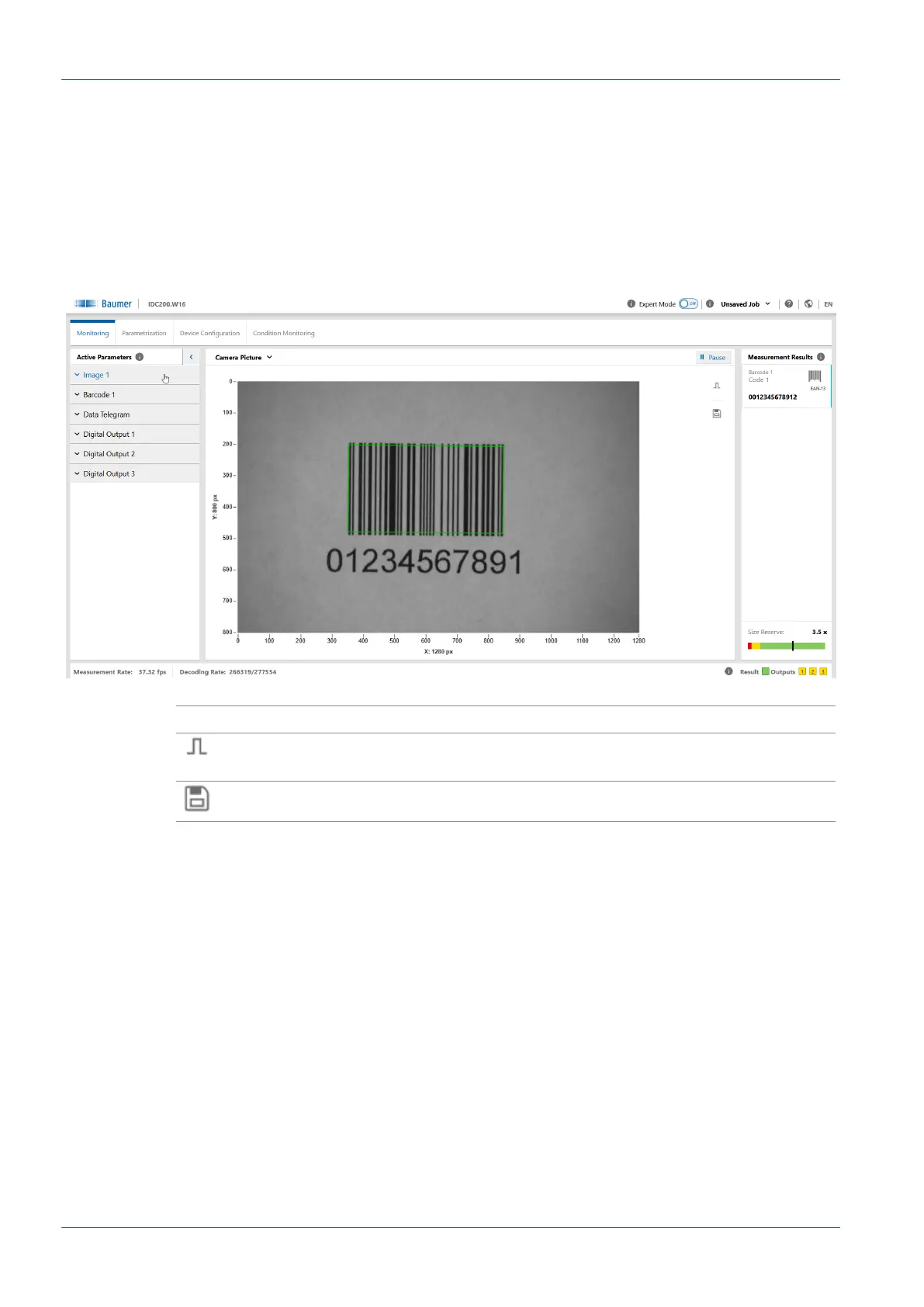
Monitoring shows the current live image of the sensor in the visualization area. If measurement
tasks have been parameterized, the found areas are will be marked in the image. The results of
these measurement tasks appear in window Measurement.
Mode Monitoring does not enable parameter editing.
Statistics functions (History, Speed, Quality, Failed images) are accessible, see chapter Sta-
tistical functions [}63].
Ill.11: Web interface - Monitoring mode
II Pause
n
Visualisation is stopped.
n
A trigger is released operation is not in Trigger Mode Free
running.
n
Save the currently displayed image as a .bmp file.



 To Next Page