89000046-014 KSN 780/8XX/900 AeroNav AML STC Installation Manual for Helicopters
Rev 0 Page 7-37
© Honeywell International Inc. Do not copy without express permission of Honeywell.
7. The inner knob can now be used to advance through the available characters. The outer
knob will advance to the next character in the PSK.
NOTE: One of the possible character selections is a space character. Spaces at the end of the
PSK will not be contained in the final PSK. In other words, "PASSWORD<SP><SP>" will
present a network PSK of "PASSWORD".
NOTE: Non empty PSKs must contain at least 8 characters. If there are fewer than 8
characters, the system will fill missing characters with a '?' character.
NOTE: Empty PSKs are allowed though not recommended.
7.5.16 Bluetooth Setup
7.5.16.1 Configuring the Bluetooth Interface
1. Boot the AeroNav to Maintenance mode.
2. Select the "Config" tab.
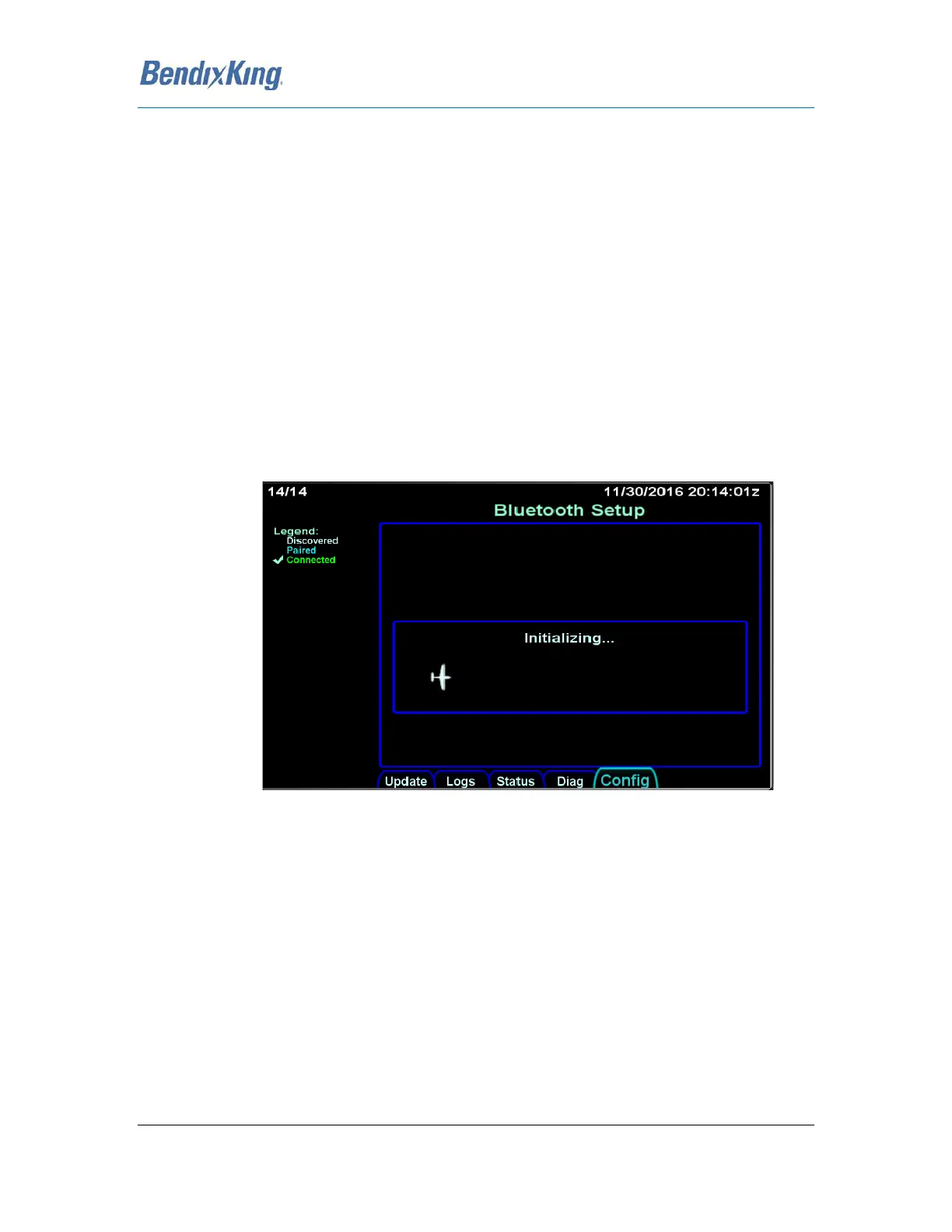
3. Turn the right knob until the "Bluetooth Setup" Page is displayed as shown in the image
below.
Figure 31 Bluetooth Setup Page
4. Once initialized, the page will present a button on the left side reading "Start Scan". Press
this button to allow the system to find all discoverable Bluetooth devices in range of the
AeroNav.
NOTE: You will likely need to put the BendixKing Bluetooth keyboard into discoverable mode
by pressing the button on the rear of the keyboard.
5. Once the device you wish to pair with appears in the list presented on the AeroNav screen,
press the "Stop Scan" button if the scan has not yet completed.
6. Select the device of interest but using the outer ring of the lower right knob.
7. Press "Pair Device"
a. You will now be prompted to enter a number and press ENTER.
b. Enter the specified number on the BendixKing Bluetooth Keyboard and then press the
keyboard's ENTER key.



 To Next Page