89000046-014 KSN 780/8XX/900 AeroNav AML STC Installation Manual for Helicopters
Rev 0 Page 9-1
© Honeywell International Inc. Do not copy without express permission of Honeywell.
9. Glove Validation Procedures
Many types of gloves can be used with the AeroNav touch screen display. The key parameter for the
effectiveness of a glove with touch screen is the distance between the finger and the glass and to a
lesser extent, the type of material separating the skin from the glass. The thinner the glove or the
more compatible the material (e.g. leather, fine cotton, etc), the greater the likelihood of success will
be. Likewise, the more surface area that comes in contact with the glass, the greater the success may
be. Each glove must be qualified for compatibility with the display and those glove calibration
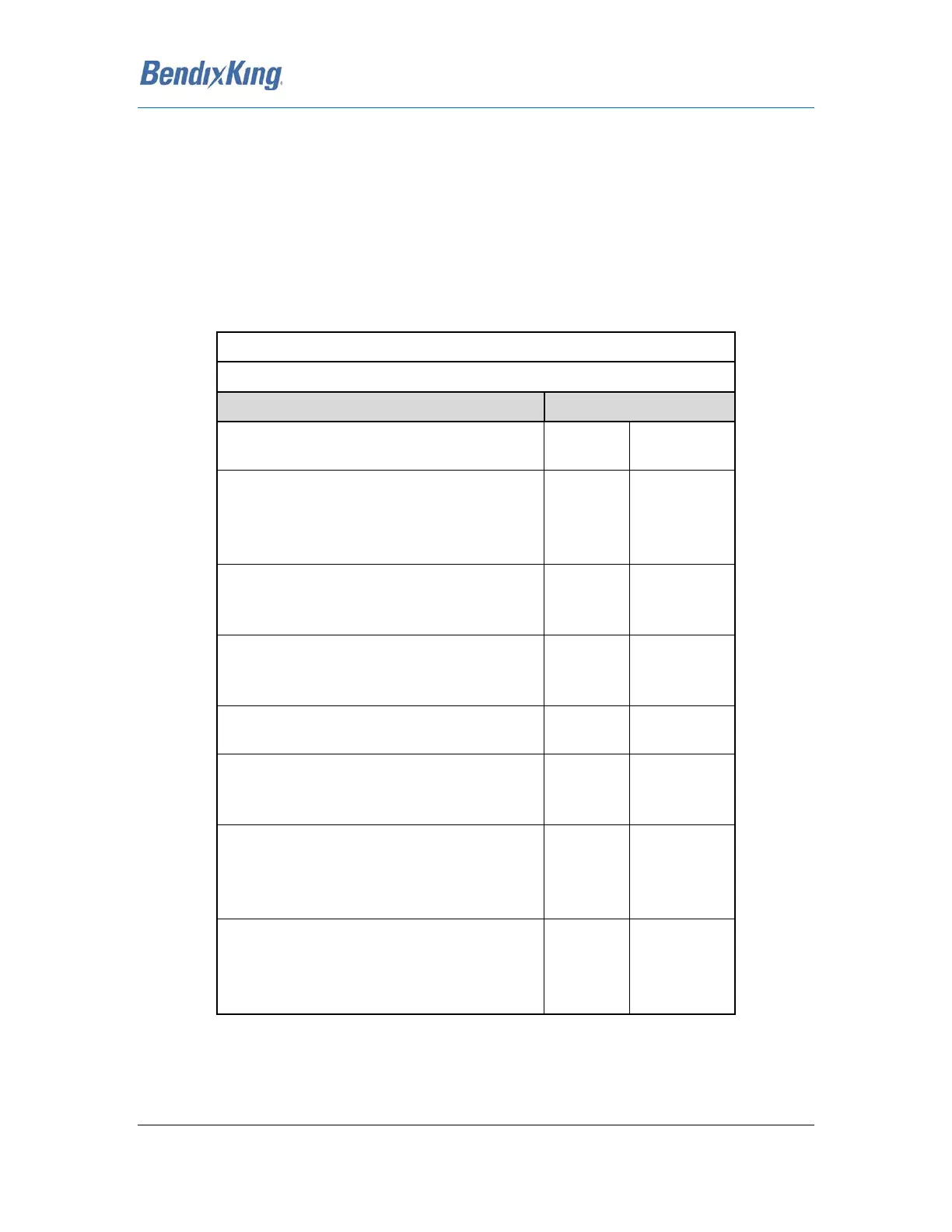
procedures (specific to the glove and the pilot combination) are immediately below. If all verification
steps are marked as a “Pass” then the glove/pilot combination is considered to be a qualified pair.
Pilot Name
Description of Glove
Verification Step Circle one
Touch the standby frequency window and
verify a virtual keyboard is displayed. Pass Fail
Type 121.7, press the "ENTER" button on
the virtual keyboard and confirm 121.700 is
the displayed frequency in the #1 Standby
Com window. Pass Fail
Press each of the page tabs displayed on the
present page and verify the AeroNav
changes to the selected tab. Pass Fail
With the FMS FPL tab displayed, use touch
to type in a typical flight plan and verify that
all entries were recognized. Pass Fail
With the Map page and tab displayed,
attempt to pan the map. Pass Fail
With the Map page and tab displayed,
attempt to pinch zoom (in or out) the map
to produce a range change. Pass Fail
With the Map page and tab displayed,
attempt to graphically flight plan ("rubber
band") and verify the intended change was
made. Pass Fail
Press the "Freq" function key on the bezel
and then double tap a frequency from the
list to place it into the #1 standby slot. Pass Fail
Table 116 Glove Validation Procedure



 To Next Page