89000046-014 KSN 780/8XX/900 AeroNav AML STC Installation Manual for Helicopters
Rev 0 Page 7-40
© Honeywell International Inc. Do not copy without express permission of Honeywell.
• SW Version - displays the WX-500 Main SW Version / Main Boot SW Version / DSP SW
Version
• Config - displays the WX-500 configuration settings (Serial Jumpers, Hdg Valid Flag, Flag
Sense, Hdg Value, Inhibit Line and Antenna Mount).
• Environment - displays the WX-500 environmental parameters (voltages and processor
temp)
• Fault Log - displays the WX-500 fault log history of the last 20 faults.
7.5.19 GAD 42 Configuration
The AeroNav XXX can be connected to the Garmin GAD42 Interface Adapter but there is no dedicated
GAD42 configuration page in the AeroNav XXX.
If the AeroNav XXX is replacing a GNS530/W or GNS430/W that had previously been connected to a
GAD42, then no action is required since the configuration is already saved in the GAD42.
If this is a new installation of an AeroNav XXX (i.e. not replacing an existing GNS530/W or GNS430/W)
or if the GAD42 had to be replaced for service, then the GAD42 must be configured via a manual
strapping method as described in Garmin P/N 190-00159-00 GAD42 Installation Manual, Section 5.1.
If the AeroNav XXX displays a “GAD 42 Needs Service” message, return the GAD 42 unit to the
manufacturer.
7.5.20 Other System Diagnostics Pages
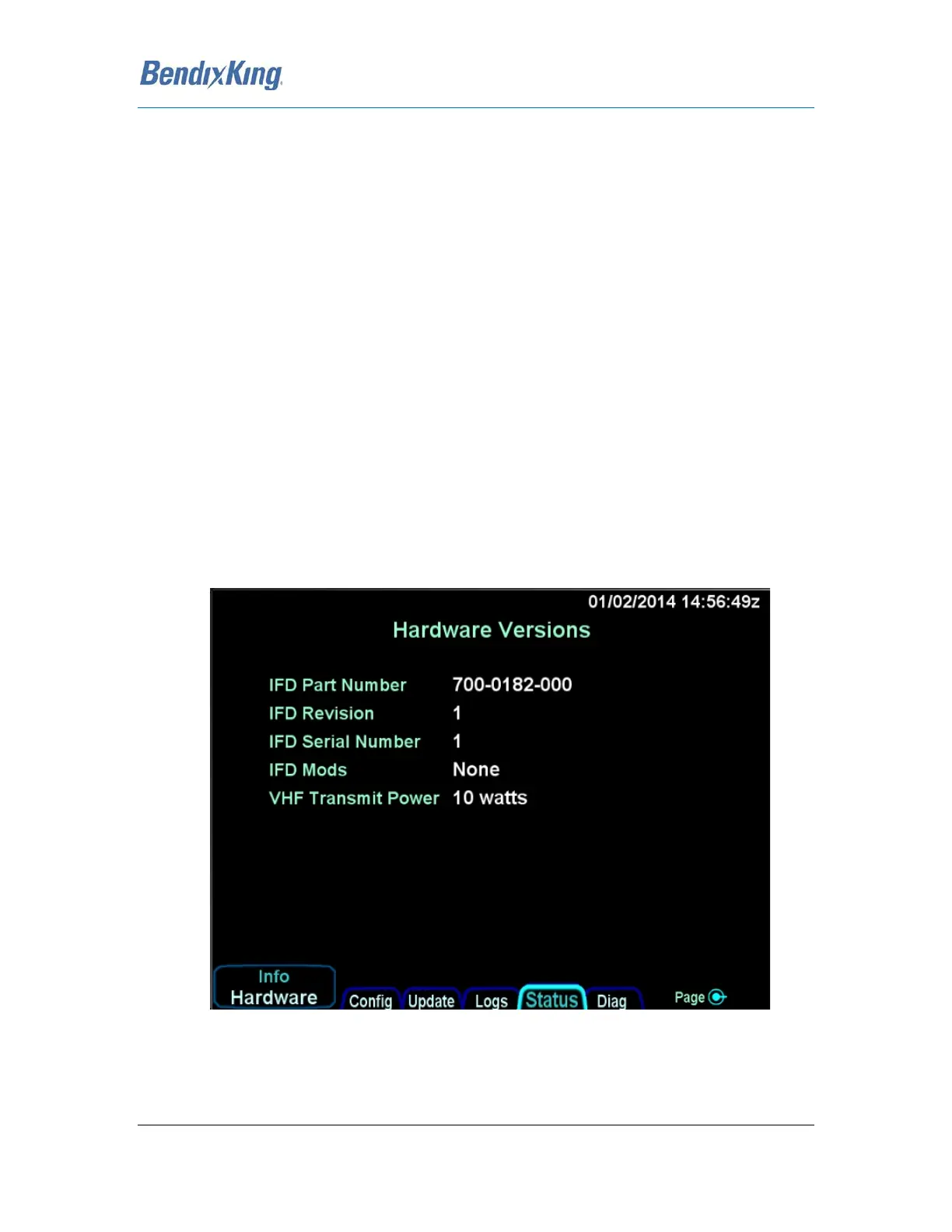
The AeroNav provides other miscellaneous diagnostics pages that are shown here for reference.
Each page variant is accessed by pressing the L4 LSK labeled “Info”.
Figure 32 Hardware Version Page



 To Next Page