15
Assembling the Host
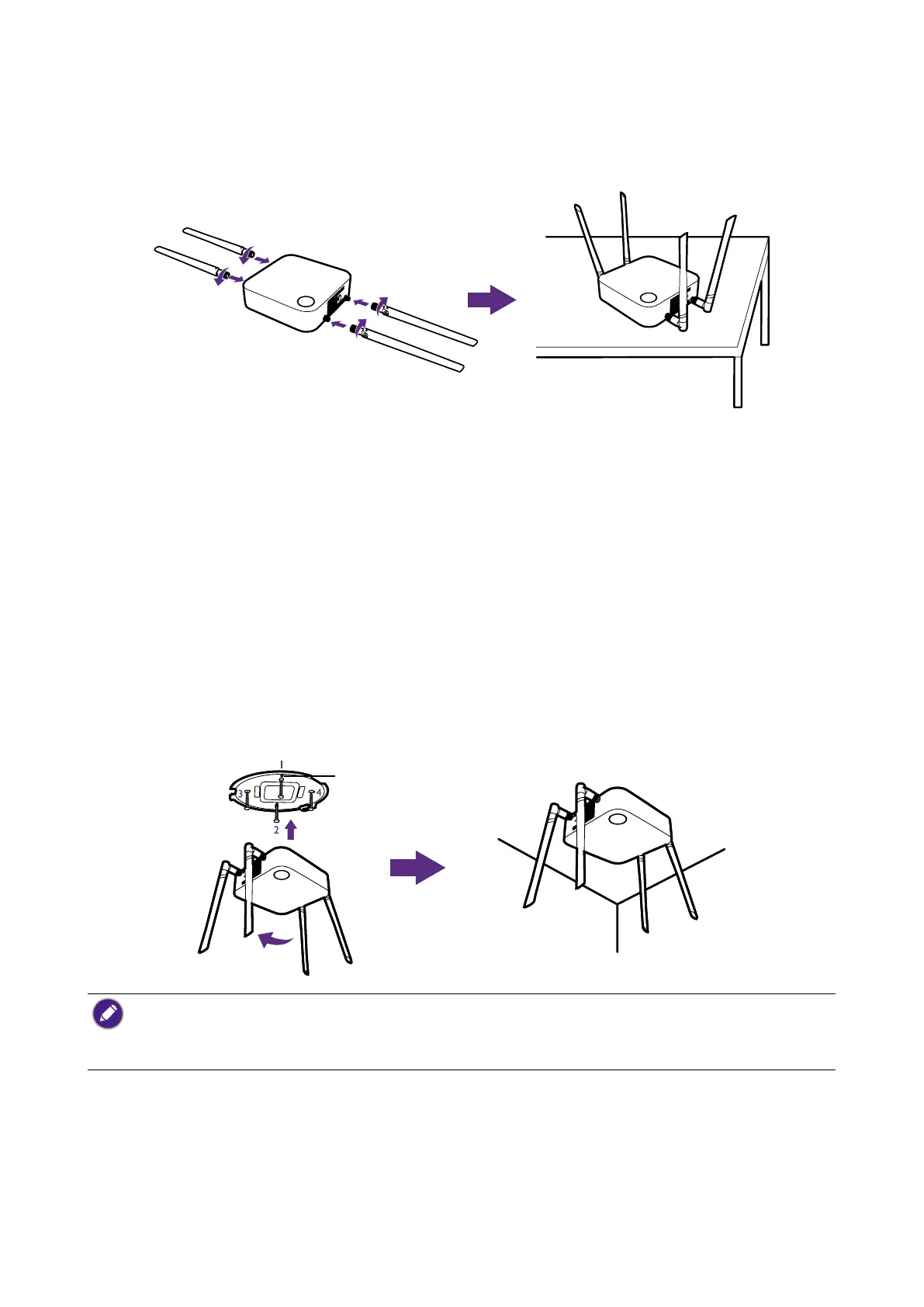
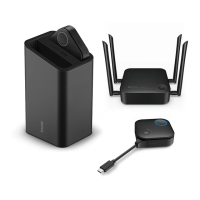
Assemble the Host with four antennas by turning the antennas clockwise to fasten them
tightly.
Setting up the Host
You are provided with four different ways to position the Host. The total weight of the Host
Unit is 530g.
Attaching the Host to the ceiling
1. Place the lid on the ceiling and locate the alignment hole.
2. Use the screw anchors and screws provided to lock the lid to the ceiling.
3. Lock the first hole (1).
4. Follow the instruction in the illustration below to lock the other holes (2-4).
5. Rotate the Host counterclockwise to affix the Host to the lid.
Alignment hole
• Please only use the screws (M3*16 tapping screw) and screw anchors provided with the kit to mount
the Host to the ceiling.
• Please see Positioning the Host antennas on page 19 for guidelines on positioning the antenna to
maximize signal reception.


 To Next Page