66
Advance Setting
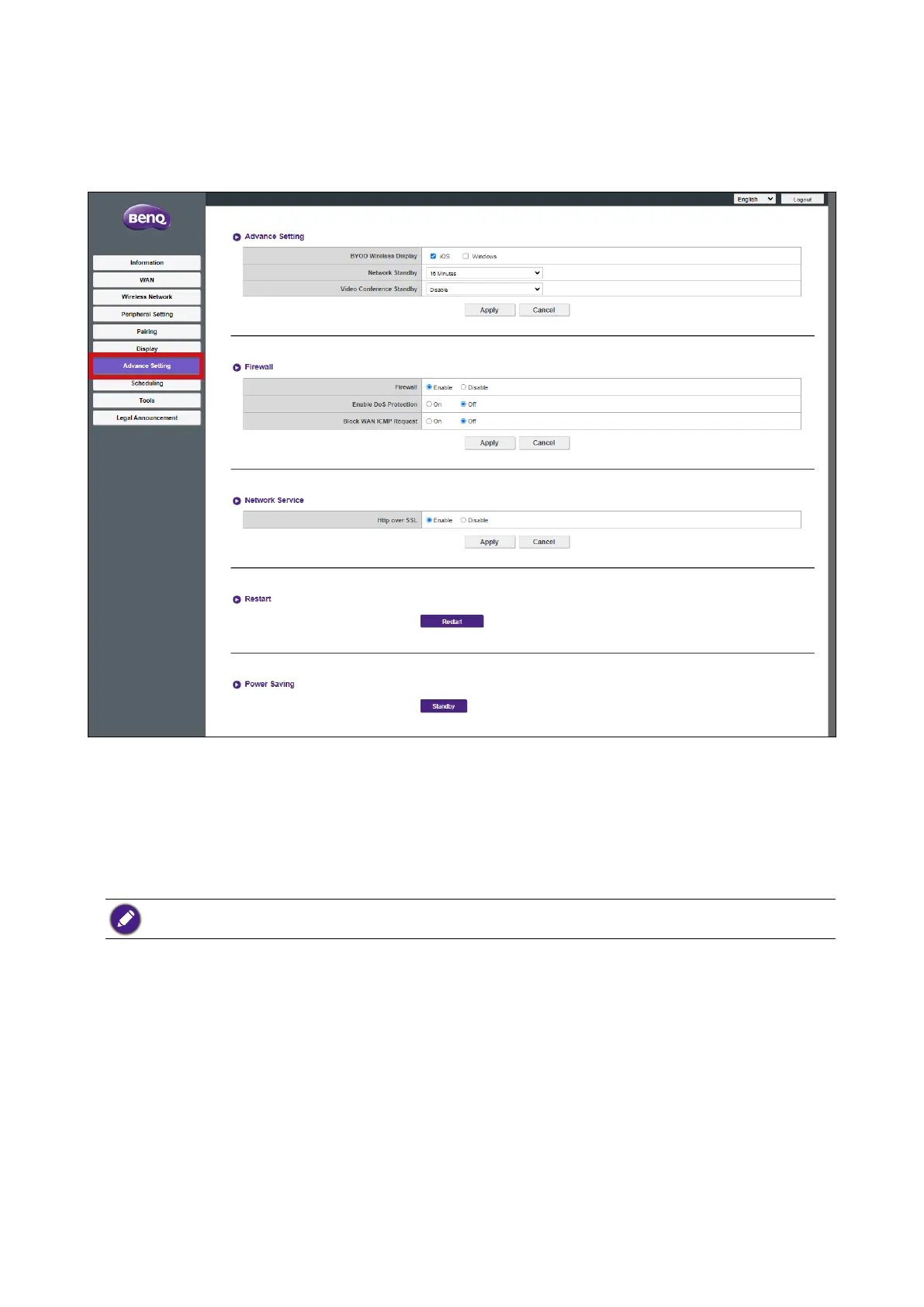
Click Advance Setting and you will see the Advance Setting, Firewall, Network Service,
Restart, and Power Saving sub-menus.
Advance Setting
The Advance Setting sub-menu includes the following advanced setting for the Host:
• BYOD Wireless Display - This setting allows you to permit or prohibit iOS and Windows
mobile devices from presenting via the Host. Check the box next to an operating system
to allow devices using the respective operating system to present.
By default the Windows option will be disabled (unchecked).
• Network Standby - This setting allows you to set the amount of idle time before the host
enters network standby mode. Once in network standby mode the user will have to re-
enter the login and password for the web management menu to continue.
• Video Conference Standby - This setting when enabled allows you to automatically
hide the InstaShow window from videoconferencing interface anytime InstaShow is
not presenting thus allowing the videoconferencing application to save screen space
when InstaShow is not directly in use. The InstaShow window will still appear within
the videoconferencing interface on command anytime the Button is pushed and a
presentation via the Host begins.
Press Apply to save any change to the Advance Setting fields.



 To Next Page