56
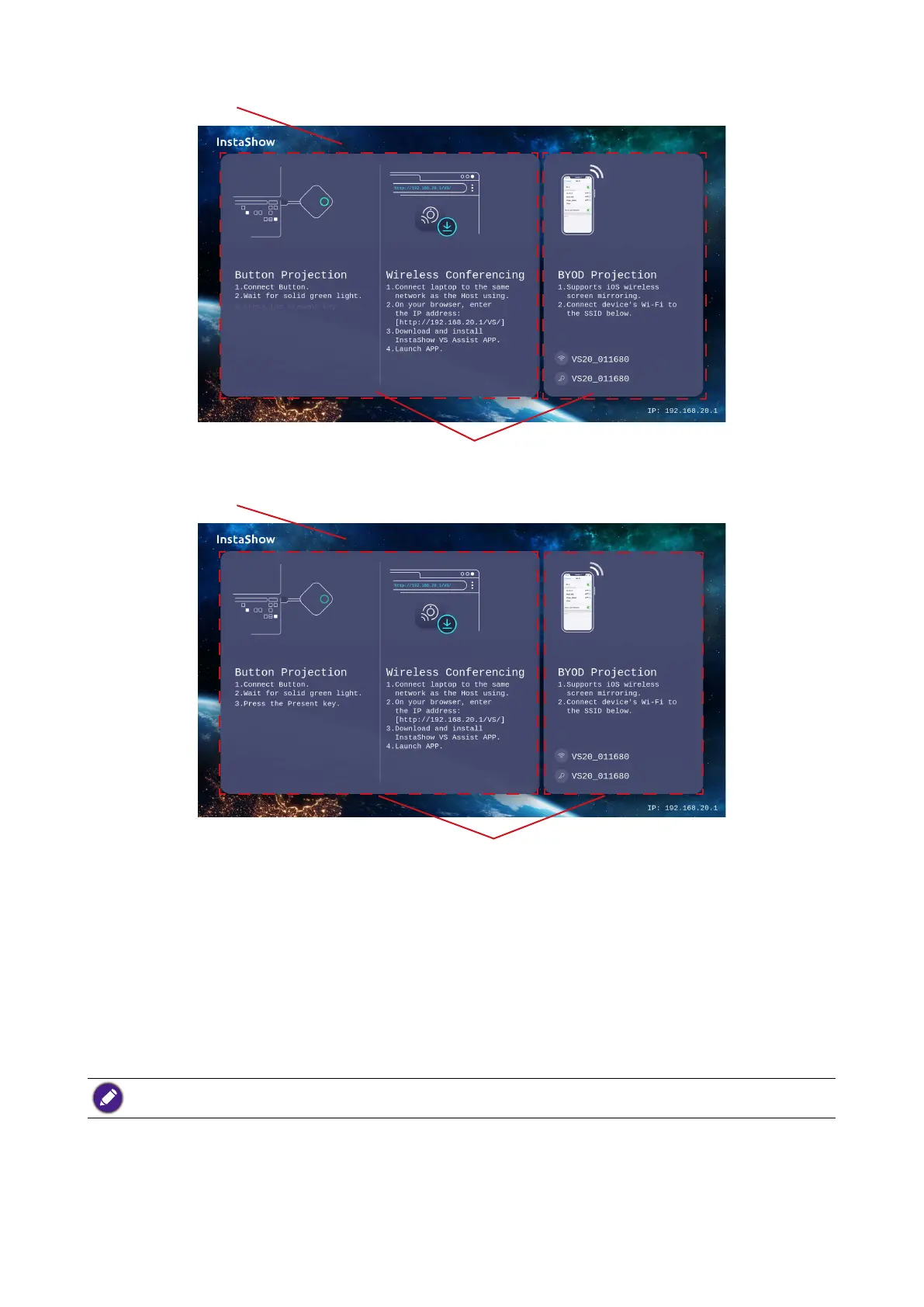
Guide Screen
Background Image
Tutorial Boxes
Idle Screen
Background Image
Tutorial Boxes
To customize the Idle Screen and/or Guide Screen:
1. Click the drop-down menu for either screen and then select Customized.
2. Click the Select Image button that appears.
3. Navigate to and select the image file on your local folder you want as either the Hosts
Guide Screen or Idle Screen.
4. Click Picture Upgrade to switch the image to the you selected.
• To hide the tutorial boxes on either the Guide Screen or Idle Screen, check the Tutorial Hide box.
• To revert to the default Guide Screen or Idle Screen, select Original in the respective screen’s field.
WAN
Click WAN and you can configure the settings for the Host's wired connection in the



 To Next Page