22
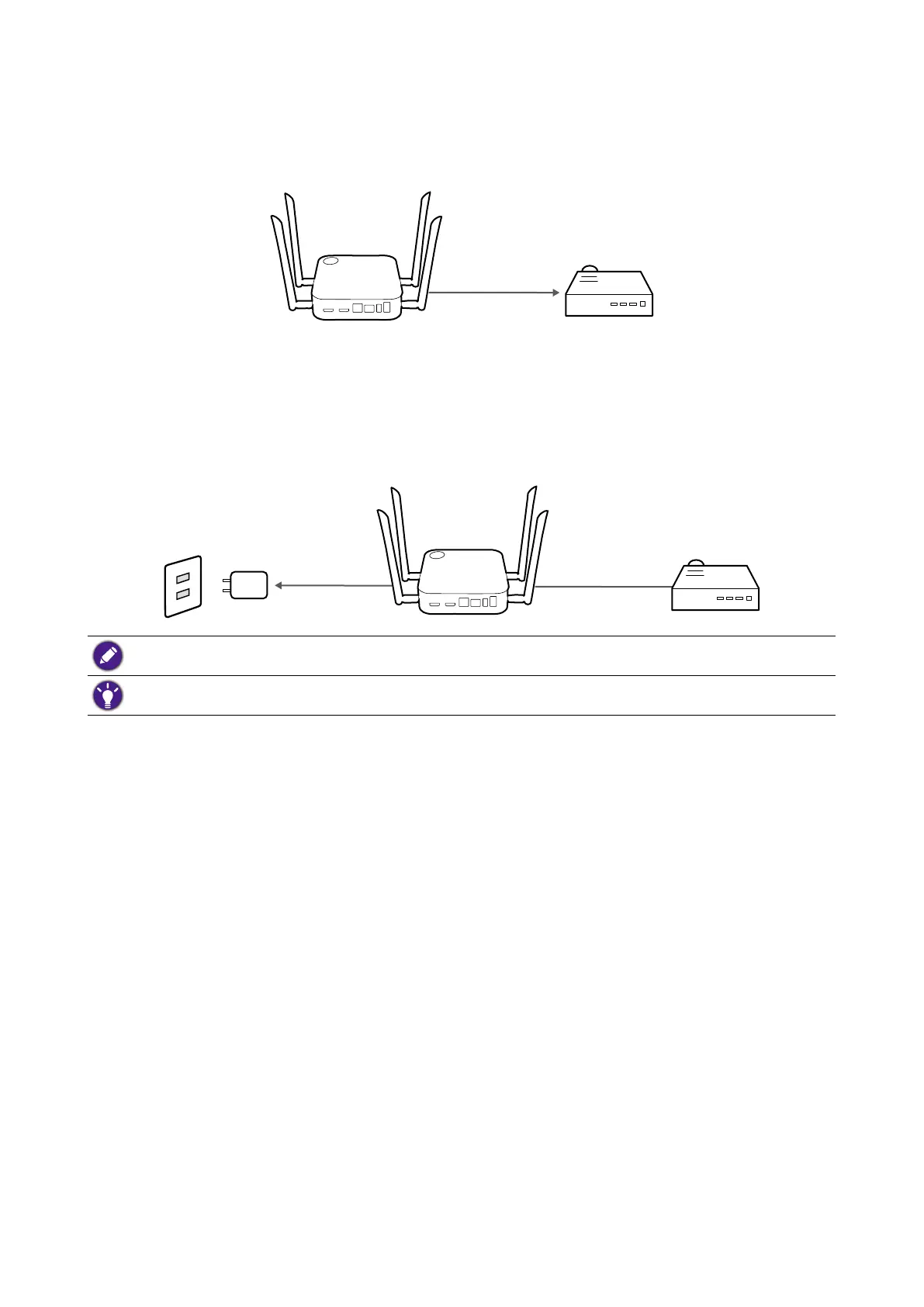
Connecting the HDMI cable
Connect the HDMI cable to the HDMI out jack of the Host and the HDMI input jack of the
projector.
HDMI
Power supply via a power adapter
Connect the supplied power adapter to the power jack of the Host, and then plug the other
end of the power adapter into a wall socket and then turn on the power switch on the Host.
The LED indicator on the standby button of the Host lights up static green when the power
is supplied.
Power HDMI
For BenQ IFP (Interactive Flat Panel) products, please have power supplied via a power adapter.
Do not keep the device powered on all the time. For better performance, power off the device for 30
minutes every 24 hours then restart it.



 To Next Page