63
Pairing
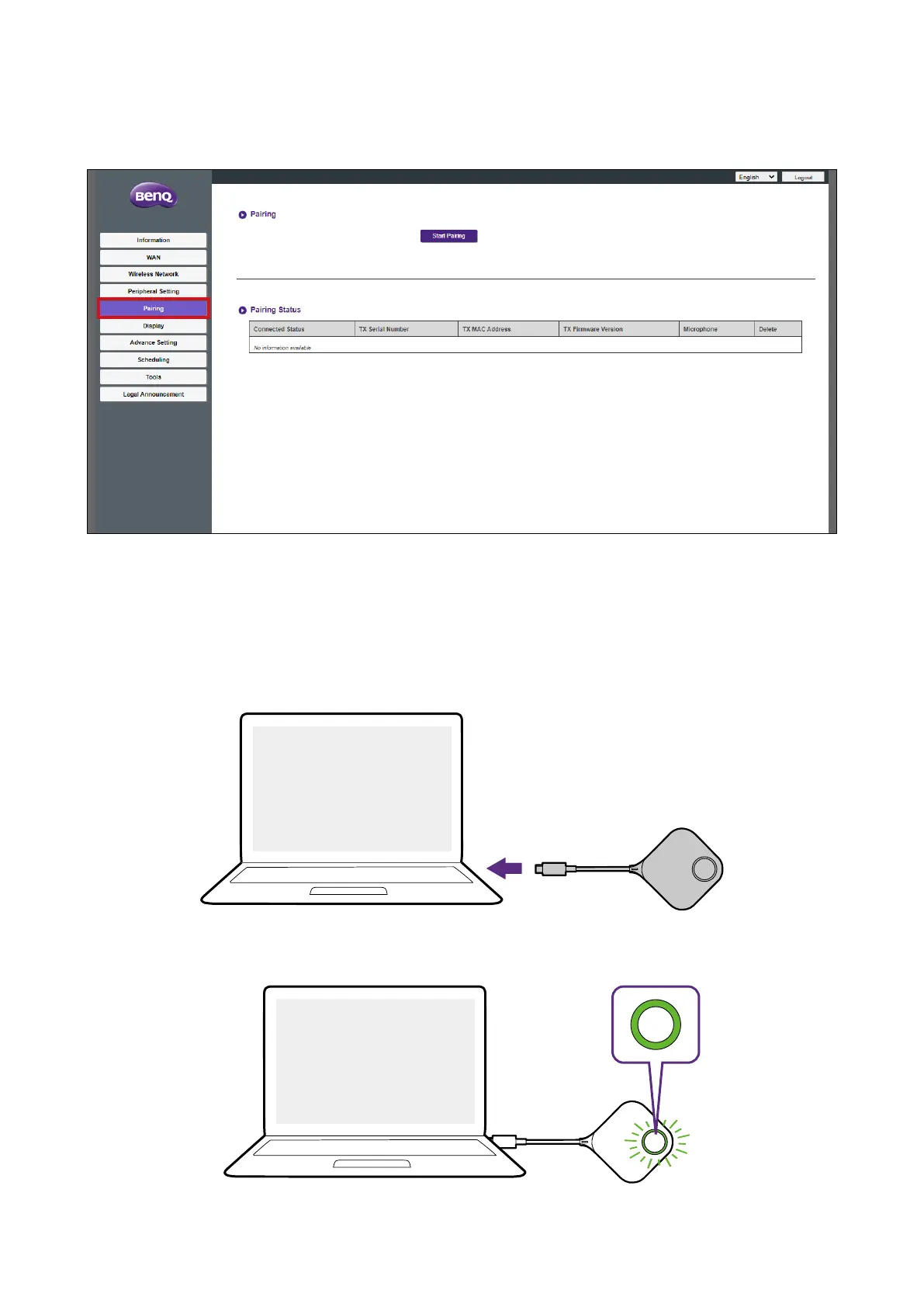
Click Pairing and you will see Pairing and Pairing Status sub-menus.
Pairing
The Pairing submenu can be used when the Host is attached to the ceiling as it is not easy
to press the PAIRING key of the Host when the device is too high. To pair a Button and
Host via the web management interface:
1. Connect the Button’s USB connector to the corresponding ports of a laptop.
USB-C
2. When the Button is successfully connected to the laptop, the LED indicator of the Button
will blink green.



 To Next Page