45
Using a single InstaShow Button as a microphone
For hybrid meetings where you do not have a webcam with a built-in microphone or the
microphone on the laptop running the videoconferencing application does not adequately
capture all the sound in the room, you can use the InstaShow Button as a microphone.
To use a Button as a microphone for your hybrid meeting:
1. Follow the steps in Setting up a videoconference on page 39 to begin a
videoconference.
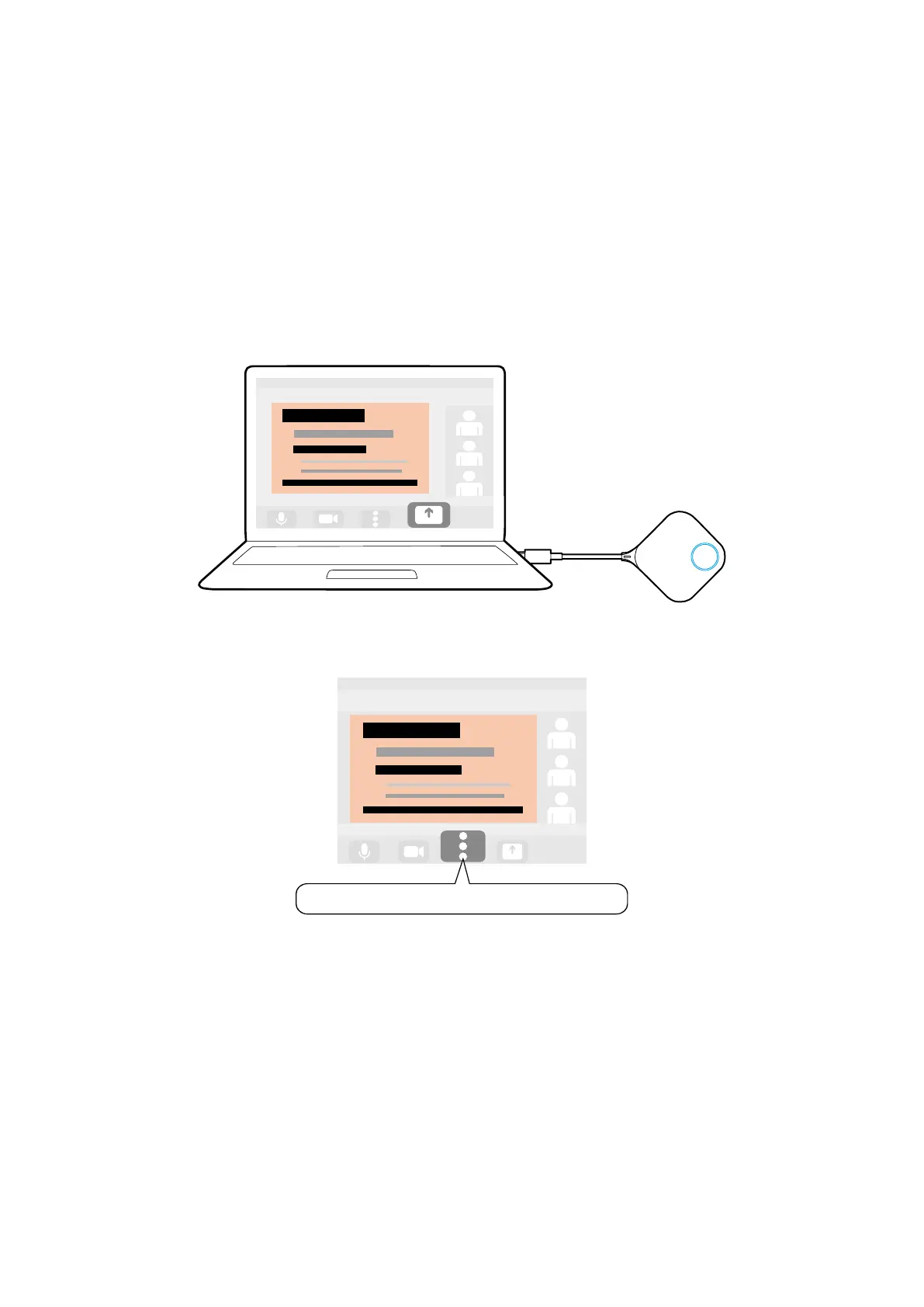
2. Connect a Button to the corresponding port(s) on the laptop running the
videoconferencing application.
3. Open the microphone input source menu in the videoconferencing application and select
InstaShow Button Microphone.
InstaShow Button Microphone



 To Next Page