39
Using InstaShow in hybrid meetings
InstaShow is a wireless presentation system that can be fully integrated into any hybrid
meeting that uses videoconferencing applications to link remote participants, so that those
participants are also able to view and interact with any content being broadcast in the
conference room by InstaShow.
Setting up a videoconference
To set up a videoconference with InstaShow:
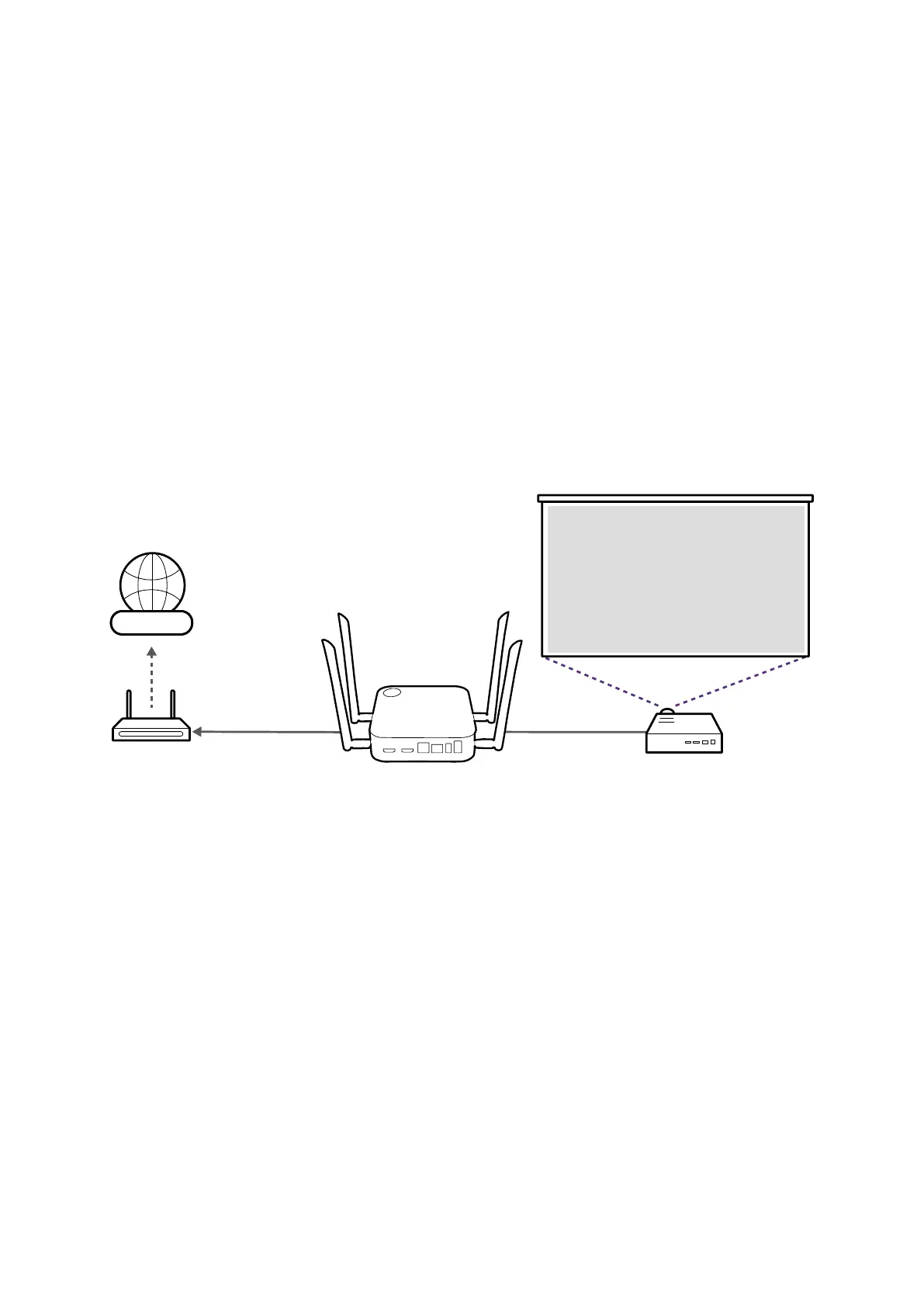
1. Connect the InstaShow Host to a network with Internet access using one of the following
methods:
• Connect the Host's WAN port to the network router using an RJ-45 cable. Refer to LAN
connection on page 23 for more information.
• Connect the Host to the router's Wi-Fi network. Refer to Wi-Fi connection on page 23
for more information.
Internet



 To Next Page