53
Getting started
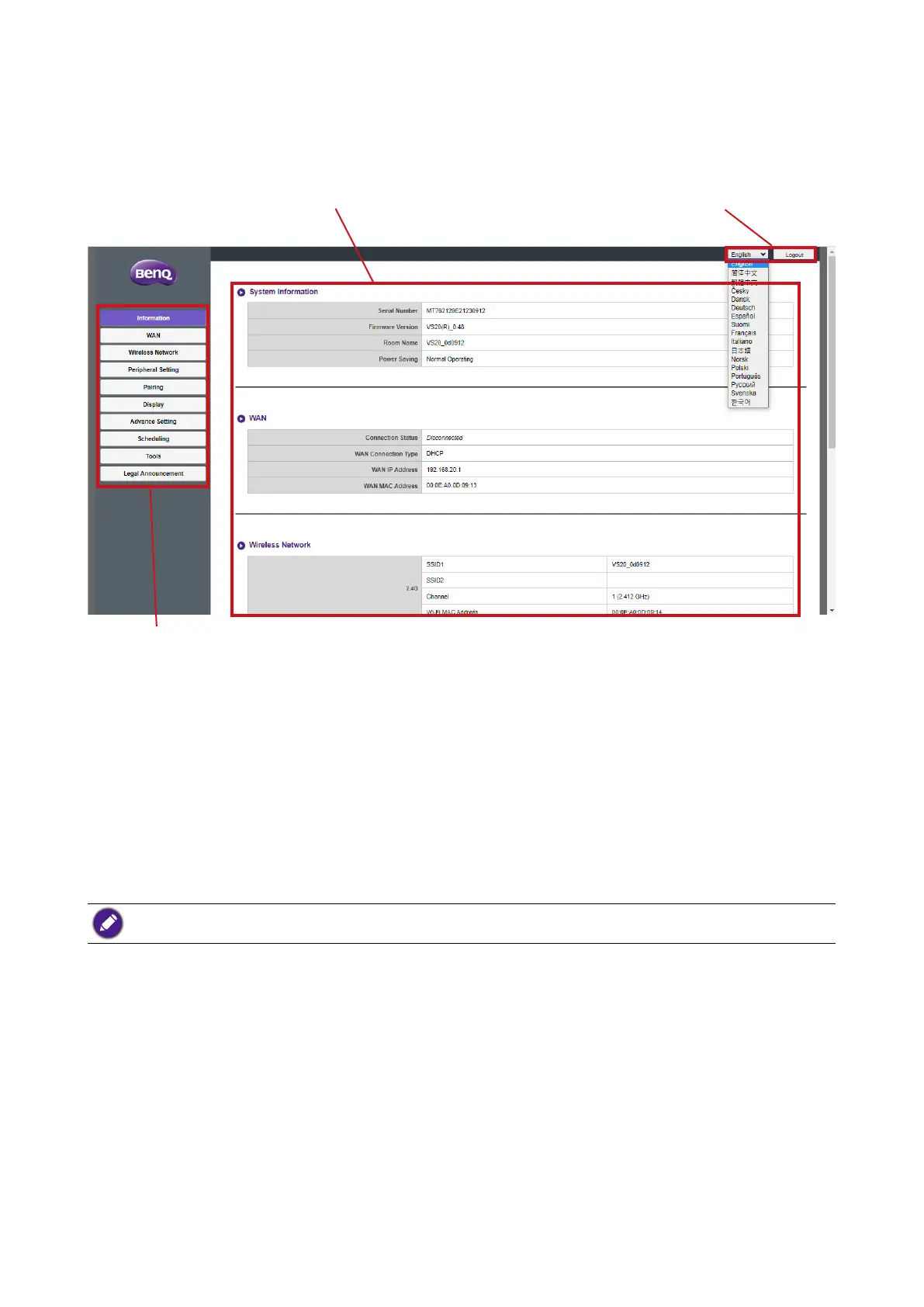
You can now use the web management interface to configure various settings of your
Host.
Function bar
Main column Top command buttons
Top command buttons
Change language
1. The default language is English. To change the interface language, go to the language
settings panel and you can see all available languages.
2. Click the language you want to switch to and your new language will be set.
3. Once a new language has been set both the web management interface and the
product’s OSD will feature the new language.
Supported languages vary by country/region where you purchase.
Logging out
Click Logout on the upper right corner.
Function bar
The function bar shows the settings menus available in the web management interface.
Main column
The main column shows the detailed content from the function bar.



 To Next Page