37
Switching from a split screen to a full screen presentation
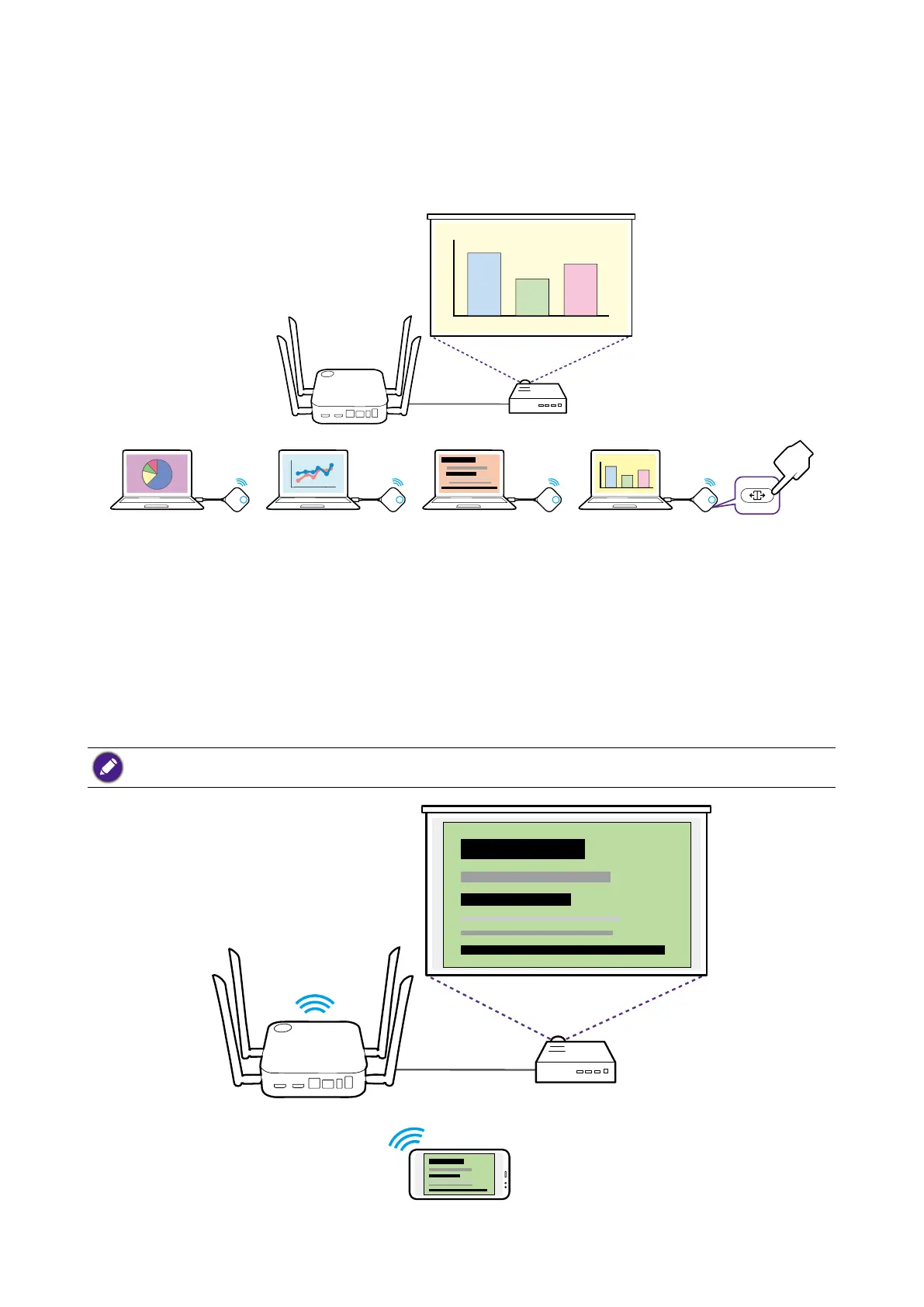
Once in a split screen presentation you can switch to a full screen presentation of any of
the participant’s screen by pressing the split screen button on the Button of the computer
that wants to present in a full screen.
To return to a split screen presentation repeat the steps in Starting a split screen
presentation on page 36.
Presenting with mobile devices
InstaShow supports both iOS and Windows wireless communication's screenmirroring
capabilities for presenting via mobile devices. To present using a mobile device, connect
the mobile device's Wi-Fi to the SSID of the Host and then follow the steps for your mobile
device's wireless communication to screencast.
If you are unsure of your Host's SSID you can check the SSID shown on the top-left corner of the Guide
screen.



 To Next Page