6
Introduction
Instashow VS20 is a wireless conferencing solution that supports BYOM in your
organization. You can use your own device to host a video conference. All you have to do
is make a few clicks on your VS Assist App. Your presenters can use the VS20 buttons to
share a presentation via simple plug-and-play. A dedicated microphone is built into each
Instashow VS20 button. Whether the presenters are seated at a table, sitting against the
wall, or standing, the VS20 button mic means everyone will be heard.
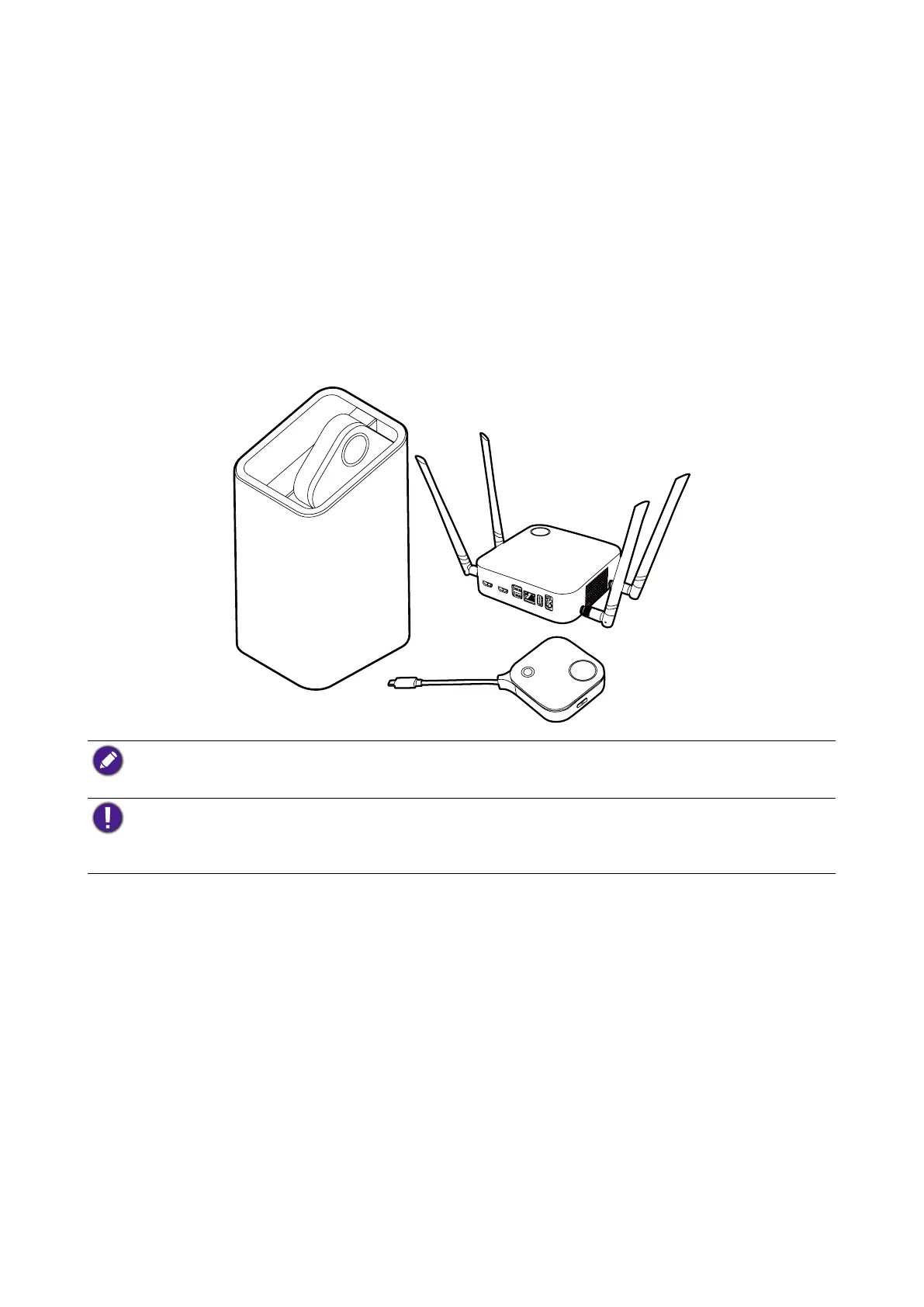
A standard product set consists of an InstaShow™ VS20 Host (or “Host” in this document)
and two InstaShow™ VS20 Buttons (or “Buttons” in this document). Depending on the
location where you buy the product, the software of the base unit can be different. You can
buy additional InstaShow™ VS20 Button kits if needed.
• "InstaShow™" will hereinafter be referred to as "the product" in this document.
• "InstaShow™ Host" will hereinafter be referred to as "Host" in this document.
• "InstaShow™ Button/Buttons" will hereinafter be referred to as "Button"/"Buttons" in this document.
Your product complies with the local wireless regulations and the warranties are valid in the country/
region where the product is purchased. Using the product outside the purchased country/region does
not guarantee the wireless functionalities. And modification of any part of the product will void the
warranties.
The InstaShow™ is considered networked equipment with high network availability (HiNA
equipment with HiNA functionality) as it provides wireless network access for wireless
InstaShow™ Buttons. The detailed operations of standby please refer to Enabling network
standby mode on page 33 for more information.



 To Next Page