55
The WAN sub-menu lists the following information for the Host's WAN connections:
• Connection Status
• WAN Connection Type - Lists the way in which the Host obtains its IP address, subnet
mask and default gateway information. For more information on configuring the
WAN Connection Type, see General on page 57.
• WAN IP Address
• WAN MAC Address
Wireless Network
The Wireless Network sub-menu lists detailed information for the 2.4G and 5G Wi-
Fi frequency of the host including the SSIDs, Channels, and MAC addresses for each
frequency along with the Host's Wi-Fi Area. For more information on configuring these
items, see Setting on page 58.
Screen Message
The Screen Message sub-menu allows you to add a message at the top of the Guide/Idle
screens.
Test Message
To add a screen message enter the text you want shown on the screens in empty field
and then press Apply to save your message. Your message will be shown at the top of the
Guide/Idle Screen.
The character limit for the Screen Message is 64 alphanumeric or Chinese characters.
My Screen
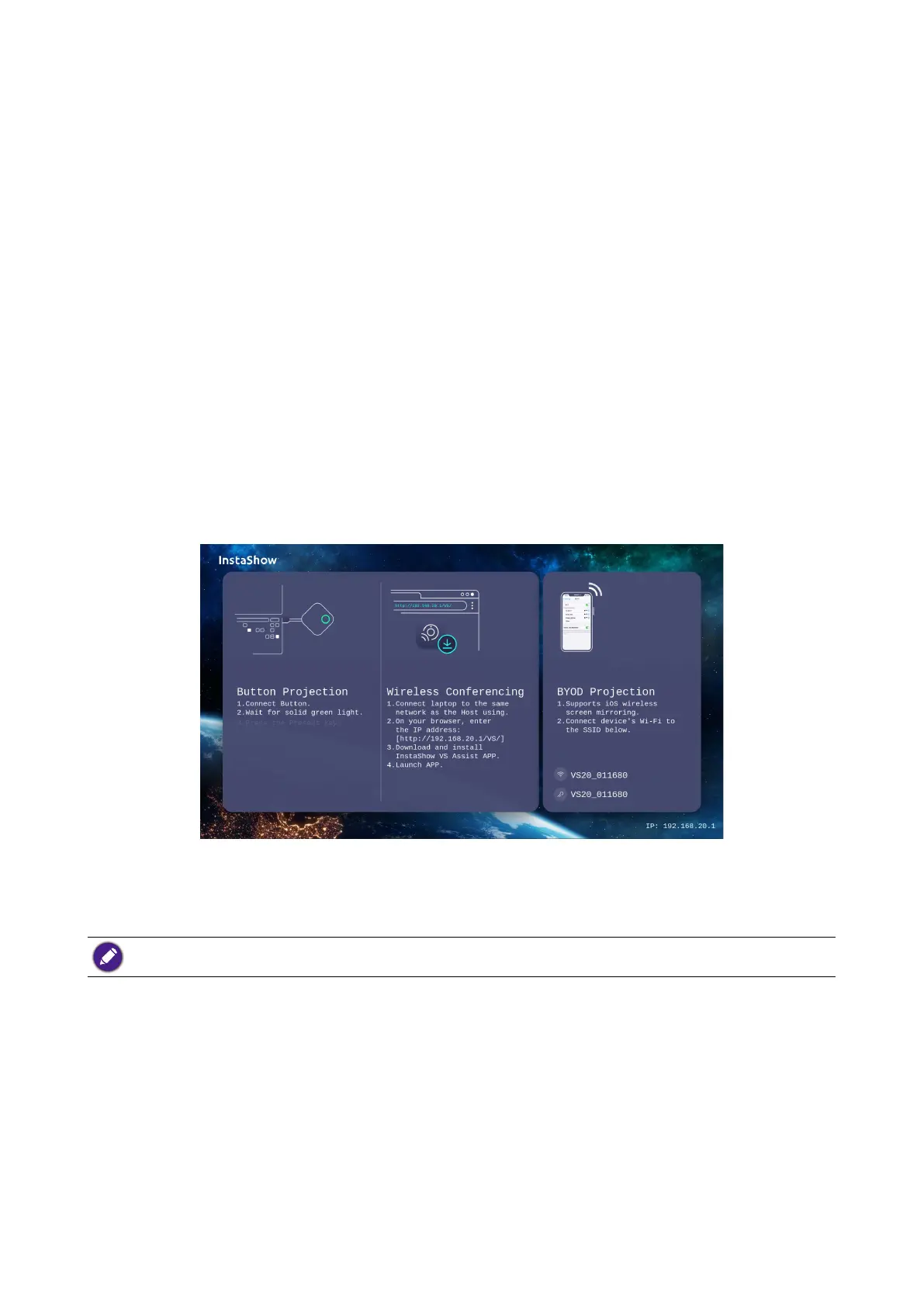
The My Screen sub-menu allows you to customize the Idle Screen and Guide Screen that
is shown when the Host is connected to a projector or display.



 To Next Page