58
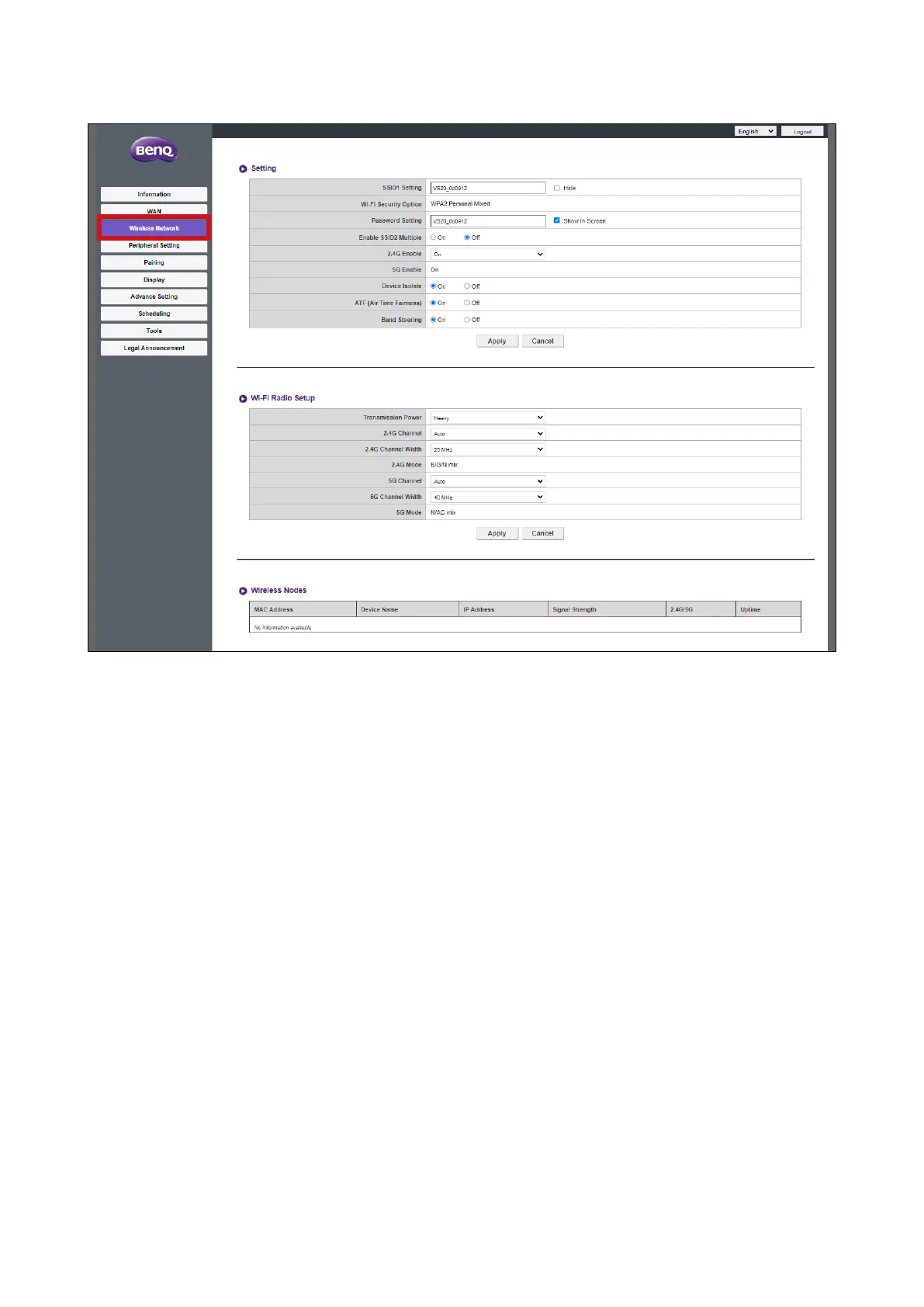
Wireless Nodes Status sub-menus for the Host's wireless connection.
Setting
The Setting sub-menu includes the following basic settings for the Host's Wi-Fi signal:
• SSID1 Setting - This field allows you to customize the SSID (and Room Name) for the
Host. Check Hide to make the Host's Wi-Fi signal undiscoverable by users.
• Wi-Fi Security Option - This field lists the Wi-Fi security for the Host's Wi-Fi signal.
• Password Setting - This field allows you to customize the password for the Host's SSID.
• Enable SSID2 Multiple - This option allows you to enable/disable an additional SSID for
the Host. Once enabled the following options will become available:
-
SSID2 Setting - This field allows you to customize the second SSID for the Host.
-
Wi-Fi Security Option - This field lists the Wi-Fi security for the Host's Wi-Fi second
signal. When set to WPA2 Enterprise you will be able to cofigure the Radius Port.
-
Password Setting - This field allows you to customize the password for the Host's
second Wi-Fi signal/SSID.
• 2.4G Enable - This option allows you to enable or disable a 2.4G frequency for the Host's
Wi-Fi signal. A 2.4G Wi-Fi signal is a signal that features a larger coverage range but
slower data speeds and is more commonly used by older mobile devices.
• 5G Enable - This option cannot be disabled as all the connections between the Host and
Buttons rely on 5G Wi-Fi.



 To Next Page