26
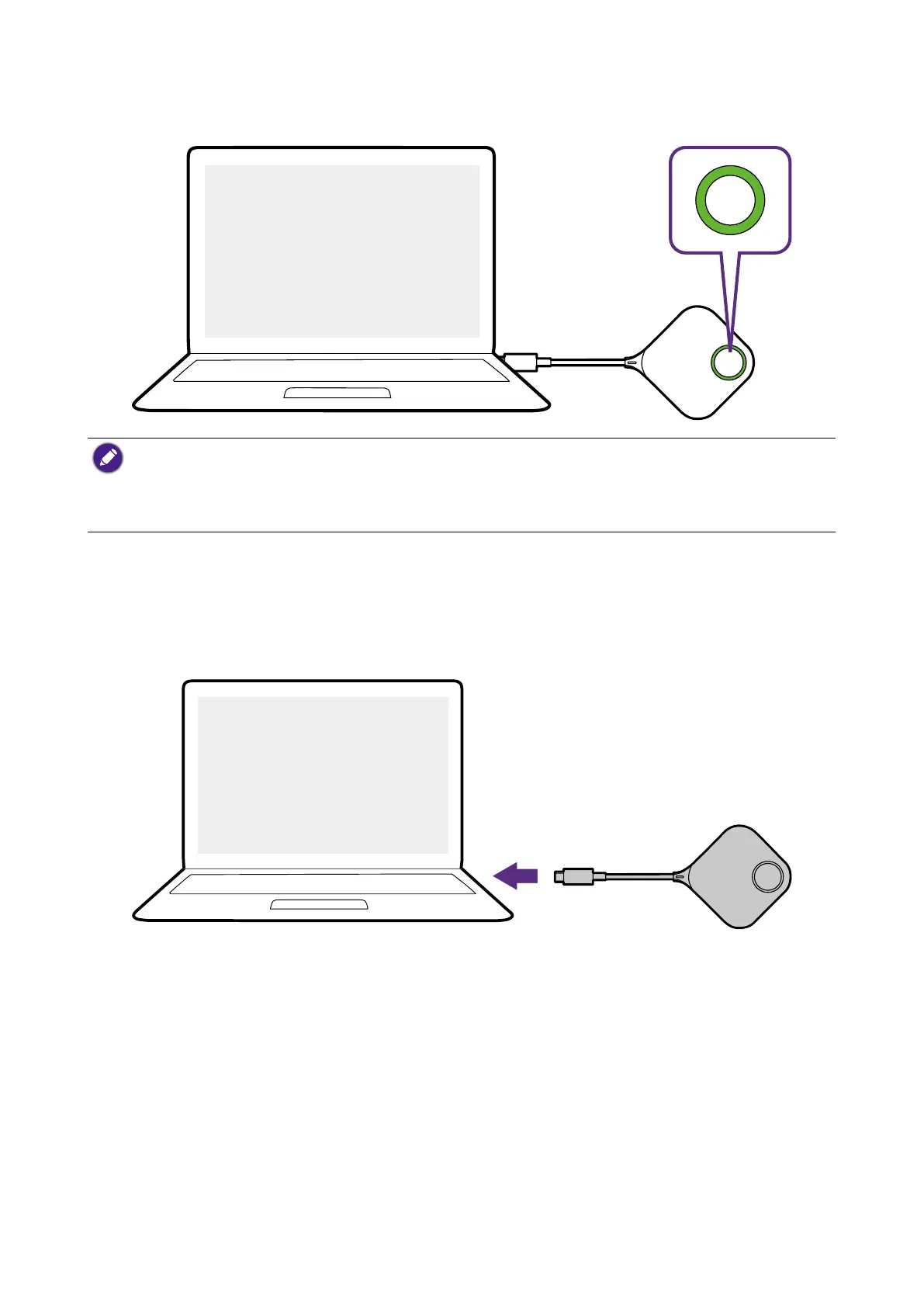
3. When the Button is ready to present, the LED indicator will turn solid green. Press the
Present key when the LED indicator turns green.
• If the Button encounters problems while pairing with the Host during startup, the LED indicator will
flash red. Repeat the previous process again until the LED turns solid green. See LED indicators of
the Button and the Host on page 12 for more information on LED behavior.
• Handle the Button cable with care. Rough handling might cause defects.
• Pull/Push the connectors instead of the cable when inserting or removing Buttons.
If you purchase an additional Button (via a Button Kit), please follow the process described
below:
1. Follow the pairing instructions described in Pairing a Button and Host on page 28.
2. Connect the Button to the corresponding input of a laptop.
USB-C
3. The LED indicator of the Button will flash green while the Button is starting up.


 To Next Page
 Loading...






