29
00:00:00
00:00:05
If the Host is attached to the ceiling so that it is not easy to press the PAIRING key, please use the
pairing process in the web management interface. Refer to Pairing on page 63 for information.
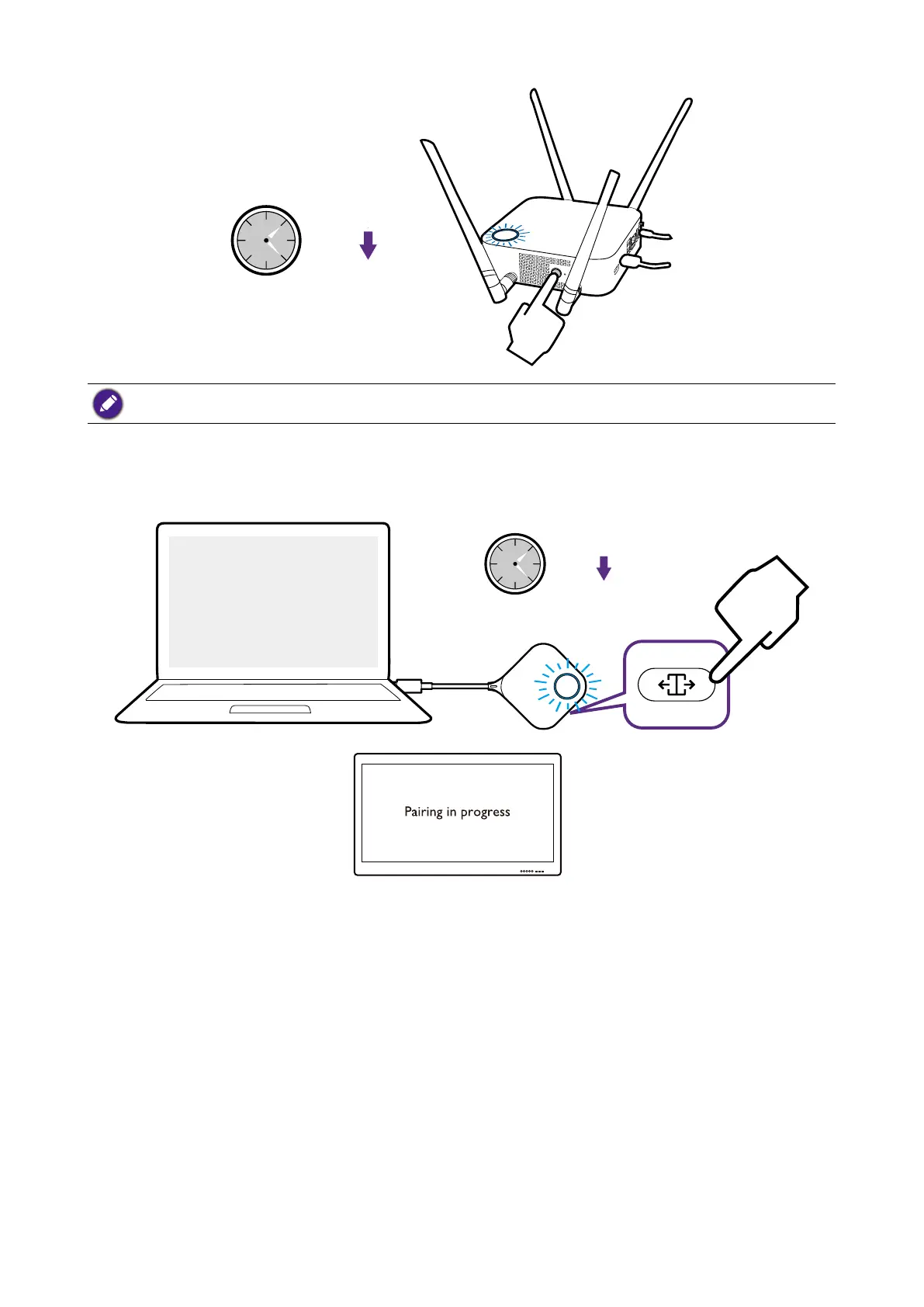
4. Press the split screen key on the side of the Button for five seconds. The LED indicator
of the Button will blink blue for about 10 seconds. The pairing process is ongoing. The
“Pairing in progress” message will be shown on the screen.
00:00:00
00:00:05



 To Next Page