31 of 109
Move & Rotate
To move or rotate a design in the hoop or move to a specic stitch or color,
press the move button. This button will be unavailable when the machine is
sewing.
Moving
Moving Around the Hoop
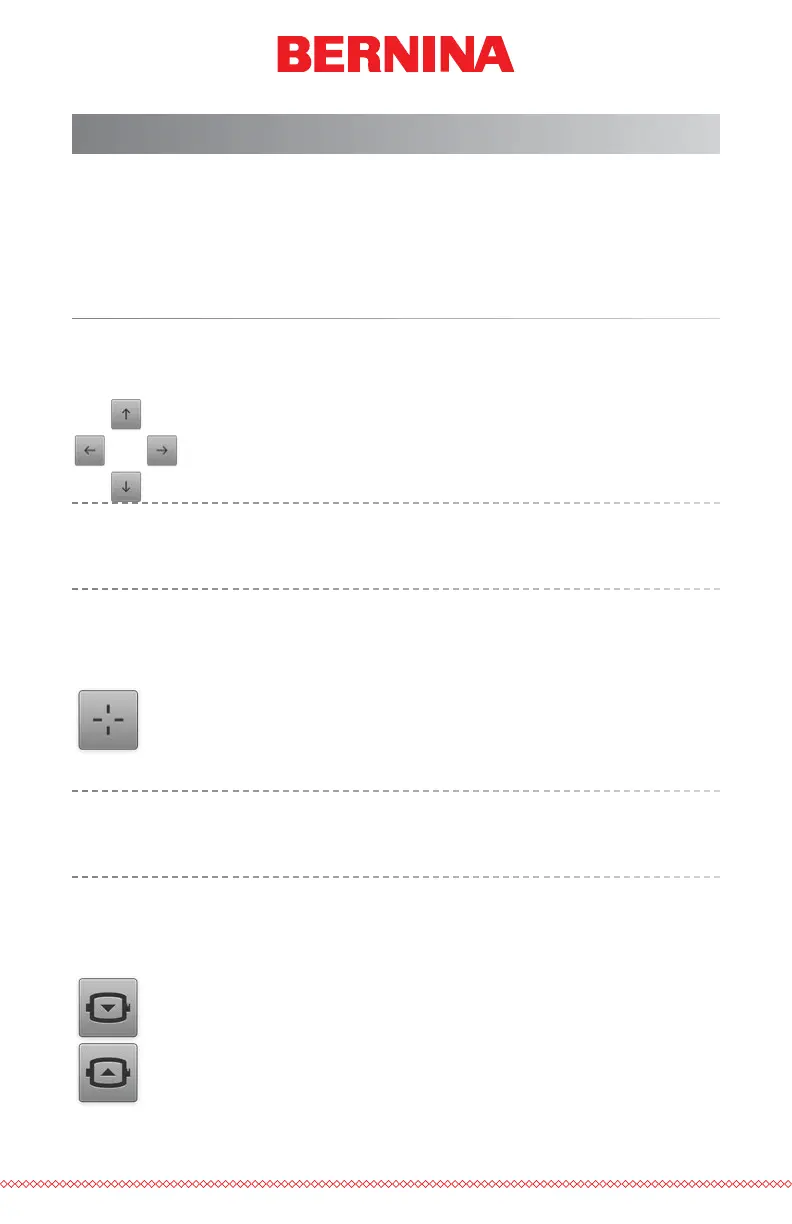
Pressing any of the arrow keys will move the hoop on the
machine and result in the design moving within the hoop in
the direction the arrow was pressed.
Similar functions can be used on the keypad of the machine. The
changes will be reected on screen. See the keypad section of this
manual for more information.
Centering
Pressing the Center button will center the hoop on the machine.
If the design was centered on the origin when it was created, this
will also center the design in the hoop.
Similar functions can be used on the keypad of the machine. The
changes will be reected on screen. See the keypad section of this
manual for more information.
Hoop Out/In
Pressing the Hoop Out button will move the hoop forward on
the machine as far as it can go with the needle remaining within
the hoop limits. This allows for easier access to the material or
garment and can ease access to the bobbin.
When in the out position, the only operation available is to move
the hoop back in.



 To Next Page