42 of 109
Hoop Selection
From the Main Screen, the Hoop button will display the hoop that is cur-
rently selected. Pressing the Hoop button will allow you to select a differ-
ent hoop. This button will only be able to be clicked or tapped when the
machine is stopped.
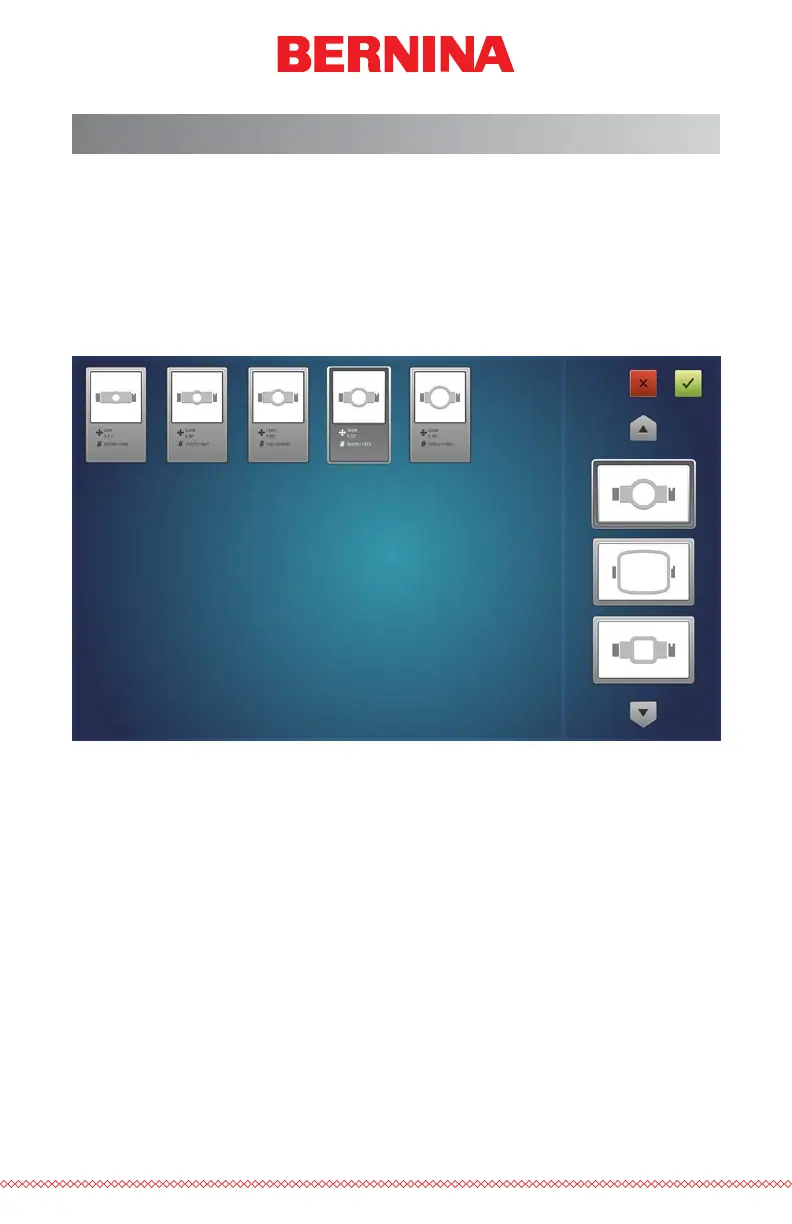
Pressing the Hoop button will bring up the hoop selection screen. This
screen will display the hoop types and sizes. Selecting the appropriate hoop
is critical in ensuring that hoop limits function properly.
Hoop Shape/Type
Select the hoop shape/type from the list on the right of the screen. Select
the type by clicking or tapping it. The selected type will be highlighted and
the catalog of hoops will display on the left.
Hoop Size
After selecting the shape/type of hoop, select the size of hoop from the cat-
alog on the main portion of the screen. Each hoop displays the dimensions
and part numbers. Select the hoop by clicking or tapping it. Once selected,
it will be highlighted.



 To Next Page