81 of 109
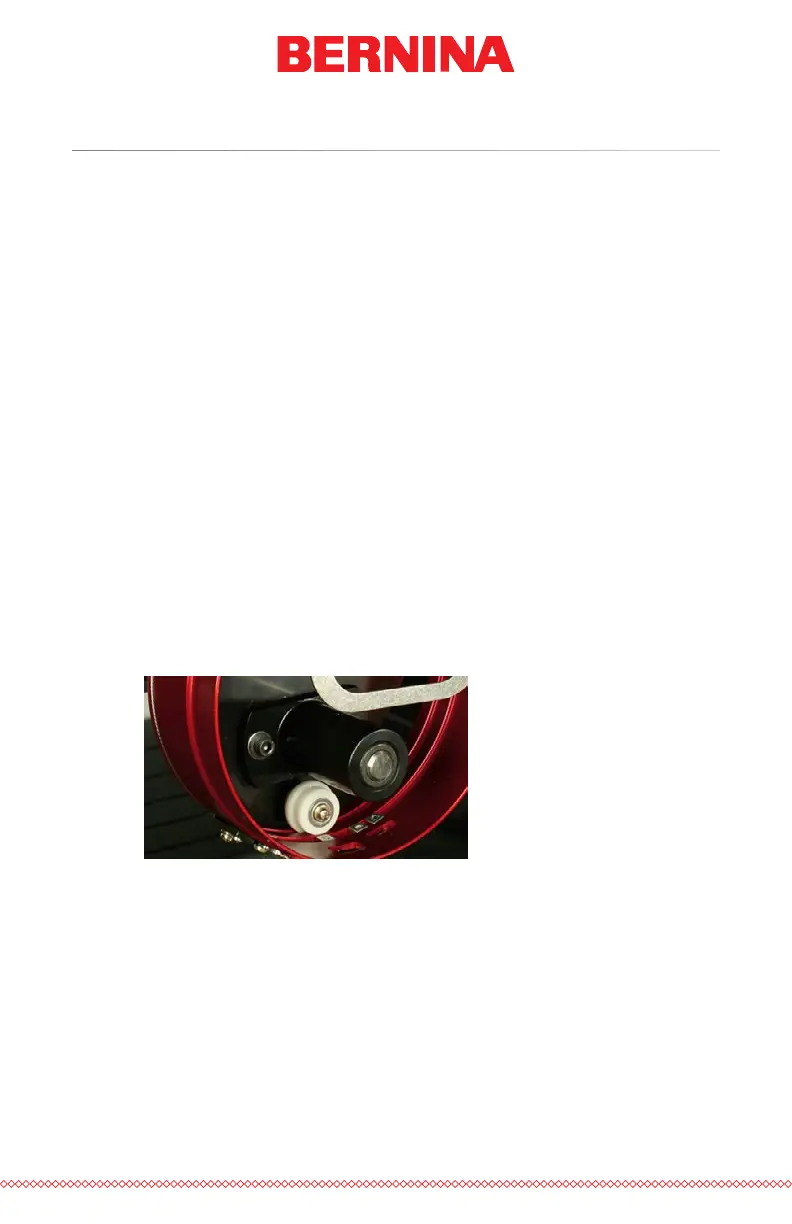
Adjusting the Red Wide Angle Driver
This procedure may need to be performed if the Red Wide Angle Driver was
purchased separately from your machine, the driver has been dropped or
mishandled, if the initial installation of the driver shows the adjustment to
be off, or if prompted by technical support.
The Red Wide Angle Driver may need to be adjusted to custom-t each
machine. A driver that is not properly adjusted to the machine it is used on
will result in negative impact to sew out quality and machine productivity
and reliability.
The following tools will be used:
• Screwdriver, Hex Drive, Ball End, 4mm
• Hex Set, 7 Pieces, Metric Long – 6mm and 2mm
Testing for Appropriate Adjustment
1. Install the driver using the instructions for Installing the Red Wide
Angle Driver.
2. Position the driver so that the bushing is aligned to the front of the
support shaft and the driver ring is centered with the hole in the
needle plate. Reference the ring’s frame location tab.



 To Next Page