32 of 109
Rotating A Design
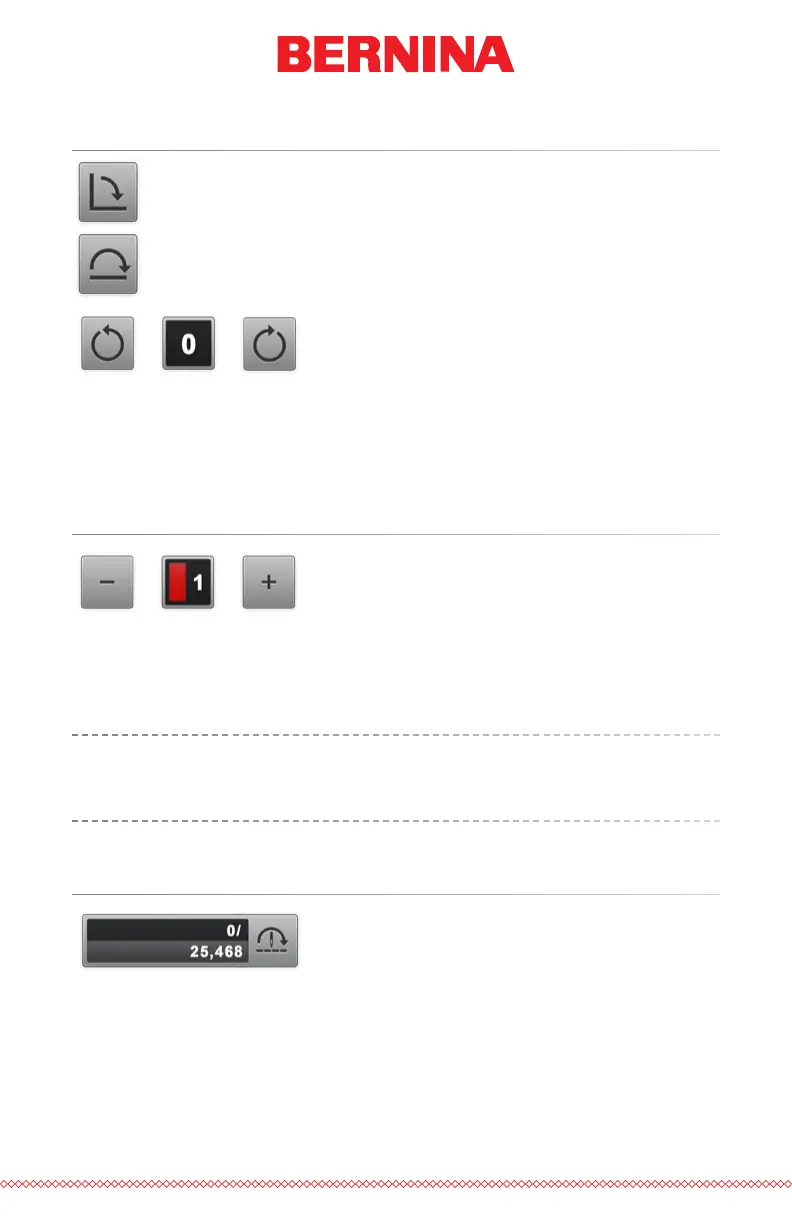
Pressing the 90° button will rotate the design 90° clockwise.
Pressing the 180° button will rotate the design 180°.
To rotate the design by specic degrees, enter the desired rotation into the
eld. Pressing the Negative button will rotate the design by the specied
amount counter-clockwise. Pressing the Positive button will rotate the
design by the specied amount clockwise.
Move to Color
To move through a design without stitching and move to a specic color
press the plus or minus button to move forward or back a color from the
color displayed in the box.
Similar functions can be used on the keypad of the machine. The
changes will be reected on screen. See the keypad section of this
manual for more information.
Move to Stitch
To move to a specic stitch number without sewing, enter the desired stitch
number and press the move to stitch button.



 To Next Page