27 of 109
Loading A Design
To load a design, press the Load Design button. Note that this
button will only be available if the selected machine is in a load-
ready state.
If it is in the middle of a design, the button will give you the op-
tion to reset the design.
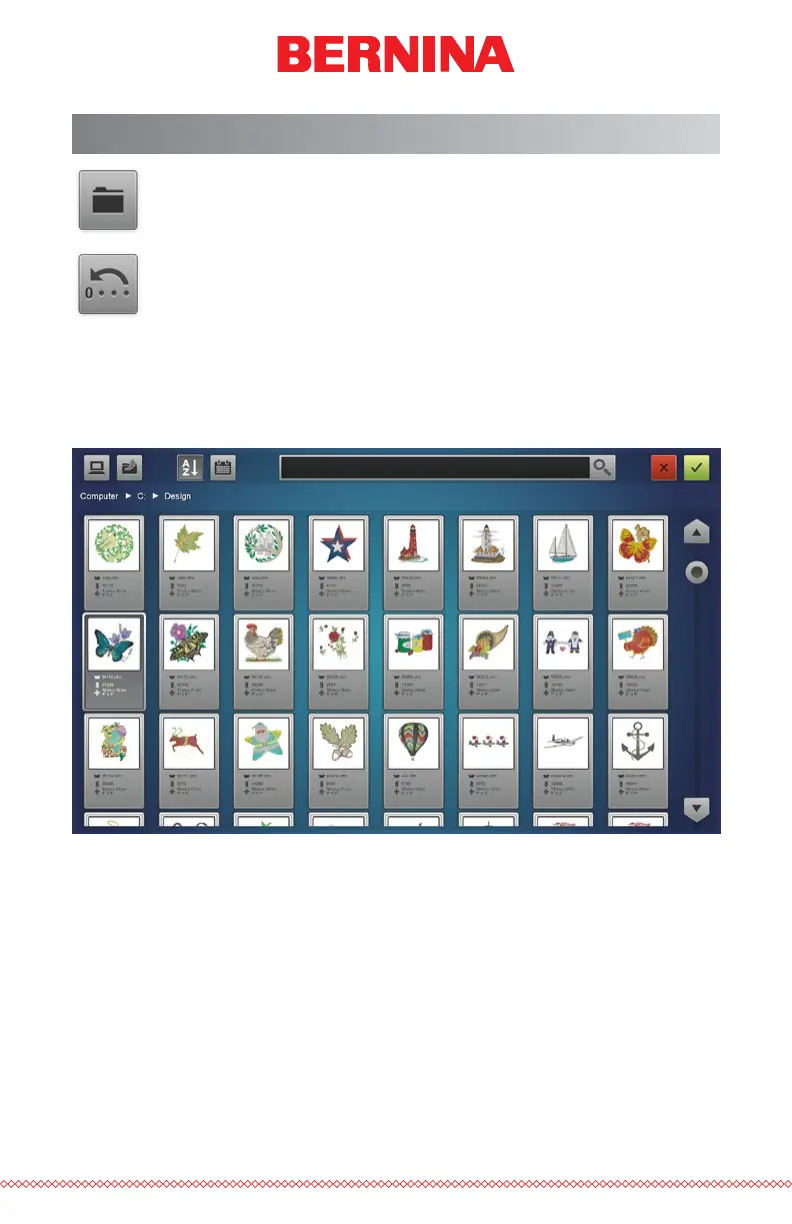
Pressing the Load Design button will bring you to the Load Design
screen.
Load Design Screen
From the Load Design screen, you can navigate to your design les on any
drive connected to your computer. Press the design that you would like to
select. Selected designs will be indicated by a slightly enlarged and darker
appearance.



 To Next Page