28 of 109
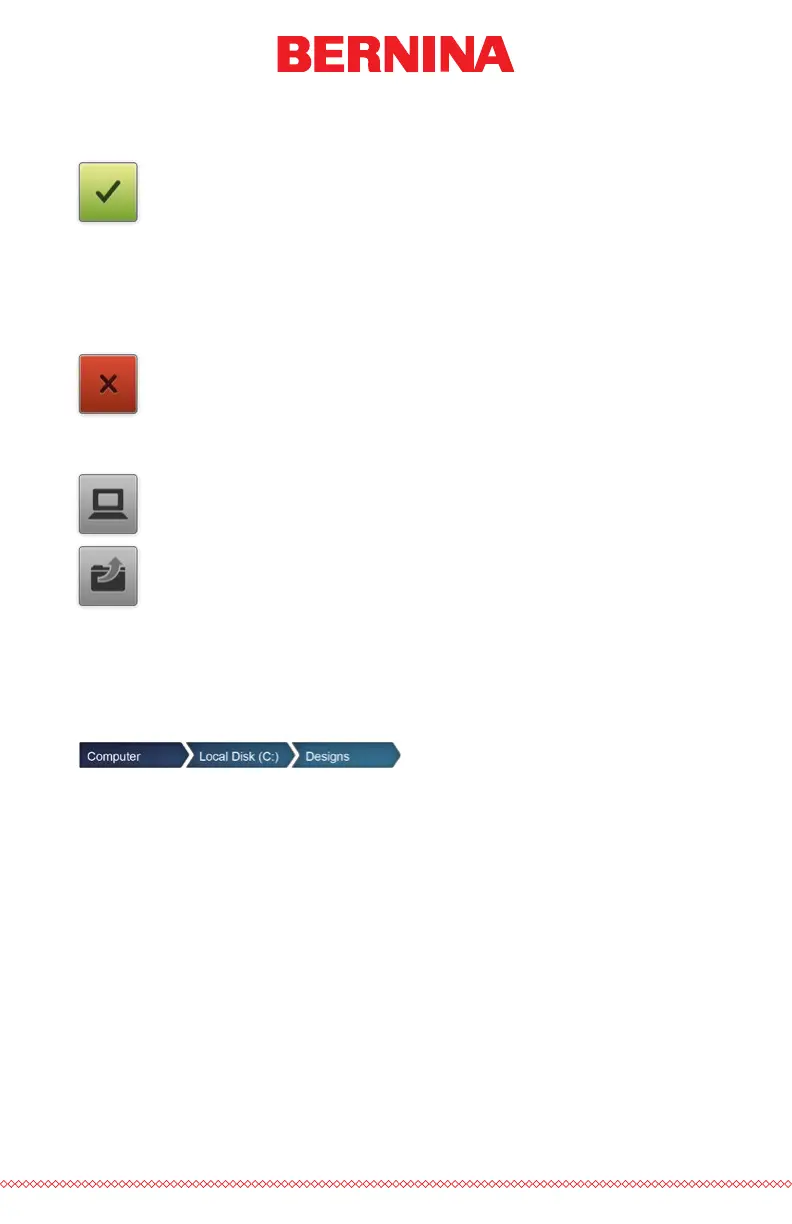
Conrm Selection
Press the Conrm button to conrm your selection, exit the load
design screen, and load the le to the machine.
Double-tapping the le will also conrm and load the le to the
machine.
Cancel Load Design
Press the Cancel button to exit the load design screen without
loading a new design to the machine.
Navigation
The Home button will take you back to your computer.
The Level Up folder will take you to the parent folder of the cur-
rent folder shown.
Breadcrumbs provide a path of drives and folders for you to navigate back
in your computer. Pressing any of these folders or drives will display their
contents.



 To Next Page