63 of 109
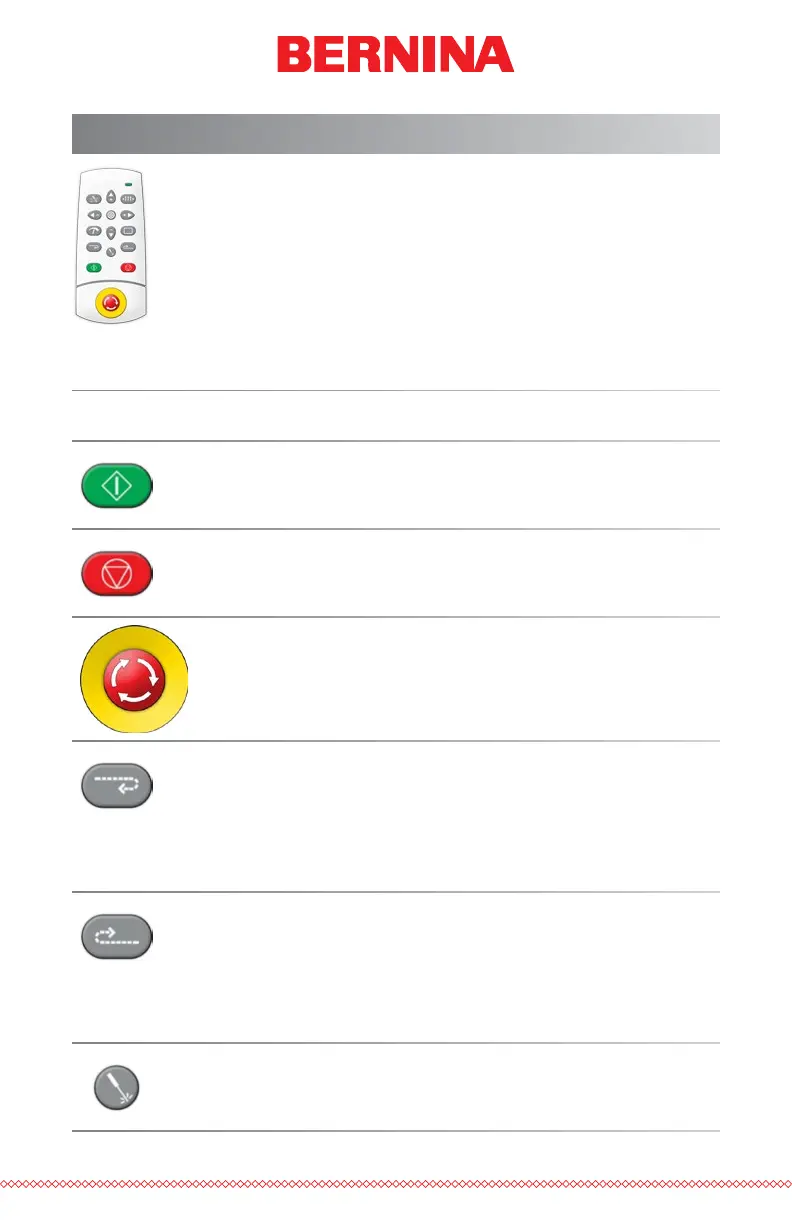
Keypad Operations
The machine keypad controls not only the starting and stopping of
the machine, but it also provides access to change hoop position,
sew speed, as well as the active needle. Many of these functions
require the pressing of just a single button. Other functions require
pressing multiple buttons simultaneously.
One Touch Controls
Start
Press to start sewing
Stop
Press to stop sewing
Emergency Stop (E-Stop)
Press this emergency stop button to stop immediately and
cut power to the motors of the machine. Turn the knob
clockwise to release.
Frame Back
Move backward through a design one stitch at a time with-
out stitching. Hold to move. Release to stop.
After 15 stitches, machine will speed up. Press the stop
button to stop.
Frame Forward
Move forward through a design one stitch at a time with-
out stitching. Hold to move. Release to stop.
After 15 stitches, machine will speed up. Press the stop
button to stop.
Laser
Press to illuminate the point directly below the active needle.



 To Next Page