45 of 109
Material Thickness
Choosing the relative thickness of the material being sewn will help im-
prove sew quality.
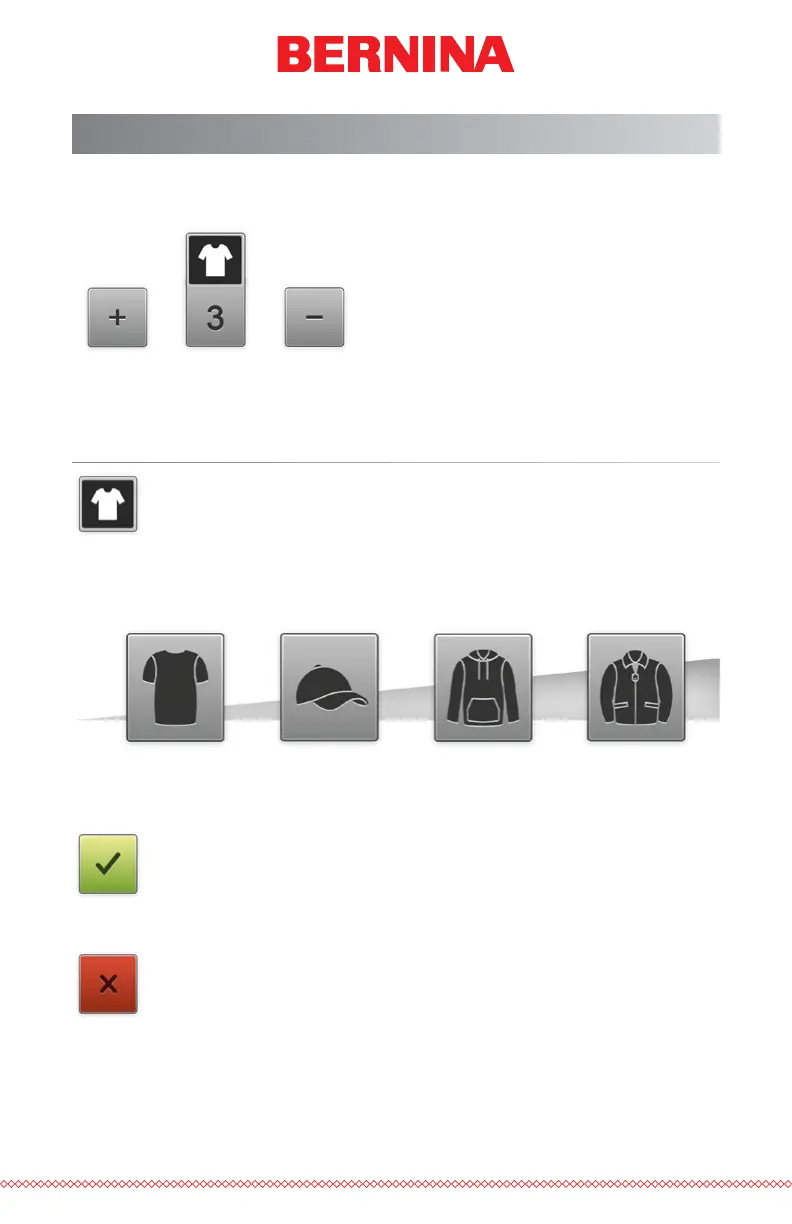
The thickness setting is shown just below the thickness button.
Selecting a Material Thickness
To choose the Material Thickness, press the Material Thickness
button. This will bring up the material thickness screen.
Select the material that best corresponds to the material to be
sewn. Fine adjustments can be made from the Main Screen. Select the ma-
terial by clicking or tapping it. The selected material will be highlighted.
Conrm Material Thickness
XXXXXXXXXXXXXXX
Press the Conrm button to conrm the material thickness, exit
the material thickness screen, and return to the Main Screen.
Cancel Material Thickness
Press the Cancel button to return to the Main Screen without
changing the material thickness.



 To Next Page