50 of 109
Settings
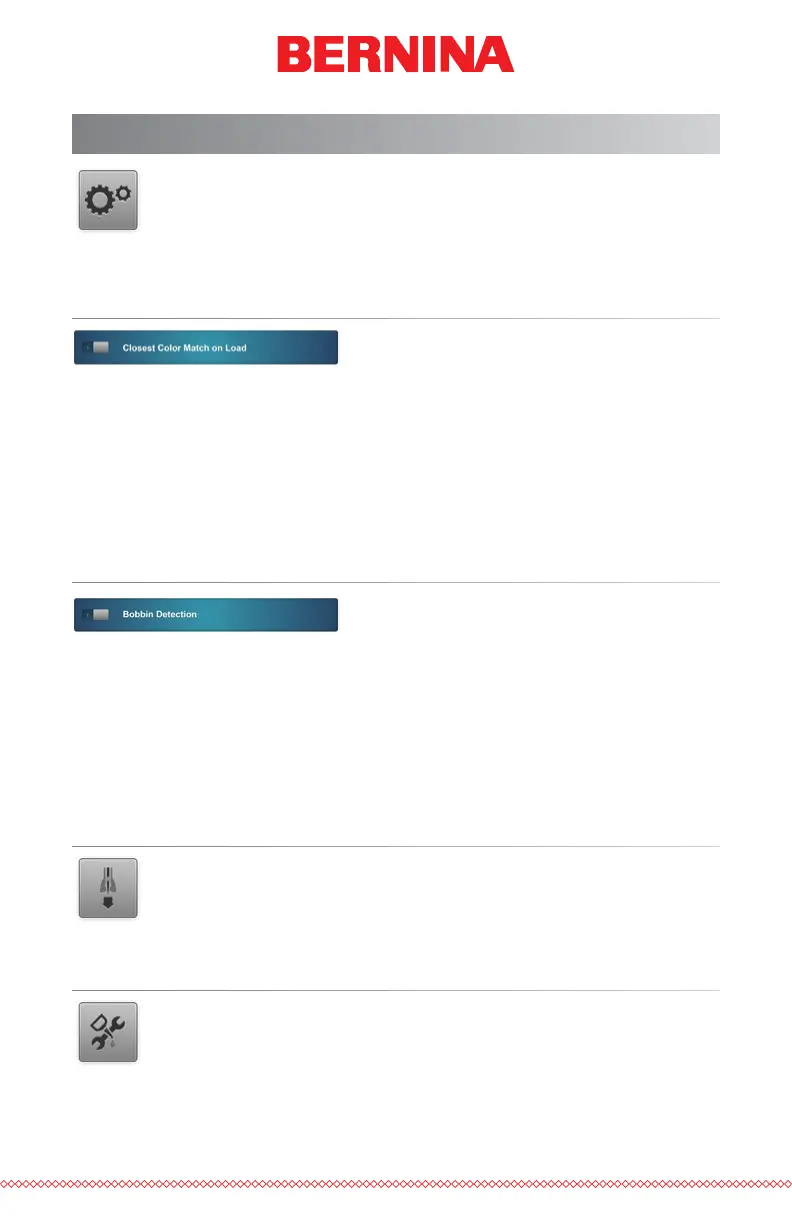
Pressing the Settings button on the Main screen will bring up the
Settings screen. From here machine settings may be set or sub-
menus may be accessed.
Closest Color Match on Load
When enabled, this feature will use the color information stored in an embroidery
le to set the color sequence with the appropriate colors. It will use the closest
color match that it can nd with the colors currently assigned to the thread tree.
Not all embroidery les contain color information and some may load without.
The green “1” indicates enabled, the red “0” indicates disabled.
Bobbin Detect
This settings determines if the machine will detect bobbin breaks or not.
Certain applications may be prone to disrupting the thread sensor and
producing false breaks. For these applications, it may be easier to disable
this feature.
The green “1” indicates enabled, the red “0” indicates disabled.
Presser Foot Adjustment
The Presser Foot Adjustment button will lower and raise the nee-
dle to allow for easier adjustment of the presser foot. For more in-
formation on the adjustment of the presser foot, see that section.
Maintenance
The Maintenance button opens the maintenance screen. From
here the hook, weekly, monthly, and quarterly maintenance proce-
dures may be initiated.
Each procedure will show a walk-through with images and text as well as
move the machine to the appropriate position for each step.



 To Next Page